Restaurant Website Turnaround: What the Audit Found and Fixed
A real-world walkthrough of a small Italian restaurant's website audit: the technical problems we found, the fixes we made, and how reservations changed.
# Restaurant Website Turnaround: What the Audit Found and Fixed
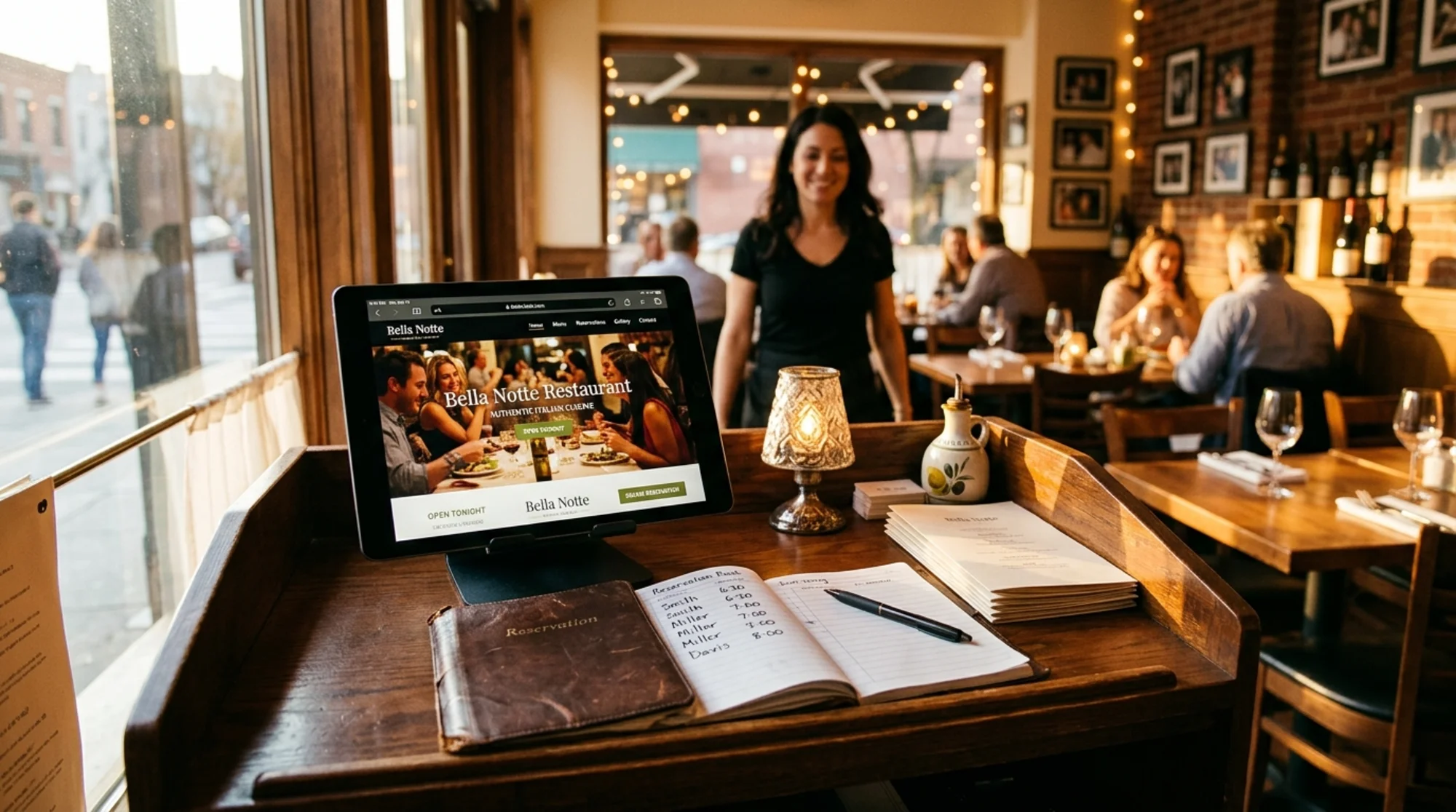
A neighborhood Italian restaurant in a mid-sized city came to us last spring with a familiar complaint: "We're getting fewer reservations from the website, and we don't know why." The owner — call her Maria — had built the site five years earlier with a local designer, paid a flat fee, and barely touched it since. Google reviews were strong. Walk-ins were steady. But online reservations had dropped roughly 40% year over year, and the phone was ringing less.
This is the audit we ran, what we found, what we changed, and what happened after. No miracle stories, no "ranked #1 in 30 days" claims — just a structured look at a small business website that had quietly broken in ways nobody noticed.
The Starting Point
Before touching anything, we ran a free audit to get a baseline. The headline numbers were not flattering:
- Performance score (mobile): 38 out of 100
- Largest Contentful Paint (LCP): 4.2 seconds
- Cumulative Layout Shift (CLS): 0.28
- Mobile usability errors: 6
- Structured data: none detected
- Indexed pages: 14 (the site has 23)
For context, Google's Core Web Vitals thresholds consider an LCP under 2.5 seconds "good" and CLS below 0.1 acceptable. This site failed both — on mobile, where 78% of its traffic actually came from.
But raw metrics don't tell you what's actually broken. We needed to look at the site the way a hungry customer would on a Friday night.
How We Approached the Audit
We split the work into four areas, because lumping them together is how you end up with a 60-page report nobody reads:
- Discoverability — can Google find and understand the site?
- Speed and stability — does it load fast enough that people don't bounce?
- Local relevance — does the site tell Google (and customers) it's a real restaurant in a real place?
- Conversion path — once someone lands, can they actually book a table or read the menu?
Each problem class has a different fix profile. A schema gap is a 30-minute job. A speed issue might take a week. A conversion issue is sometimes just moving a button.
What the Audit Found
Problem 1: The Menu Was a JPEG
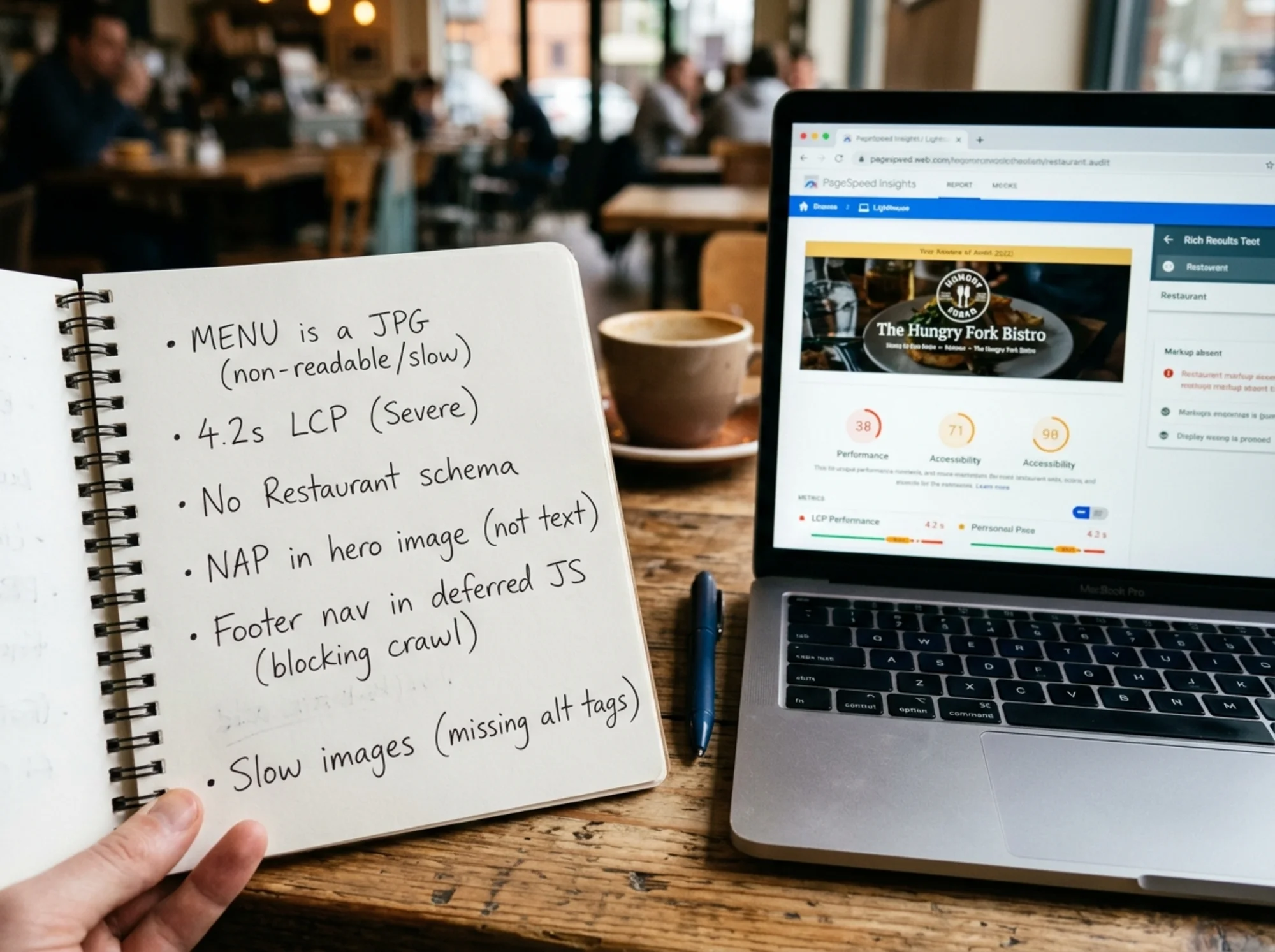
This is the most common restaurant website mistake we see, and it was the first thing we caught. The menu page contained a single high-resolution image — a scanned PDF of the printed menu, exported as a JPG. No text. No HTML. Nothing Google could read.
That meant:
- Queries like "gluten free pasta downtown" matched nothing on the page
- Screen readers couldn't read the menu to visually impaired customers
- Mobile users had to pinch-zoom to see prices
- Updating the menu required redesigning the PDF and re-exporting
Problem 2: Hours and Address Were Trapped in the Hero Image
The hero was a beautiful photo of the dining room, with the address, phone number, and hours overlaid in elegant script. Lovely to a human. Invisible to a search engine. The hero was a CSS background image with no HTML overlay, so the NAP (name, address, phone) data didn't exist in crawlable content.
Problem 3: No Structured Data
Restaurants are one of the categories Google handles best when given proper structured data. The Restaurant schema (a subtype of LocalBusiness) lets you declare cuisine, price range, opening hours, menu URL, and whether you accept reservations. This site had none of it.
Marking up content correctly is what enables rich results — the hours, ratings, and reservation prompts that show directly in search.
Problem 4: The Reservation Button Was Three Clicks Deep
The OpenTable widget lived on a page called "Contact," linked only from the footer. To book a table from the homepage on mobile, a user had to:
- Tap the hamburger menu
- Scroll to "Contact"
- Scroll past a contact form to find the widget
- Wait for the widget to load
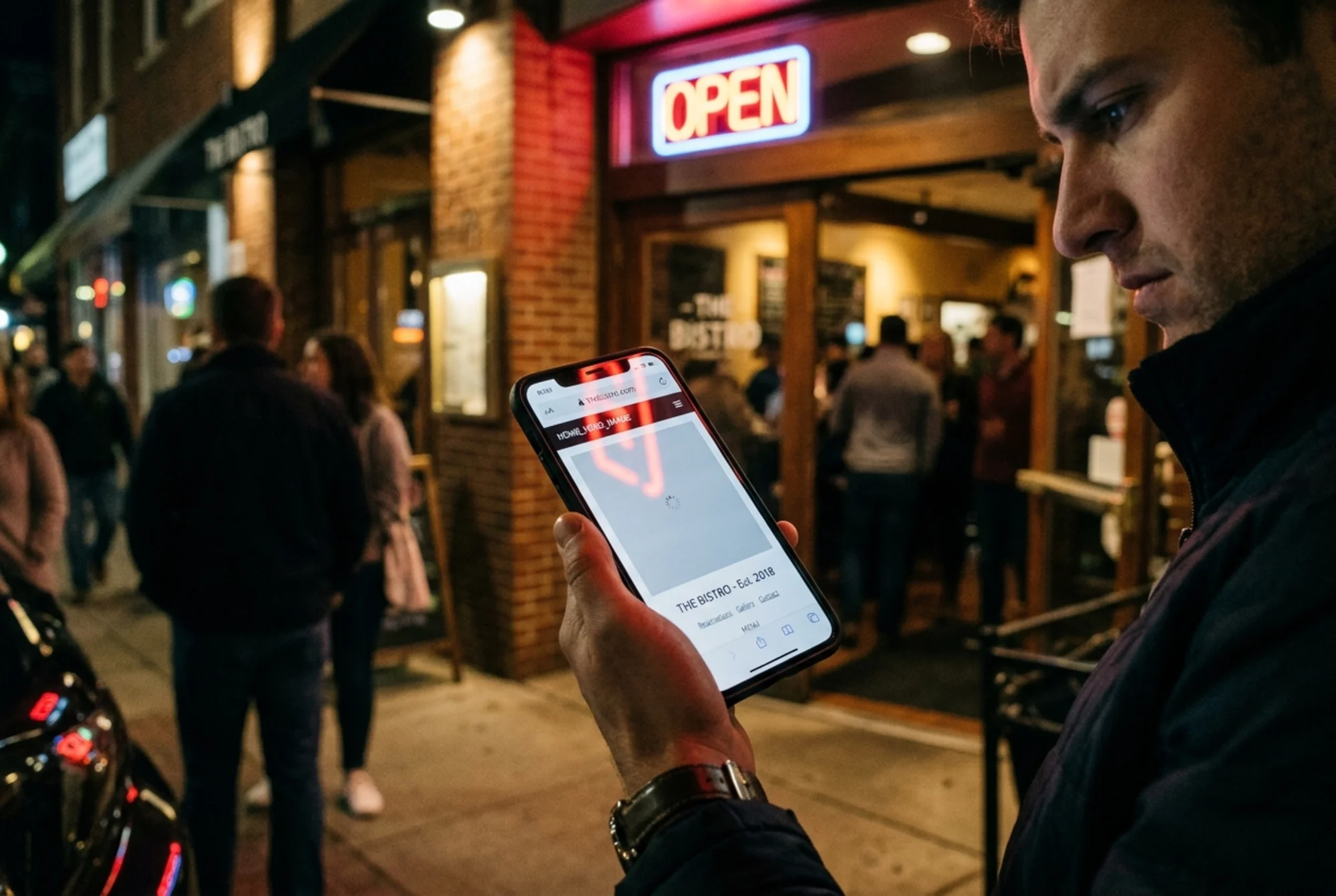
On a slow phone connection, that journey took over 12 seconds. Most people deciding where to eat in the next hour don't have that kind of patience.
Problem 5: Speed Was Killing It
The homepage loaded a 4.8 MB unoptimized hero image, three Google Fonts, a Facebook pixel that wasn't being used, and a custom slider plugin. The slider alone added 1.2 seconds to LCP. The pixel had been added during a 2021 campaign and never removed.
Problem 6: Nine Pages Weren't Indexed
Catering, Private Events, Wine List, and six others were missing from Google's index. They were linked only from the footer, the footer was rendered by JavaScript after page load, and that JavaScript was deferred until user interaction. Googlebot never saw the links.
Problem 7: Helpful Content, Buried
Maria had written a beautiful "Our Story" page about her grandmother's recipes and her family's move from Naples. It was exactly the kind of first-hand, experience-driven content Google's helpful content guidance specifically rewards. But the page was titled "About," had a generic meta description, no internal links pointed to it, and it ranked for nothing.
What We Fixed (and How Long Each Took)
Here's the punch list we worked through, roughly in priority order. Time estimates are real.
Quick wins (Week 1)
- Removed the unused Facebook pixel. 5 minutes. Saved 180 ms on LCP.
- Compressed the hero from 4.8 MB to 220 KB (WebP with JPG fallback). 20 minutes. Saved 1.6 seconds.
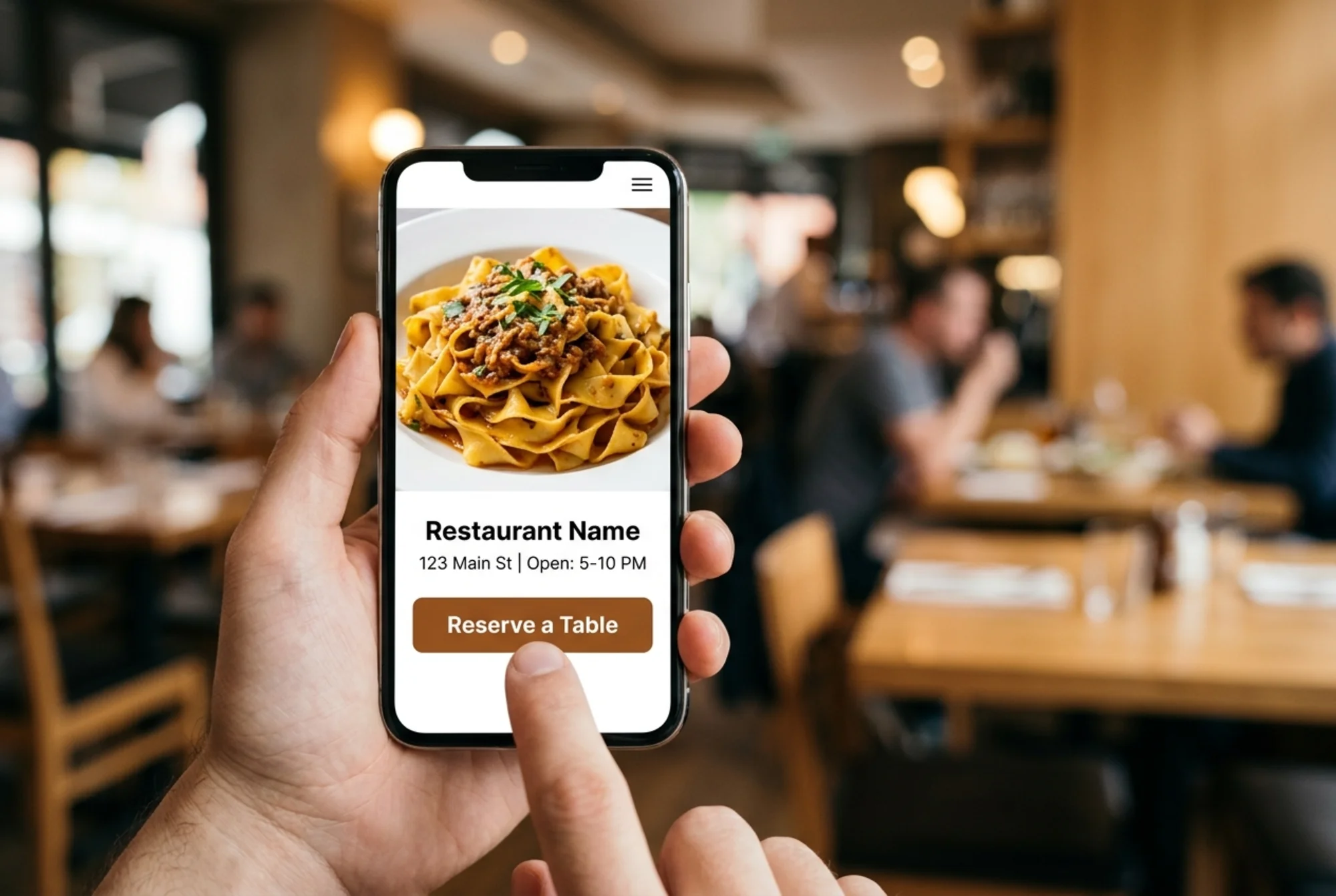
- Moved the OpenTable button to the homepage hero, above the fold, labeled "Reserve a Table." 30 minutes.
- Added address, phone, and hours as HTML text in the footer of every page. 45 minutes.
- Removed the slider plugin, replaced with a single static hero. 1 hour. Saved 1.2 seconds.
Structural fixes (Weeks 2–3)
- Rebuilt the menu page in HTML. Sections for appetizers, pastas, entrees, desserts, drinks. Each item with name, description, price, and dietary tags. About 6 hours including content entry.
- Added Restaurant schema with opening hours, cuisine type, price range, menu URL, and accepts-reservations flag. Validated with Google's Rich Results Test. 2 hours.
- Moved footer navigation out of deferred JavaScript so the links appeared in the initial HTML. 30 minutes. All nine missing pages were indexed within two weeks.
- Rewrote titles and meta descriptions for the eight most important pages, targeting what customers actually search for: "Italian restaurant near [neighborhood]," "private dining room [city]." 3 hours.
Content improvements (Week 4)
- Renamed "About" to "Our Story" and linked to it from the homepage and menu page.
- Added an FAQ section answering what staff fielded most on the phone: walk-ins, parking, gluten allergies, kids' menu.
- Wrote a single 600-word post about hosting private events in the back room — something Maria wanted to promote and nobody was finding.
Mini-checklist: what every small restaurant site needs
If you run a restaurant and want to self-audit, here's the short version:
- [ ] Menu in real HTML text, not an image or PDF
- [ ] Name, address, phone, and hours as crawlable text on every page
- [ ] Reservation or "Order Online" CTA above the fold on mobile
- [ ]
RestaurantorLocalBusinessschema with hours and cuisine - [ ] Homepage hero image under 300 KB
- [ ] Mobile LCP under 2.5 seconds
- [ ] No image-only contact info
- [ ] Every important page linked from the main navigation, not just the footer
If you're missing more than two of those, the site is leaving reservations on the table. You can run a free audit to see exactly which ones apply.
What Changed After
We rechecked the site 90 days after the last fix went live. We're not claiming the audit alone caused all of this — Maria also started posting on Instagram more consistently — but the technical baseline moved meaningfully:
- Mobile performance score: 38 → 89
- LCP: 4.2s → 1.4s
- CLS: 0.28 → 0.04
- Indexed pages: 14 → 23
- Pages ranking in top 10 for any local query: 2 → 11
- Online reservations (Maria's data): up roughly 60% vs. the prior 90-day period
The reservation number is the only one Maria cares about. The rest are leading indicators that moved in the right direction first.
What We Didn't Do
Worth saying what wasn't part of this turnaround, because a lot of agencies would have sold all of it:
- We did not rebuild the site on a new platform.
- We did not run a paid ad campaign.
- We did not write 20 blog posts a month.
- We did not buy backlinks.
- We did not change the brand or logo.
The site is still on the same WordPress install, the same designer's theme, the same hosting. What changed is the technical hygiene and the content's discoverability. That's almost always where the highest-leverage fixes live for a small local business.
The Pattern, Not Just the Story
If you operate a small local business — restaurant, salon, dental practice, accountant — the lessons here generalize:
- Most websites fail in boring, fixable ways. Exotic stuff is rarely the problem.
- Speed is conversion. Every second of LCP costs customers, and most speed wins are 30-minute fixes.
- If a search engine can't read it, it doesn't exist. Menus as images, hours in graphics, links hidden in JavaScript — all invisible.
- Structured data is free conversion lift. It's free real estate in search results.
- Don't bury what already works. Maria's "Our Story" page was great. It just had no traffic pointed at it.
Google's guidance on helpful, people-first content makes the same point: write for the actual person who'll read it, demonstrate first-hand experience, and make it easy to find. The technical fixes are what get a search engine to surface that content in the first place.
A Note on Core Web Vitals
A lot of small business owners hear "Core Web Vitals" and tune out. Fair — the name is bad. But the three metrics measure things every customer feels:
- LCP — how long until the page looks loaded
- INP (Interaction to Next Paint) — how snappy the page feels when you tap something
- CLS — how much the page jumps around while loading
If you've ever tried to tap a link on a restaurant site and had a banner load in and shove the button away from your thumb, that's CLS. If you've ever stared at a gray box waiting for a hero image, that's LCP. These aren't abstract scores — they're the difference between booking a table and giving up.
Try It on Your Own Site
If any of this sounds like your situation — older site, vague sense that fewer people are converting, no idea where to start — the cheapest first step is to run an audit. You'll get the same kind of structured punch list we worked from with Maria, and you'll know which problems are 30-minute fixes versus the ones worth hiring help for.
Run a free website audit on your site. It takes about 60 seconds and produces a prioritized list of what to fix first. If you run a restaurant specifically, we have a restaurant audit guide with industry-specific checks.
For the issues that come up most often, we've also written targeted fix guides for LocalBusiness schema and Core Web Vitals — both central to Maria's turnaround and likely central to yours.
The hardest part of fixing a small business website isn't the work. It's knowing what's actually broken. Start there.
Sources
Check your website for free
Get an instant score and your top 3 critical issues in under 60 seconds.
Get Your Free Audit →