Structured Content for AI Crawlers: What to Include on Every Page
A practical, plain-English guide to the page elements AI crawlers and search engines actually look for, plus checklists, schema tips, and a walkthrough.
# Structured Content for AI Crawlers: What to Include on Every Page
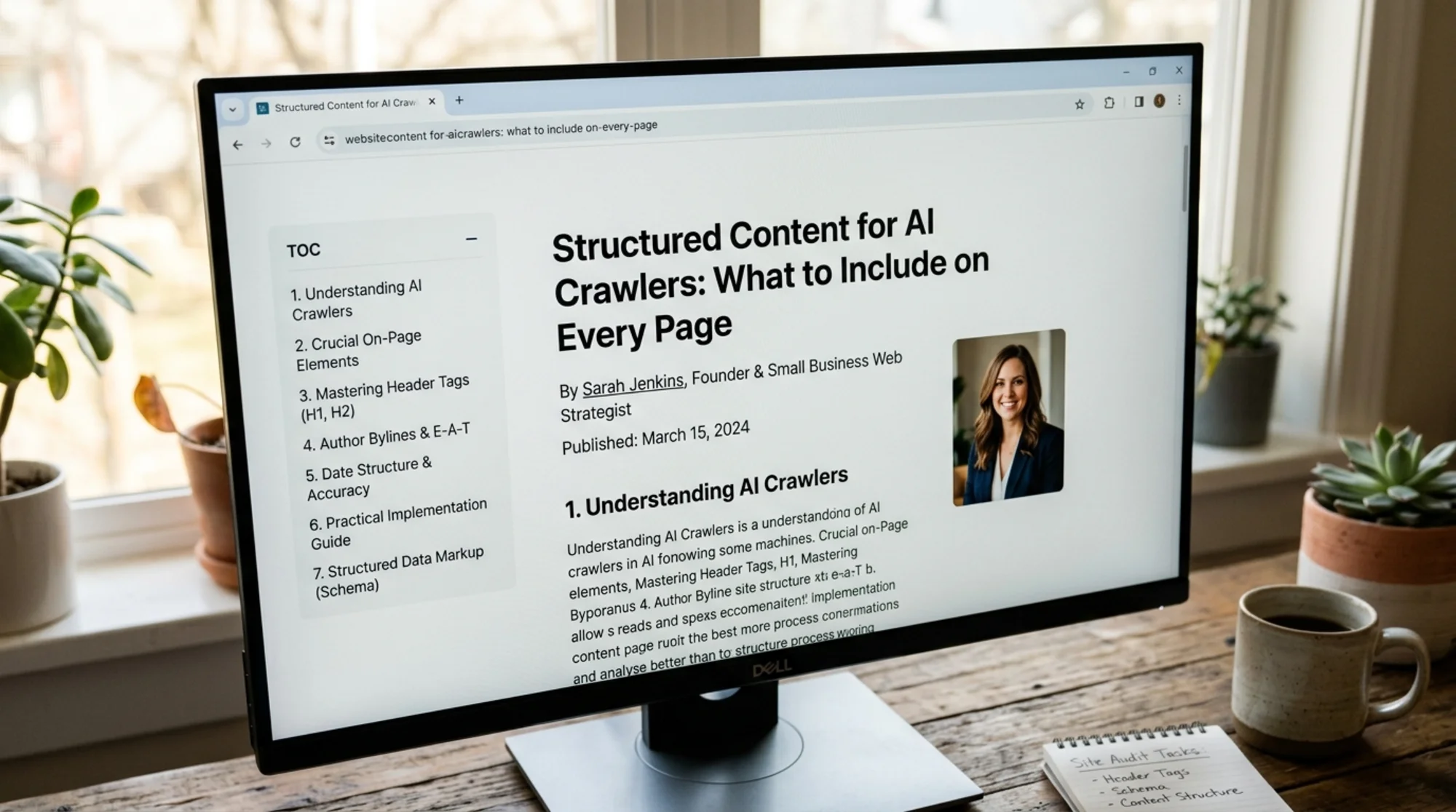
AI crawlers read pages differently than humans do. They don't scroll. They don't admire your hero image. They scan for signals — clear headings, a real author, dates, summaries, and machine-readable metadata — and decide whether your page is worth quoting in an AI Overview, a chatbot answer, or a regular search result.
If your pages are missing those signals, AI tools skip you or pull from a competitor who structured things better. The good news: most of the fixes are small, repeatable, and don't require a developer.
This guide walks through exactly what to include on every page so AI crawlers can read, understand, and cite your content. It's written for small business owners and marketers, not engineers.
Why AI crawlers need structure
A human reader can figure out the topic of a page from the design, the photos, the tone, and the first paragraph. An AI crawler can't. It works from the HTML source — the raw text and tags. If the structure is messy, the crawler has to guess, and guesses lead to skipped pages.
Google's guidance on helpful content is blunt about this: pages should clearly communicate what they're about, who wrote them, and why they exist. That's the same signal AI assistants use when they decide which sources to pull into an answer.
When a page is well-structured, three things happen:
- The crawler understands the topic in seconds.
- The page becomes eligible for richer search features (FAQ snippets, article cards, AI Overview citations).
- Other AI tools — ChatGPT search, Perplexity, Copilot — find it easier to summarize and quote.
When structure is missing, the page might still rank, but it won't get pulled into AI answers, which is where a growing share of clicks now come from.
The core elements every page should include
Every page on your site — homepage, service page, blog post, product page — should have most or all of these.
1. A single, clear H1
The H1 is the page's main heading. There should be exactly one, and it should match what the page is actually about. Not your brand name. Not a slogan. The topic.
Good: Plumbing Services in Austin, TX
Bad: Welcome to Joe's Plumbing
If a crawler reads the H1 and can't tell what the page covers, you've already lost.
2. A short summary near the top
The first 1–2 sentences of body content should restate, in plain language, what the page is about and who it's for. AI tools often quote this directly. Treat it as the elevator pitch for the page.
3. Logical heading hierarchy
H2s for major sections. H3s for subsections inside them. Don't skip levels (H1 → H3 with no H2). Don't use headings just for styling — use them to mark real sections.
A post about meta descriptions might look like:
- H1: How to Write Meta Descriptions That Get Clicks
- H2: What a meta description is
- H2: The ideal length
- H2: Common mistakes
- H3: Keyword stuffing
- H3: Duplicating the title
4. Author information
Who wrote this? AI tools weigh authorship heavily, especially for advice or expertise content. Include:
- Author name (a real person, not "Admin" or the brand)
- A short bio or link to an author page
- Ideally, a link to a LinkedIn or professional profile
This is part of what Google calls E-E-A-T (Experience, Expertise, Authoritativeness, Trustworthiness). It's also how an AI crawler decides whether the content is from someone who actually knows the subject.
5. Published and updated dates
Date a page when you publish it. Update the date when you genuinely revise it — not every week to game freshness. AI tools prefer recent content for time-sensitive topics, and a missing date is a red flag.
6. Structured data (schema markup)
This is the machine-readable layer that tells crawlers exactly what kind of page they're looking at. For most small business pages, you'll want one of:
ArticleorBlogPostingfor blog contentLocalBusinessfor your homepage and contact pageProductfor product pagesFAQPageif you have a Q&A sectionBreadcrumbListfor navigation context
You don't need to write this by hand. WordPress (Yoast, Rank Math), Webflow, Shopify, and Squarespace can generate it automatically. The point is making sure it's actually there and matches the page type.
7. Meta title and meta description
These are the snippets that show in search results and previews. AI tools also read them as a quick summary of the page. Each page should have:
- A unique meta title under 60 characters
- A meta description between 120–160 characters that accurately describes the page
If you're not sure whether yours are set up correctly, the meta tags fix guide walks through the common mistakes.
8. Internal links with descriptive anchor text
Don't link with "click here" or "read more." Use the actual topic as the anchor: "see our guide on local SEO for plumbers." Crawlers use anchor text to understand what the linked page covers.
9. Alt text on every image
Alt text describes the image for screen readers and crawlers. It should describe what the image actually shows, not stuff keywords. AI crawlers use alt text to interpret visual content they can't otherwise see.

What missing structure actually looks like
A bakery in Denver publishes a page called "Wedding cakes." The page has beautiful photos, lovely prose, and a contact form. But:
- The H1 just says "Welcome"
- There's no published date
- No author
- No schema markup
- The meta title is "Home | Sweet Layers Bakery"
- All images are named
IMG_4823.jpgwith empty alt text
To a human, the page is fine. To an AI crawler, it's nearly invisible. When someone asks ChatGPT "Where can I order a wedding cake in Denver?", this bakery doesn't get mentioned — not because the cakes aren't great, but because the page doesn't tell the crawler what it's about.
A competitor across town has a page with:
- H1: "Custom Wedding Cakes in Denver, CO"
- A two-sentence summary under the H1
- LocalBusiness + Product schema in the source
- Alt text like "three-tier white wedding cake with sugar peonies"
- A clear FAQ section about pricing, tasting appointments, and delivery zones
That competitor shows up. Same product, same city. Different structure.
A page-by-page walkthrough
Homepage
- H1: What your business does and where (e.g., "Family Dentistry in Charlotte, NC")
- A two-sentence summary of services and audience
LocalBusinessschema with address, phone, hours, geo coordinates- Links to main service pages with descriptive anchor text
- Customer reviews or testimonials with
Reviewschema where genuine
Service or product pages
- H1: The specific service or product
- A summary explaining who it's for and what's included
- Pricing information, even a range — crawlers and humans both want this
ServiceorProductschema- An FAQ section with
FAQPageschema for common buyer questions - Internal link to related services
Blog posts
- H1: The topic, phrased the way a reader would search it
- Author byline with link to author bio
- Published date, plus updated date if revised
- A table of contents for posts over ~800 words
ArticleorBlogPostingschema- A clear summary in the first paragraph
- Subheadings every 200–300 words
About page
- H1: About [Your Business]
- Your story, told plainly
- Team members with names, photos, roles
Organizationschema with founding date, founders, location- Links to social profiles
Contact page
- H1: Contact [Your Business]
- Address, phone, email — as text, not just images
- Hours of operation
- A map embed
LocalBusinessschema
A mini-checklist you can use right now
For any page on your site, run through this:
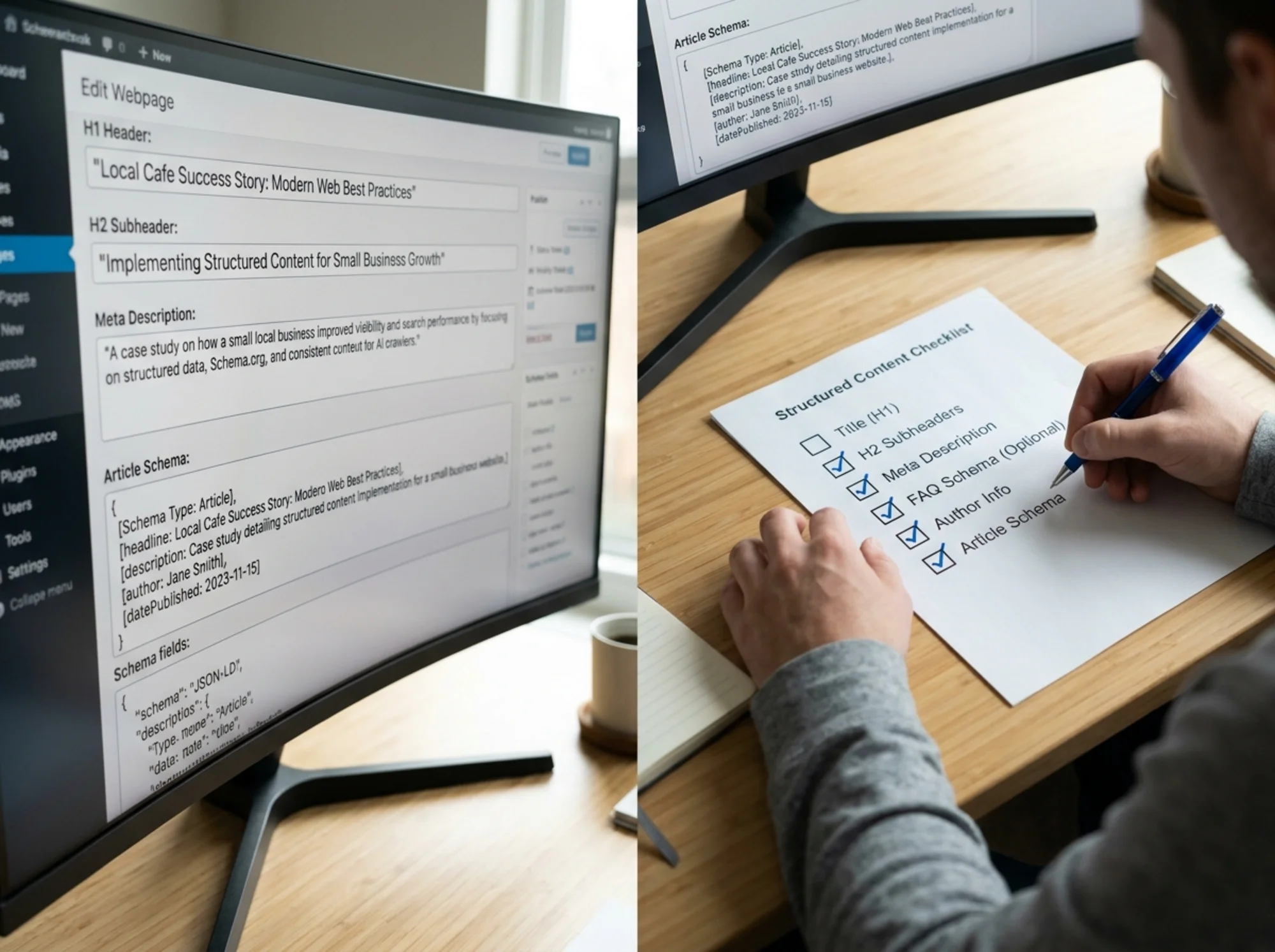
- [ ] Exactly one H1, and it describes the page topic
- [ ] A summary in the first 1–2 sentences
- [ ] Logical H2/H3 structure
- [ ] Author name visible (for content pages)
- [ ] Published date visible
- [ ] Meta title under 60 characters and unique
- [ ] Meta description 120–160 characters and unique
- [ ] Schema markup present and matches the page type
- [ ] All images have descriptive alt text
- [ ] Internal links use descriptive anchor text
- [ ] No "lorem ipsum," no "coming soon," no placeholder text
If a page fails three or more, fix it before publishing anything new.
Don't forget the technical floor
A page can be perfectly structured and still get ignored if:
- It loads too slowly (Core Web Vitals thresholds matter)
- It blocks crawlers in
robots.txt - It returns a
noindextag by accident - It's hidden behind JavaScript the crawler can't render
- The page returns a soft 404 or a redirect chain
These aren't content issues, but they break the same outcome. The crawler can't read what it can't reach.
A specific scenario: turning a blog post into AI-citable content
Say you run a small accounting firm and you've written a post called "How to prepare for a small business tax audit." It's good, but it's not getting cited anywhere.
Here's what to add:
- Rewrite the H1 to match search intent: "How Small Businesses Can Prepare for a Tax Audit"
- Add a 50-word summary right under the H1 explaining what the post covers and who should read it
- Add an author bio block at the top: your name, your CPA credentials, a link to your About page
- Add a published date and an updated date
- Break the post into clear H2 sections: "What triggers an audit," "Documents to gather," "What to expect on audit day," "Common mistakes"
- Add an FAQ section at the bottom with 4–5 real questions clients ask
- Add
ArticleandFAQPageschema via your CMS plugin - Add internal links to your "Bookkeeping services" and "Tax preparation" pages with descriptive anchor text
- Add alt text to any screenshots or images
That's maybe an hour of work. The result: the post becomes a candidate for AI Overview citations, FAQ rich snippets, and direct quoting in chatbot answers. The content didn't change. The structure did.
Common mistakes to avoid
- Stuffing keywords into headings. H1s and H2s should read like natural section titles, not search queries jammed together.
- Using "Admin" or the brand name as the author. Crawlers want a real person.
- Auto-updating the published date weekly. This is detectable and hurts trust.
- Adding schema that doesn't match the page. Don't add
Productschema to a blog post. Don't addReviewschema for reviews you made up. - Hiding the summary inside a tabbed or accordion section. Crawlers may not see content behind interactions. Put your key summary in plain HTML at the top.
- Forgetting mobile. Most AI crawlers index the mobile version of your page. If your mobile layout strips out headings or structure, that's what they read.
How to know if your pages are working
You can check a few things manually:
- View the page source (right-click → View Page Source) and look for