Website Audit for Restaurants and Food Businesses: A Plain-English Guide
A practical, no-fluff website audit guide for restaurants, cafes, and food businesses — covering speed, menus, mobile, local SEO, and structured data.
# Website Audit for Restaurants and Food Businesses: A Plain-English Guide
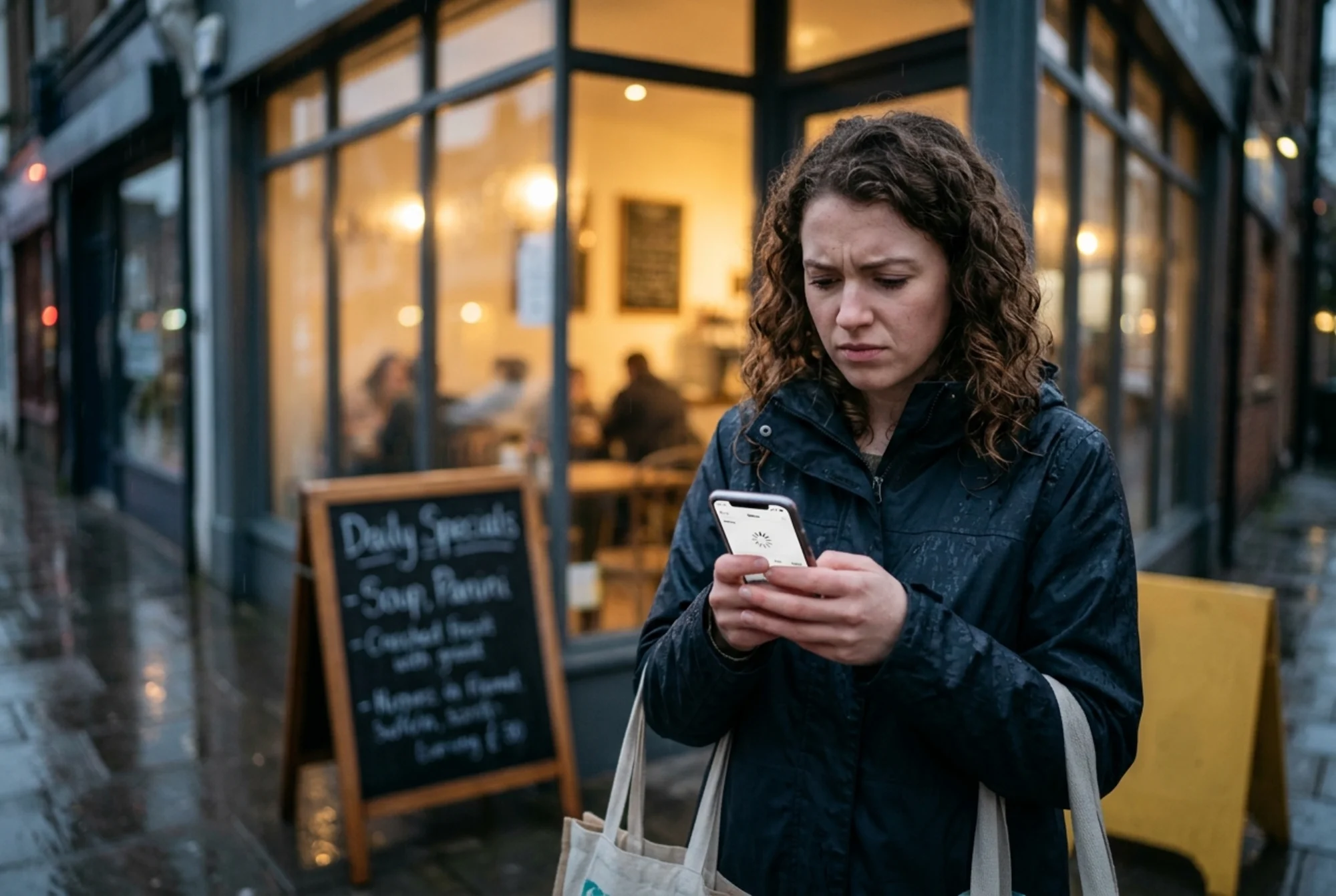
Most restaurant websites aren't broken in dramatic ways. They're broken in small, quiet ways that send a hungry customer to the place across the street. A menu PDF that takes nine seconds to open on 4G. A reservation button that disappears on mobile. Hours that haven't been updated since the last holiday weekend. Each one is small. Together, they cost covers every single night.
A website audit is just a structured way of finding those problems before your customers do. You don't need a developer or an agency to start. You need a checklist, a phone, and an honest hour.
This guide walks you through what to look at, in what order, and why each piece matters for a food business specifically. No jargon. Just the things that move bookings, orders, and walk-ins.
What a "website audit" actually means for a restaurant
For a restaurant, an audit is asking four questions about your site:
- Can a hungry person on a phone find what they need in under 10 seconds?
- Does Google understand what you serve, where you are, and when you're open?
- Does the site load fast enough that they don't leave before it appears?
- Are the actions that make you money — book, order, call, directions — impossible to miss?
That's the whole job. Everything else is a detail underneath one of those four.
Step 1: The 60-second phone test
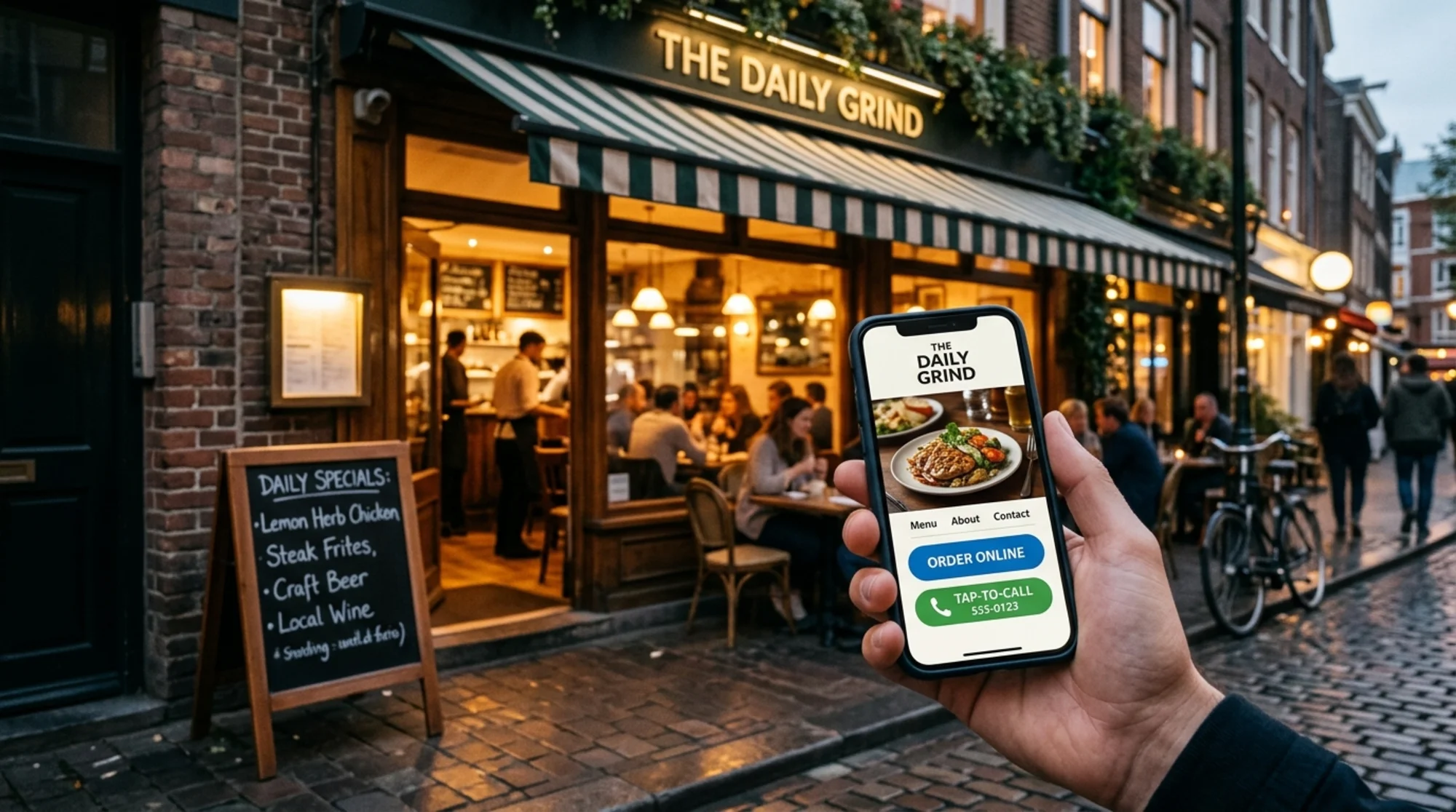
Before you touch any tool, do this. Pull out your phone. Turn off Wi-Fi so you're on cellular. Open your restaurant's site in a private/incognito window. Time yourself.
Ask:
- Did the page render in under 3 seconds? If it spun, you have a speed problem.
- Can I see the name of the restaurant, what kind of food, and where it is, without scrolling? If not, your hero section is failing.
- Is there a clear "Menu," "Reserve," and "Order" button at a thumb's reach? If they're buried in a hamburger menu or below the fold, conversions are leaking.
- Tap "Menu." If it's a PDF that downloads or zooms into a wall of tiny text, that's a fix you can do this week.
- Tap "Reserve" or "Order." Does it take you somewhere that works on mobile, or does it dump you on a desktop-only widget?
Write down what failed. That's the start of your audit.
Step 2: The menu problem
Menus are the single most visited page on a restaurant website. They are also, almost without exception, the most neglected.
Common failures:
- The menu is a PDF. PDFs are slow, ugly on phones, invisible to search engines for individual dish queries, and a pain to update. If a customer searches "truffle fries near me," a PDF menu won't surface. An HTML menu can.
- The menu is an image. Same problem, worse. Screen readers can't read it. Google can't index dish names. Older phones render blurry text.
- The menu is outdated. A dish that doesn't exist anymore is worse than no dish at all. It guarantees a disappointed table.
- Prices are missing. Hiding prices doesn't make them feel lower. It makes the customer leave to check somewhere they can see the number.
Quick fix checklist:
- Put your menu in real HTML on a real
/menupage - Group by section (Starters, Mains, etc.) with proper headings
- Include prices, allergens, and a "last updated" date
- Add structured data for menu items (more on this below)
Step 3: Local SEO and Google Business Profile
Most of your search traffic is local. Someone in a 3-mile radius is hungry. They search "[neighborhood] tacos" or "best brunch open now." If you aren't in the local pack on Google Maps, you don't exist for that customer.
Audit your local presence:
- Is your Google Business Profile claimed, verified, and accurate?
- Do your hours match your website's hours, including holiday exceptions?
- Is your address identical across Google, your site, Yelp, and Apple Maps? One says "Street," another says "St" — that mismatch alone can dilute rankings.
- Are you posting photos at least monthly?
- Are you responding to reviews — both five-star and one-star?
On your own site, every page should make it trivially easy for Google to confirm where you are. Put your name, address, and phone number (the "NAP") in the footer of every page, written the exact same way every time.
Step 4: Structured data — the part most restaurants skip
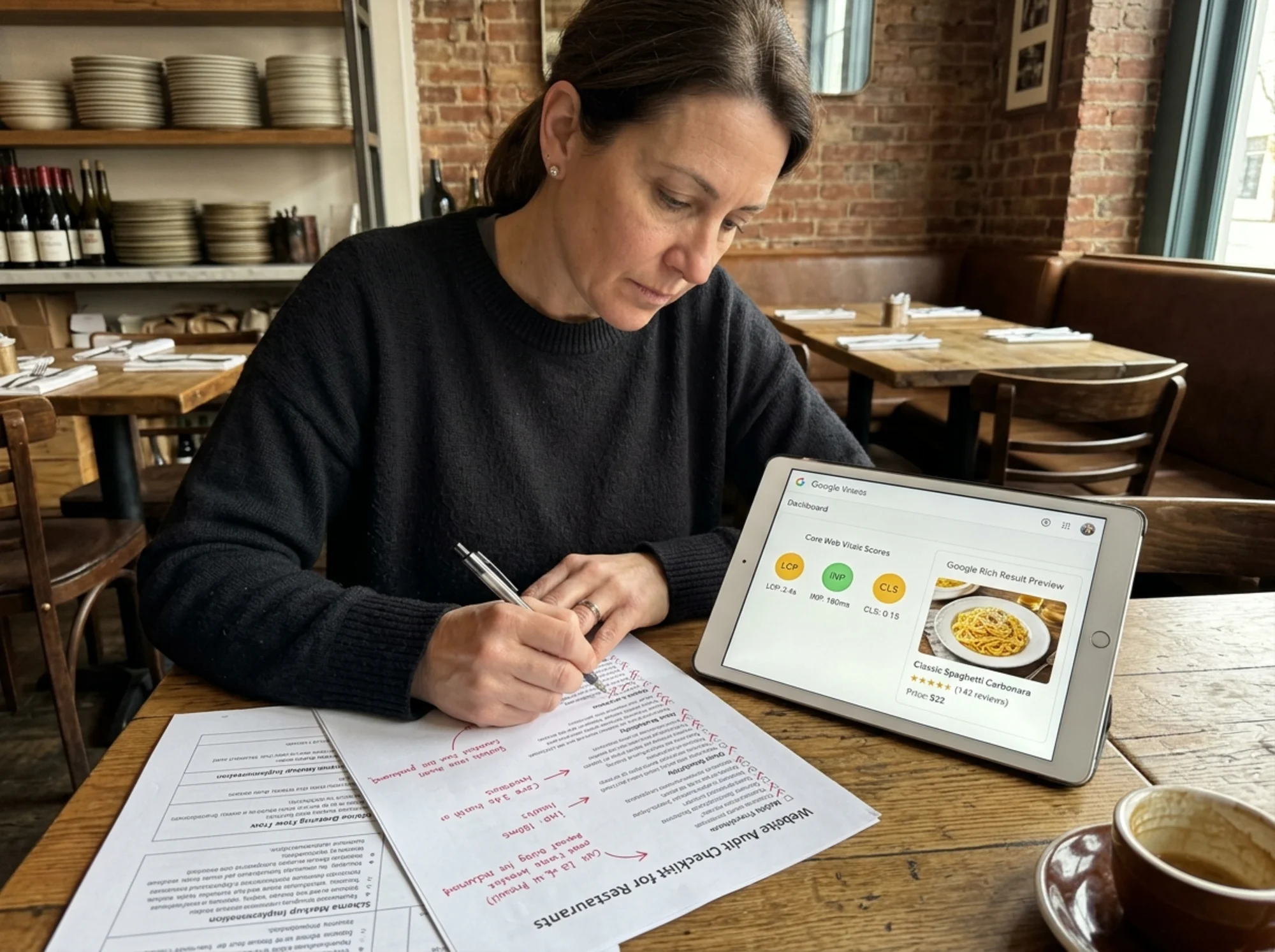
Structured data is a small block of code that tells Google "this is a restaurant, here is the menu, here are the hours, here is the cuisine." It's how you earn rich results — the photos, ratings, and price ranges that show up in search and lift click-through.
For a restaurant site, you want at minimum:
- Restaurant schema with name, address, phone, opening hours, cuisine, price range, and whether you accept reservations
- Menu schema linking to your menu page with sections and items
- LocalBusiness schema for each location if you have more than one
- Review/AggregateRating schema if you display reviews on your own site
Google's own documentation on structured data walks through the formats. You don't need to write it from scratch — most site builders have plugins, or your developer can add it in an afternoon. Validate the result in Google's Rich Results Test before you call it done.
Step 5: Speed and Core Web Vitals
Restaurant sites are notorious for being slow. Big background videos of pasta being twirled. Hero images shot at 4000 pixels wide. Auto-playing reels. Five different fonts loaded from three different services.
Google measures three things, called Core Web Vitals, and they affect both ranking and conversion:
- LCP (Largest Contentful Paint) — how fast the main image or headline appears. Aim under 2.5 seconds.
- INP (Interaction to Next Paint) — how fast the site responds when someone taps. Aim under 200ms.
- CLS (Cumulative Layout Shift) — does stuff jump around as it loads? Aim under 0.1.
For a restaurant, the usual culprits and fixes:
- Giant hero images → compress and serve in modern formats (WebP, AVIF), sized appropriately for mobile
- Auto-playing background videos → remove them, or at minimum don't autoplay on mobile
- Slow font loading → use system fonts or
font-display: swap - Reservation widget loading on every page → load it only on the page that needs it
- Third-party scripts (chat widgets, analytics, popups) → audit which ones you actually use, remove the rest
Shave two seconds off your load time and you'll keep customers who would have otherwise bounced to the next result.
Step 6: Mobile-first, always
The majority of restaurant search traffic comes from phones — and for many local food searches it's the overwhelming majority. If your site only looks good on a laptop, you're optimizing for the wrong device.
Open your site on the smallest phone you have. Check:
- Are tap targets at least 44×44 pixels, or do you have to zoom to hit "Reserve"?
- Does anything overflow horizontally, forcing side-scroll?
- Are booking and contact forms easy to fill out with thumbs?
- Does the keyboard cover your "Submit" button on a phone?
- Does click-to-call actually work? (Try it.)
Step 7: The conversion actions
A restaurant site has, at most, five things it needs people to do:
- See the menu
- Make a reservation
- Order online or for pickup
- Get directions
- Call
If any of those is more than two taps away from the homepage, you have a conversion problem. Put them in the header on desktop and in a sticky bottom bar on mobile. Don't be subtle. A customer should never have to hunt.
A specific walkthrough: Maria's neighborhood Italian spot
Maria runs a 40-seat trattoria. Her site is six years old, built on a free WordPress theme. She runs an audit and finds:
- Speed: LCP is 6.2 seconds on mobile because of a 4MB hero image of pappardelle
- Menu: It's a PDF named
menu_FINAL_v3_revised.pdf, last modified two years ago - Local: Her Google Business Profile says she's open until 10pm; her site says 9pm
- Structured data: None
- Mobile: The reservation link opens a desktop OpenTable widget that's unusable on a phone
- Conversions: No phone number in the header on mobile
In two weekend afternoons, she compresses the hero image and switches it to WebP (LCP drops to 1.8s), rebuilds the menu as an HTML page with prices and allergens, reconciles all her hours across platforms, adds Restaurant and Menu structured data with a plugin, embeds OpenTable's mobile widget directly on the page, and adds a sticky bottom bar on mobile with Call, Reserve, and Directions buttons.
Over the next month her organic search traffic climbs, her mobile bounce rate drops, and she gets more direct phone reservations from people who simply tapped the new button. Nothing flashy. Just the basics, done.
Step 8: Content that actually helps customers
Google's guidance on helpful content boils down to one thing for restaurants: write for the person, not the algorithm.
What customers actually want to know:
- Do you take reservations or are you walk-in only?
- Is there a wait at peak hours? When are off-peak hours?
- Is the patio dog-friendly?
- Do you have gluten-free, vegan, or kid-friendly options?
- Is there parking? Is it metered? Where's the nearest lot?
- What's the dress code, if any?
- Can you do private events? Minimum spend?
A short FAQ that answers these in plain English does more for your search visibility than any amount of "passionate about our craft" copywriting.
Your audit checklist, condensed
Print this. Walk through it once a quarter.
- [ ] Page loads in under 3 seconds on mobile cellular
- [ ] Menu is HTML, not PDF, with current prices and allergens
- [ ] Google Business Profile claimed; hours, address, phone match site exactly
- [ ] Restaurant + Menu structured data implemented and validated
- [ ] Core Web Vitals all in the green
- [ ] Reservation, order, call, directions all one tap from any page on mobile
- [ ] FAQ answers the real questions customers ask
- [ ] Photos updated in the last 60 days
- [ ] Reviews responded to within a week
Want a head start?
Doing this audit by hand works, but it's slow. If you'd rather get a prioritized list of fixes for your specific site in about 30 seconds, you can run a free website audit on FreeSiteAudit. It checks speed, structured data, mobile usability, and the conversion essentials, then hands you a plain-English report you can act on this week — no developer required.
For more industry-specific guides, see our pages on restaurant website fixes, Core Web Vitals, and structured data.
A small restaurant doesn't need a perfect website. It needs one that doesn't get in the way of a hungry customer trying to give you money. Most of the time, fixing the basics is enough.
Sources
Check your website for free
Get an instant score and your top 3 critical issues in under 60 seconds.
Get Your Free Audit →