E-commerce Website Audit Checklist: 20 Things to Check
Audit your online store with this 20-point e-commerce checklist. Covers product page SEO, site speed, mobile experience, and checkout conversion blockers.
# E-commerce Website Audit Checklist: 20 Things to Check
Running an online store means juggling products, orders, shipping, and customer service all at once. Your website quietly sits underneath all of that, and when something goes wrong with it, sales drop without a clear explanation.
An e-commerce audit helps you find those hidden problems. This checklist covers 20 specific things to review on your store, from product pages to checkout. Each item explains what to look for, why it matters, and what a quick fix looks like.
You don't need to be technical to work through this list. Grab a notebook, open your store in a browser, and start checking things off.
Product Pages
1. Unique Title Tags on Every Product Page
Each product page needs its own title tag that includes the product name and a relevant keyword. If your title tags are generic or duplicated across products, search engines struggle to tell your pages apart.
A good title tag looks like: "Men's Waterproof Hiking Boots Size 10 | YourStore." Keep it under 60 characters. You can check yours quickly with our meta title checker.
2. Product Descriptions That Aren't Copied from the Manufacturer
If you sell products from other brands, there's a good chance your descriptions match dozens of other stores word for word. Search engines see this as duplicate content and often filter those pages out of results.
Write at least 2-3 sentences of original content on each product page. Mention who the product is for, what problem it solves, or how it compares to alternatives you carry.
3. Product Image Alt Text and File Size
Every product image should have descriptive alt text. Something like "red leather crossbody bag with gold clasp" tells search engines and screen readers what the image shows.
Check file sizes too. Product images over 200KB slow your pages down. Compress them with a tool like Squoosh or TinyPNG without losing visible quality. Our image optimization guide covers this in detail.
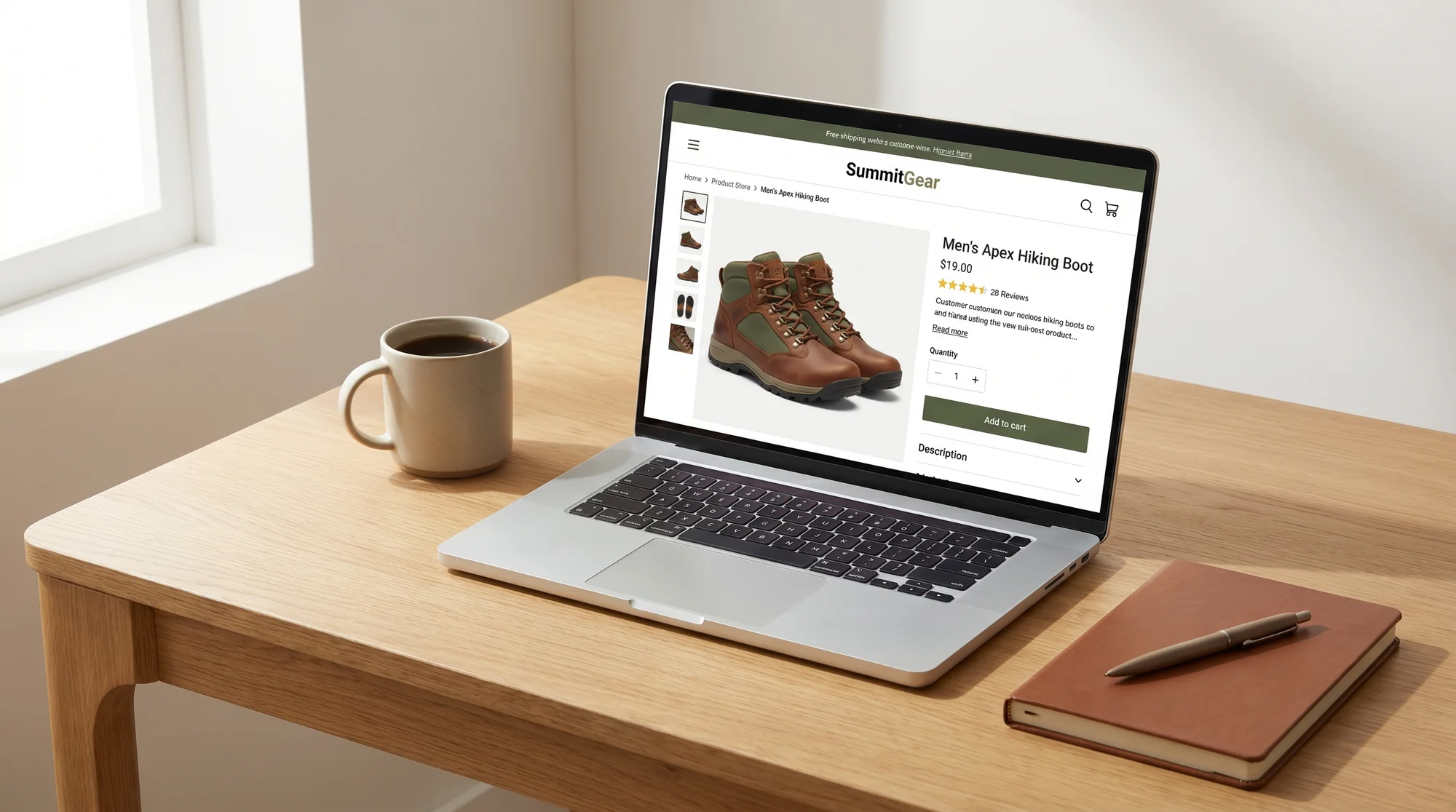
4. Product Schema Markup
Product schema tells Google exactly what your product is, what it costs, and whether it's in stock. Without it, you won't get those rich results in search that show price, ratings, and availability.
Check if your pages already have product schema using our schema checker. If they don't, most e-commerce platforms have apps or built-in settings to add it. For more context, see our schema markup audit guide.
Collection and Category Pages
5. Category Page Content
Many stores have collection pages that are just grids of product thumbnails with no text at all. Adding a short paragraph at the top of each collection page helps search engines understand what the page is about.
Write 50-100 words describing the category. Mention the types of products included, who they're for, or what makes your selection different.
6. Internal Links Between Related Collections
Your collection pages should link to each other where it makes sense. If you have a "Running Shoes" collection, link to "Running Socks" and "Running Gear" from it.
This helps both shoppers and search engines find more of your products. Read our internal linking audit guide for a deeper look at how to connect your pages effectively.
7. Pagination and Indexation
If a collection has 200 products spread across 10 pages, check whether those paginated pages are being indexed or blocked. Also make sure the first page of a collection isn't competing with a paginated version of itself.
Look at your robots.txt and any canonical tags on paginated URLs to confirm they're set up correctly.
Mobile Experience
8. Mobile Navigation and Tap Targets
Open your store on your phone. Can you reach the menu easily? Are buttons big enough to tap without hitting the wrong one? Can you filter products without frustration?
Google uses mobile-first indexing, so the mobile version of your site is what gets ranked. Buttons should be at least 44x44 pixels with some space between them. Our mobile SEO audit guide walks through all the details.
9. Mobile Checkout Flow
Add something to your cart on your phone and go through the checkout process. Count the steps. Note anything that feels awkward, like tiny form fields, confusing button labels, or a payment section that doesn't fit the screen.
Every extra tap or confusing moment in mobile checkout costs you sales. The fix is usually simplifying form fields and making buttons full-width on small screens.
10. Text Readability Without Zooming
Check whether your product descriptions, prices, and buttons are readable on mobile without pinching to zoom. Font sizes below 16px on mobile tend to cause problems.

Page Speed
11. Core Web Vitals Scores
Run your homepage, a product page, and a collection page through a speed test. You're looking for three numbers: Largest Contentful Paint (under 2.5 seconds), Interaction to Next Paint (under 200ms), and Cumulative Layout Shift (under 0.1).
If any of these are in the red, your store feels slow to visitors and may rank lower in search. Try our speed snapshot tool for a quick overview.
12. Third-Party Script Bloat
E-commerce stores tend to collect scripts over time. Chat widgets, review apps, pop-up tools, analytics trackers, and retargeting pixels all add weight. Open your browser's developer tools, go to the Network tab, and count how many external scripts load.
If you have more than 10-15 third-party scripts, audit which ones you actually use. Remove or defer anything that isn't earning its keep.
13. Lazy Loading for Images Below the Fold
Your store probably has dozens of images on collection pages. If they all load at once, the page is slow. Lazy loading tells the browser to only load images as the visitor scrolls down to them.
Most modern e-commerce platforms support this natively, but it's worth confirming it's actually working. Check your page source for "loading=lazy" on image tags below the first visible screen.
Technical SEO
14. XML Sitemap That Includes All Products
Your sitemap should list every product, collection, and blog page you want indexed. Check yours with our sitemap checker. Look for missing product URLs, outdated links to deleted products, or a sitemap that hasn't been updated in months.
If your platform generates the sitemap automatically, make sure it's not excluding important pages or including ones you've redirected.
15. Canonical Tags on Product Variants
If you have the same product accessible at multiple URLs (like different color or size variants each having their own URL), canonical tags prevent search engines from seeing them as duplicate pages.
Each variant URL should point its canonical tag to the main product page, unless you specifically want each variant indexed separately. For more on technical fundamentals, see our technical SEO audit guide.
16. No Broken Internal Links
Click through your navigation, footer links, featured product sections, and blog links. Broken links frustrate shoppers and waste the search engine's crawl budget on dead ends.
Pay special attention to seasonal products or limited-edition items you've removed. Those product pages often leave broken links behind in collection pages and blog posts.
Trust and Conversion
17. Visible Contact Information and Return Policy
Shoppers who can't find your return policy or contact details often leave without buying. Make sure your phone number, email, physical address (if applicable), and return policy are easy to find from any page.
The footer is the standard place for these, but linking to your return policy from product pages near the "Add to Cart" button can reduce hesitation.
18. Security Indicators and SSL
Your entire site should load over HTTPS with a valid SSL certificate. Check that no pages trigger mixed content warnings, where the page is HTTPS but loads some images or scripts over HTTP.
Also look for trust badges near your checkout, like accepted payment methods, security seals, and any guarantees you offer. These small visual cues reduce anxiety for first-time buyers.
19. Customer Reviews and Social Proof
Product pages with reviews convert better than those without. If you have reviews, make sure they're visible without requiring extra clicks. If you don't have reviews yet, consider adding a post-purchase email that asks for one.
Review schema markup (part of your product schema) can get star ratings showing in search results, which improves click-through rates significantly.
20. Checkout Friction Points
Go through your own checkout as if you were a new customer. Look for these specific problems:
- Requiring account creation before purchase
- Asking for information you don't need (like a phone number for digital products)
- Hiding shipping costs until the last step
- A coupon code field that makes people leave to search for codes
- No guest checkout option
Each friction point you remove directly impacts your conversion rate. Even a 1% improvement matters when you multiply it across all your traffic.

Meta Descriptions and Click-Through Rates
Before wrapping up, check one more thing: your meta descriptions. These are the snippets that show under your page titles in search results. Every product page, collection page, and your homepage should have a unique meta description between 150 and 160 characters.
A good meta description for a product page mentions the product name, a key benefit, and a reason to click (like free shipping or a sale price). You can audit yours with our meta description checker. For a deeper look at this topic, check out our meta tags audit guide.
Start With What Matters Most
You don't need to fix all 20 items in a single weekend. Start with the ones closest to revenue: checkout friction, mobile experience, and broken product pages. Then work your way through the technical items that affect your search visibility.
The goal is steady improvement, not perfection. Run through this list once a quarter, and you'll catch problems before they cost you sales.
Want to see where your store stands right now? Run a free audit on FreeSiteAudit and get a snapshot of your site's health in under a minute.
Sources
- Google Search Central: E-commerce SEO best practices - https://developers.google.com/search/docs/specialty/ecommerce
- Web.dev: Core Web Vitals - https://web.dev/vitals/
- Schema.org: Product markup specification - https://schema.org/Product
- Google Search Central: Mobile-first indexing - https://developers.google.com/search/docs/crawling-indexing/mobile/mobile-sites-mobile-first-indexing
- Google Search Central: Sitemaps overview - https://developers.google.com/search/docs/crawling-indexing/sitemaps/overview
Check your website for free
Get an instant score and your top 3 critical issues in under 60 seconds.
Get Your Free Audit →