SEO Audit for Wix Site: What's Holding You Back (and What to Fix First)
Run a full SEO audit on your Wix site to find what's hurting your rankings. Fix titles, speed, headings, and mobile issues before thinking about migration.
# SEO Audit for Wix Site: What's Holding You Back (and What to Fix First)
You built your Wix site, added photos, wrote some text about your business, and published it. Maybe you even picked a nice template. But months later, your site barely shows up when someone searches for what you actually do. Sound familiar?
Wix sites absolutely can rank on Google. Plenty of them do. But the platform's defaults and common editing habits create SEO problems that quietly hold you back. The good news is that most of these problems are fixable without rebuilding your entire site.
This guide walks you through a practical SEO audit for your Wix site. We'll cover what to check, what you can fix right now, and where Wix's limitations actually matter.

Why Wix Sites Struggle with SEO (It's Not What You Think)
The old criticism that "Wix is bad for SEO" isn't really true anymore. Wix has made real improvements to server-side rendering, page speed, and structured data. The actual problems usually come from how people use the platform, not from the platform itself.
Here's what actually goes wrong:
Template defaults that nobody changes. Most Wix templates ship with placeholder titles like "Home" or "Page Title" and generic meta descriptions. If you never update those, Google has almost nothing useful to work with.
Heading tags used for styling, not structure. Wix's editor lets you pick heading sizes based on how they look. So people use H1 for big text, H3 for medium text, and skip H2 entirely. Google reads those headings to understand your page's topic hierarchy, and jumbled headings send confusing signals.
Heavy images that slow everything down. A photographer uploads 15 full-resolution portfolio images to one page. A restaurant adds huge photos of every menu item. Wix does compress images somewhat, but uploading 4MB files still leaves you with pages that load slowly on phones.
Thin pages with barely any content. A "Services" page with a bullet list and a phone number, or a "Contact" page with just a form. Google doesn't see enough content to understand what these pages are about or why they should rank.
The Five-Point Wix SEO Audit
Let's go through the areas that matter most, roughly in order of impact.
1. Page Titles and Meta Descriptions
Open every page on your Wix site and check the SEO settings panel. You'll find it under Page Settings or the SEO section in the editor.
What to look for:
- Is every page title unique? Having three pages all titled "Services" tells Google nothing.
- Does each title include what the page is actually about, plus your location if you serve a local area? "Kitchen Remodeling in Austin, TX" beats "Our Services" every time.
- Are your meta descriptions between 150 and 160 characters? Do they describe what someone will find on the page?
A roofing contractor in Denver might use a homepage title like "Denver Roofing Contractor | Storm Damage Repair & Free Estimates | ABC Roofing." That's specific, local, and tells both Google and the searcher what to expect.
Check all your titles at once with a meta title checker to spot duplicates and missing tags fast.
2. Page Speed and Performance
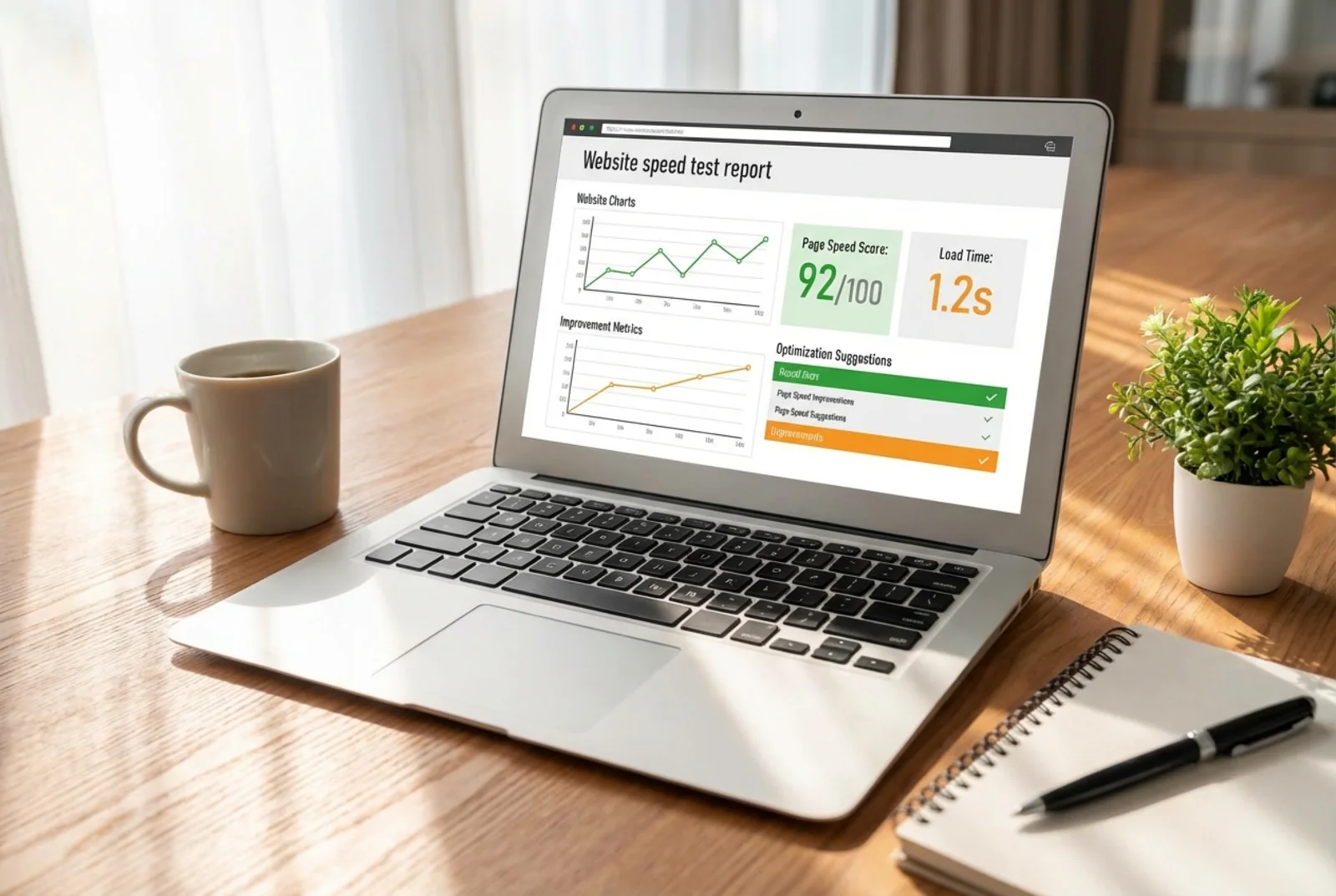
Wix handles hosting and most technical performance for you, but your choices still matter. Run your site through a speed snapshot and pay attention to:
- Largest Contentful Paint (LCP): How long until the main content appears. If it's over 2.5 seconds, you've got work to do.
- Total page weight: Wix adds its own scripts and framework code. You can't remove that, but you can control how much you pile on top.
- Image sizes: This is the single biggest speed killer on most Wix sites. Use Wix's built-in image optimizer and avoid uploading images larger than 2000px wide. For background images, 1600px is plenty.
A restaurant owner who replaced twelve 5MB food photos with properly sized 200KB versions saw their mobile load time drop from 8 seconds to under 3. That kind of change directly affects whether someone stays or hits the back button.
3. Heading Structure
Pull up any page on your site and check how you've used H1, H2, and H3 tags. A heading tag analyzer makes this quick.
The rules are simple:
- Each page gets exactly one H1 that describes the page's main topic.
- Use H2 tags for major sections within the page.
- Use H3 tags for subsections under those H2s.
- Never pick a heading level just because you like the font size. Use Wix's text styling options to change appearance separately.
This is one of the most common Wix mistakes because the editor makes it so easy to grab whatever heading "looks right." Take 20 minutes to fix the heading order across your pages. It's one of the highest-impact changes you can make.
4. Mobile Experience
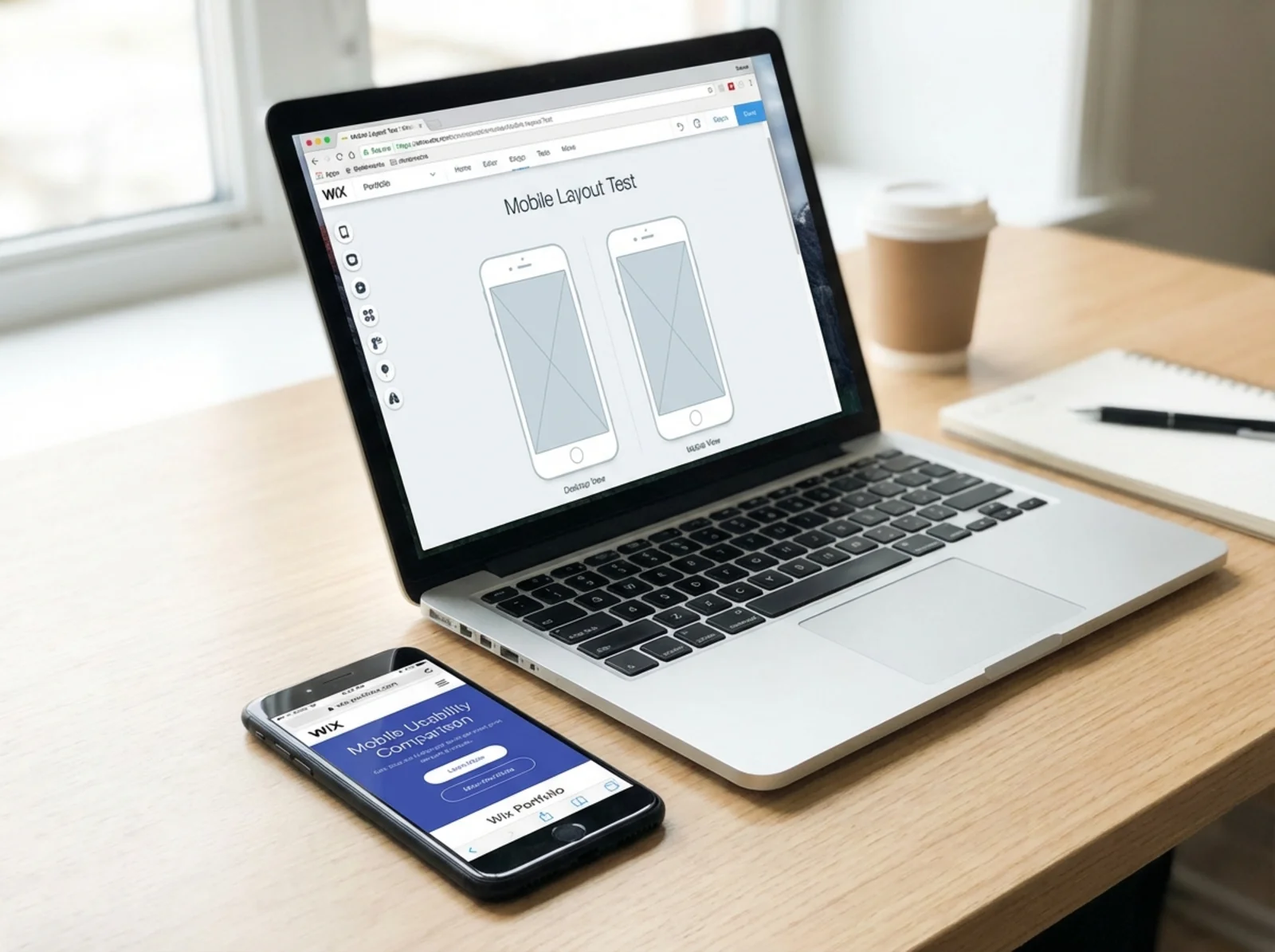
More than half your visitors are probably on phones. Wix has a separate mobile editor, which gives you control over the mobile layout but also means it can drift out of sync with your desktop version.
Run your site through a mobile-friendly test and check for:
- Text that's too small to read without zooming
- Buttons or links too close together to tap accurately
- Content that extends past the screen edge, causing horizontal scrolling
- Elements hidden on mobile that contain important information
A photographer whose portfolio looked stunning on desktop discovered that on mobile, the image gallery overlapped the contact form and half the navigation hid behind a broken menu icon. Those visitors weren't sticking around to figure it out.
5. Technical SEO Basics
Some technical SEO items work well on Wix by default. Others need attention.
Sitemap: Wix generates an XML sitemap automatically at yoursite.com/sitemap.xml. Verify it exists and includes all the pages you want indexed using the sitemap checker.
Schema markup: Wix adds basic schema for some page types, but it's limited. If you're a local business, you want LocalBusiness schema with your name, address, phone, and hours. Check what's on your pages with a schema markup audit. You may need to add custom code through Wix's header code injection to get proper schema in place.
URL structure: Wix lets you customize page URLs, and you should. Change "/page-1" to "/kitchen-remodeling-austin" so your URLs work for you instead of against you.
Canonical tags: Wix handles these automatically. One less thing to worry about.
What You Can Fix on Wix (and What You Can't)
Wix gives you real control over many SEO factors, but there are limits.
You can fix right now:
- Page titles and meta descriptions for every page
- Heading structure (H1, H2, H3 hierarchy)
- Image file sizes and alt text
- URL slugs for all pages
- Internal linking between pages
- Adding a blog with regular content
- Mobile layout in the mobile editor
- Basic schema through code injection
- Google Search Console and Analytics connections
You can't fully control:
- Server response times: Wix manages hosting. You can't switch servers or add your own CDN.
- JavaScript rendering: Wix uses a JS-heavy framework. Google can crawl it, but it adds complexity compared to plain HTML.
- Advanced caching rules: No custom cache headers or edge caching configuration.
- Server-level redirects: Wix's redirect manager is more limited than Apache or Nginx configs.
- Core Web Vitals baseline: Even a perfectly optimized Wix site carries more overhead than lightweight HTML. You can improve scores, but there's a floor you can't get below.
- Granular robots.txt control: Wix auto-generates this file. You can add rules through SEO settings, but you don't have full file-level control.
The key takeaway: don't blame Wix for problems you can fix yourself, and don't waste time fighting limitations that won't move the needle as much as fixing your titles and content will.
Your Wix SEO Audit Checklist
Print this out or save it somewhere. Go through each item one page at a time.
- [ ] Every page has a unique, descriptive title tag (under 60 characters)
- [ ] Every page has a unique meta description (150 to 160 characters)
- [ ] Each page has exactly one H1 tag matching the page topic
- [ ] Heading tags follow a logical H1, H2, H3 order with no skipped levels
- [ ] All images are under 500KB and have descriptive alt text
- [ ] URLs are clean and descriptive (no "page-1" or random strings)
- [ ] Mobile layout is tested and text/buttons are properly sized
- [ ] Sitemap is accessible and includes all important pages
- [ ] Google Search Console is connected and sitemap submitted
- [ ] Internal links connect related pages
- [ ] Service and location pages have at least 300 words of unique content
- [ ] Schema markup is present for your business type
Get through this list and you'll be ahead of most small business sites on Wix. For a deeper look at any area, run a full site audit for a report showing exactly what to prioritize.

Should You Leave Wix for Better SEO?
This is the question everyone asks eventually. The short answer: probably not yet.
If you haven't done the basics on this checklist, switching to WordPress or Squarespace won't magically fix your rankings. You'll just have the same problems on a different platform, plus the headache and cost of migrating.
Migration makes sense when you've genuinely maxed out what Wix can do and need things like custom server configurations, advanced caching, or complex database-driven pages. For a local contractor, restaurant, or photographer with 10 to 30 pages, Wix handles SEO needs fine when set up correctly.
Focus on the fixes first. Track progress in Google Search Console. Give it three to six months of consistent effort. If you're still hitting walls after that, start evaluating other platforms with real data about what's holding you back.
Where to Start Today
Pick the three items from the checklist you know you haven't done. For most people, that's fixing page titles, cleaning up heading tags, and compressing images. Those three changes alone can make a noticeable difference within weeks.
To see where your Wix site stands right now, run a quick audit with our free site audit tool. It takes about 30 seconds and shows you the specific issues on your site, ranked by how much they affect your visibility.
You built your site to get customers. Make sure Google can actually show it to them.
Sources
- Google Search Central: SEO Starter Guide - Google's official guide to search engine optimization fundamentals.
- Wix SEO Learning Hub - Wix's documentation on SEO features and best practices for the platform.
- Google PageSpeed Insights - Google's tool for measuring Core Web Vitals and page performance.
- web.dev: Core Web Vitals - Documentation on the performance metrics Google uses for ranking signals.
- Moz: Beginner's Guide to SEO - Comprehensive overview of SEO fundamentals and ranking factors.
Last updated: April 5, 2026
Related Tools
Related Fixes
Related Industries
Check your website for free
Get an instant score and your top 3 critical issues in under 60 seconds.
Get Your Free Audit →