How to Build City Pages That Actually Rank (Without Getting Flagged as Duplicate Content)
Learn how to build city pages that rank in Google without getting flagged for duplicate content. Practical page templates for plumbers, roofers, and dentists.
# How to Build City Pages That Actually Rank (Without Getting Flagged as Duplicate Content)
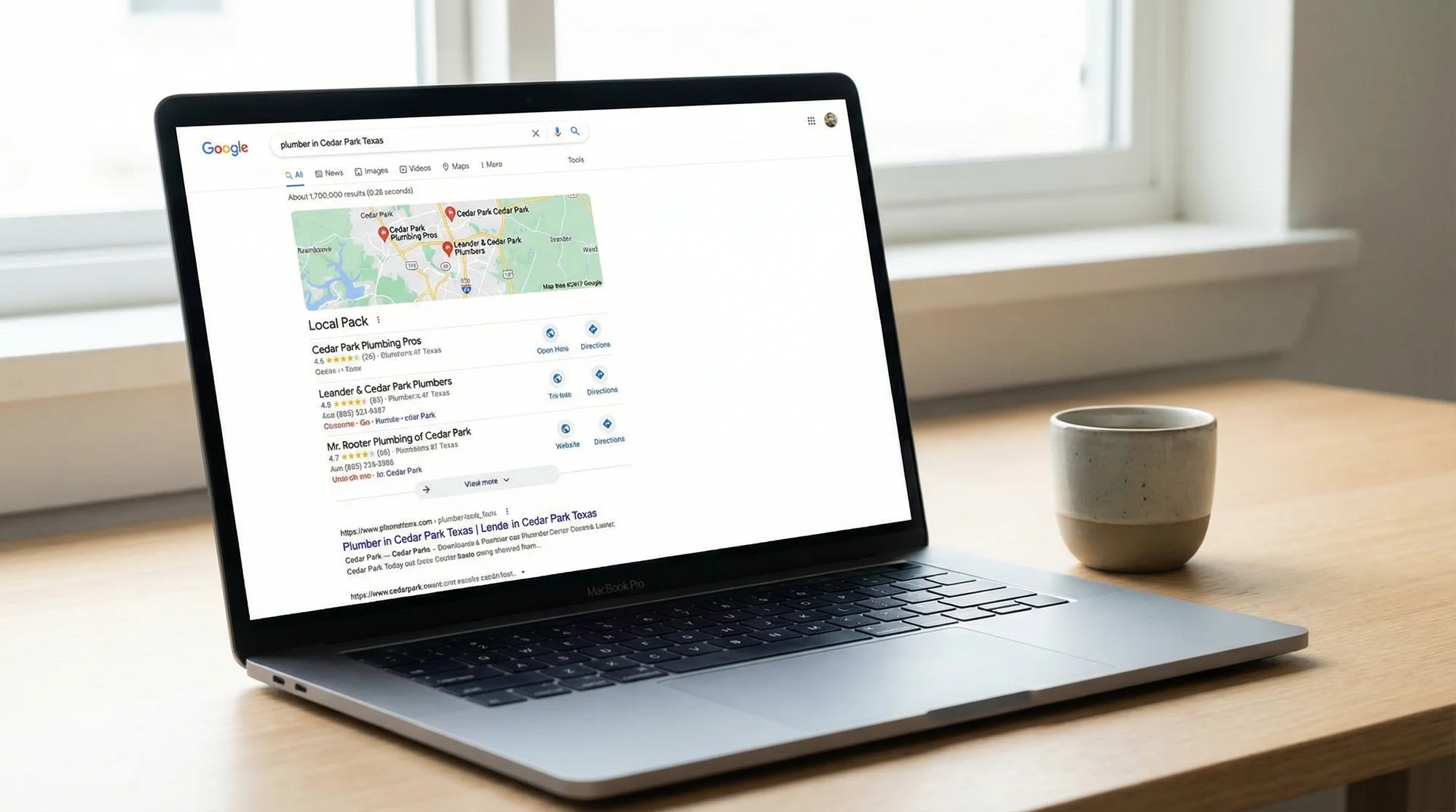
If you run a service business that covers multiple cities, you probably want a page for each one. "Plumber in Austin." "Plumber in Round Rock." "Plumber in Cedar Park." Makes sense. Each city is a real place with real customers searching for help.
The problem? Most businesses build these pages by copying the same text and swapping the city name. Google sees right through that. The result is a stack of near-identical pages that either get ignored or, worse, hurt your rankings across your whole site.
Here is how to build city pages that actually help you show up in search results without crossing into duplicate content territory.
Why City Pages Turn Into Duplicate Content
The pattern is almost always the same. A business owner creates one great page for their main city. Then they duplicate it 10 or 20 times, replacing "Austin" with "Round Rock" and "Cedar Park" and "Pflugerville." The body text stays identical. The structure stays identical. Even the testimonials and photos stay identical.
Google calls these "doorway pages." Their official guidelines describe doorway pages as pages created to rank for specific search queries that funnel users to a single destination. In plain terms: if your city pages exist only to capture search traffic and they do not offer anything unique, Google may treat them as spam.
This does not mean city pages are bad. It means lazy city pages are bad. The difference matters.
Location Page vs. Doorway Page: What Is the Difference?
A doorway page is thin content designed to rank for a keyword. It adds no real value. If you removed the city name, the page would be identical to every other version.
A useful location page gives a visitor specific, helpful information about your services in that area. It answers real questions. It includes proof that you actually work there. Someone reading it would learn something they could not learn from your homepage or another city page.
Here is a quick test: if a customer in that city landed on your page, would they feel like you wrote it for them? Or would it feel like a form letter with their city name pasted in?
If every page passes that test, you are building location pages. If they do not, you are building doorway pages.
A Practical Template for Strong City Pages
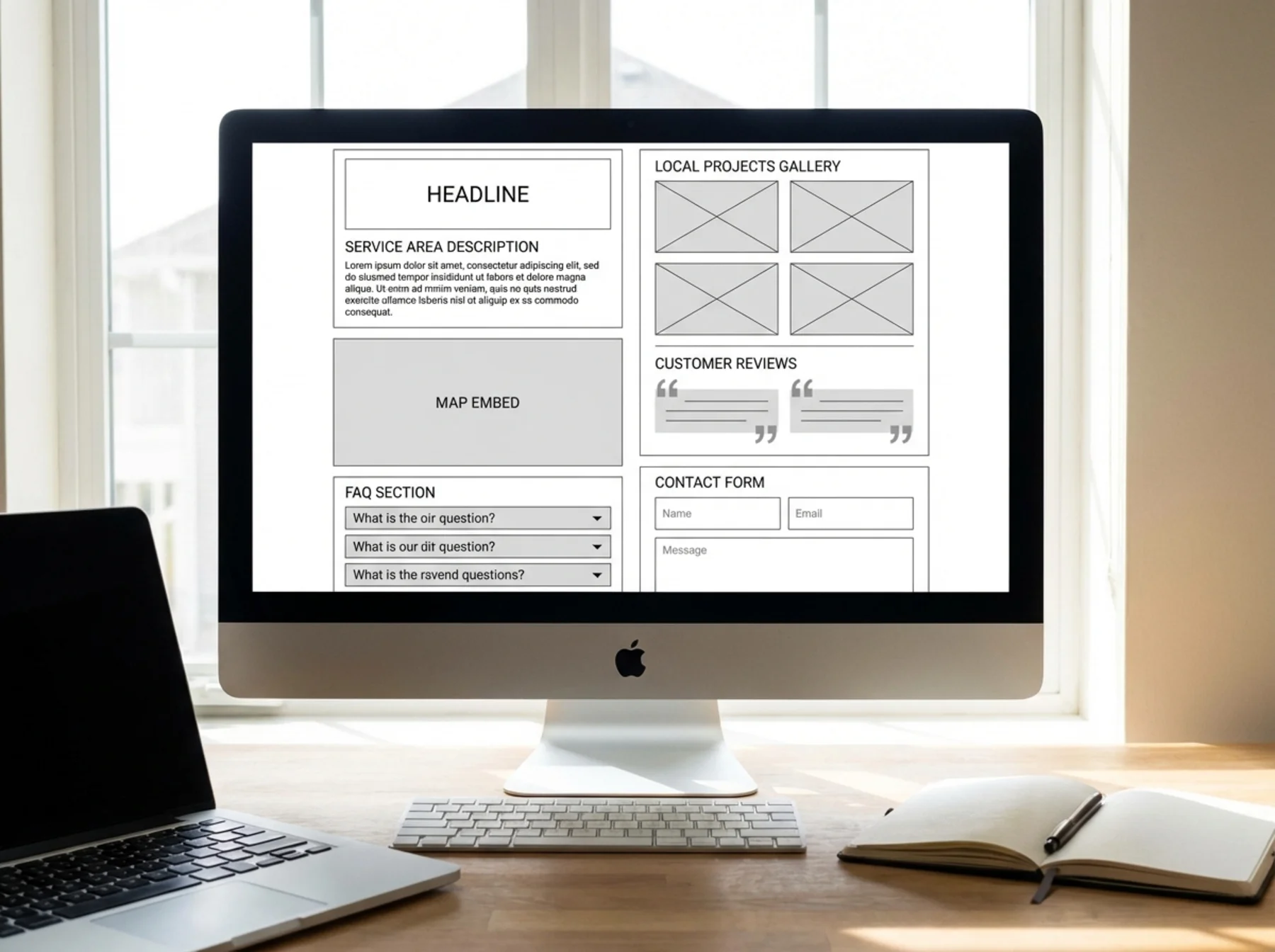
You do not need to reinvent your site for every city. You need a consistent structure with genuinely unique content filling each section. Here is what works.
Title Tag and H1
Your title tag should include the service, city, and state. Keep it under 60 characters.
- Good: "Emergency Plumber in Round Rock, TX | ABC Plumbing"
- Bad: "Services | ABC Plumbing"
Your H1 should match the page's core topic. It does not have to be identical to the title tag, but it should be close.
- Good H1: "Round Rock Emergency Plumbing Services"
- Bad H1: "Welcome to Our Website"
For more on writing title tags that work, check out our guide on homepage vs. service page title tags.
Opening Paragraph With Local Context
Skip the generic "We proudly serve the residents of [City]" intro. Instead, write two or three sentences that mention something real about the area.
Dentist example: "Our Georgetown office is five minutes from the Square, right off Williams Drive. We see a lot of families from the Villages of Berry Creek and Sun City neighborhoods, and we keep evening hours on Tuesdays because we know the commute from Round Rock can make daytime appointments tough."
Roofer example: "We have been repairing hail damage in Pflugerville since the storms of 2019 hit the Avalon and Falcon Pointe neighborhoods hardest. If your roof took a hit, we can usually get an inspector out the same week."
This kind of detail is impossible to fake at scale. That is exactly what makes it work.
Unique Proof: Projects, Photos, and Case Studies
This is the section that separates real location pages from doorway pages. Include at least one piece of evidence that you actually work in this city.
- Before/after photos from a job in that area
- A short case study describing a specific project ("We replaced 22 squares of architectural shingles on a home in the Teravista subdivision after the April 2024 hailstorm.")
- Photos with recognizable landmarks or neighborhoods
If you are just starting out and do not have projects in every city yet, be honest. "We are expanding our service area to include Leander. Our crew is based 15 minutes away in Cedar Park and we have completed over 40 projects within a 20-mile radius." That is more trustworthy than pretending.
Customer Reviews From That City
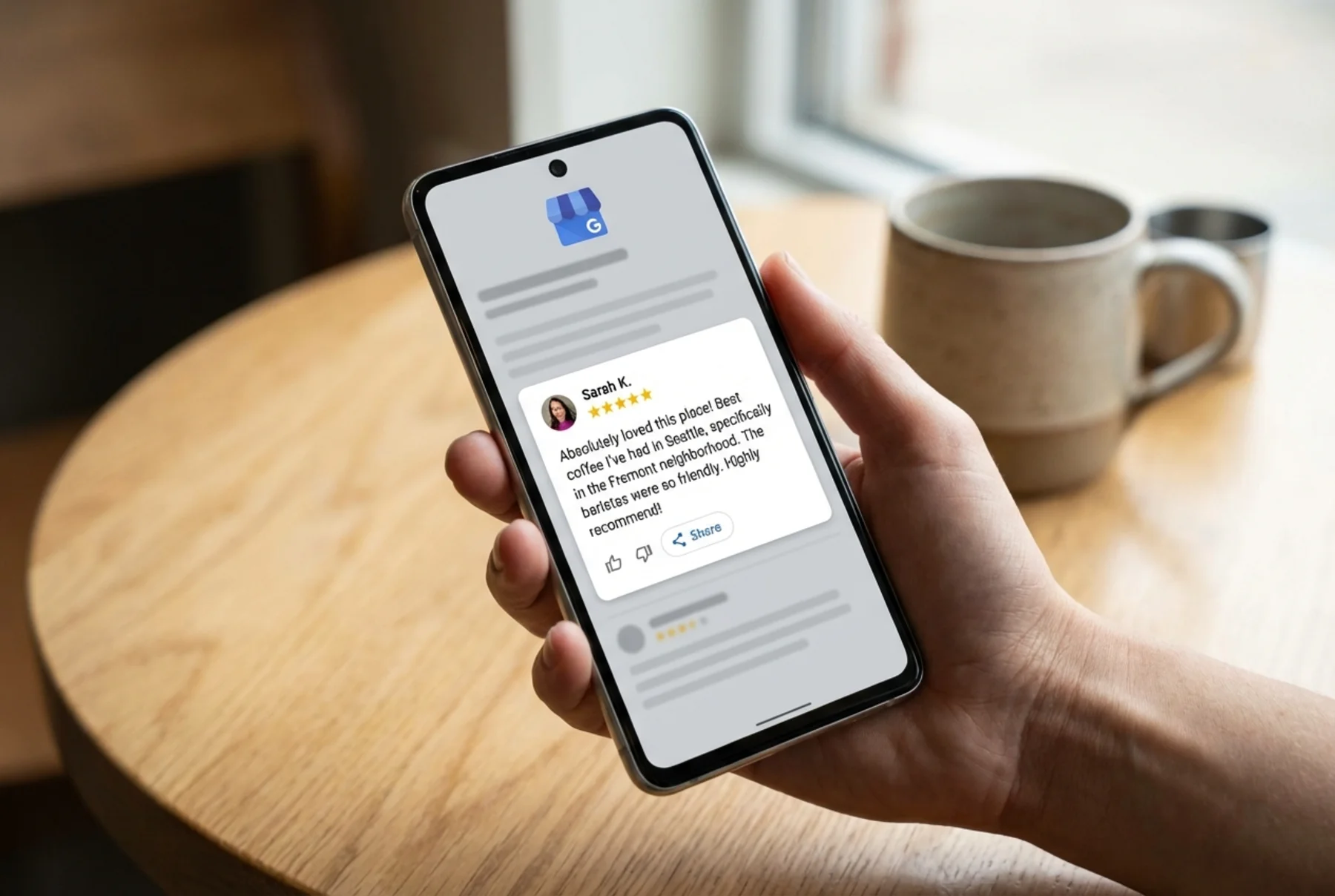
Pull one or two reviews from customers in the specific city. If you have Google reviews that mention the city name, those are perfect.
A review saying "They fixed our AC the same day we called, right here in Georgetown" is more convincing on a Georgetown page than a generic five-star rating with no location context.
If you do not have city-specific reviews yet, use your best general reviews but make it a priority to collect location-specific ones over time. For tips on placing reviews effectively, see our post on where to place reviews for maximum trust.
Embedded Map and Service Area Clarity
Embed a Google Map showing your service area or office location for that city. If you do not have a physical office there, show a map of the neighborhoods you serve.
Be clear about your service boundaries. "We serve all of Pflugerville, including the 78660 and 78664 zip codes. We also cover nearby areas like Hutto, Manor, and Wells Branch." This helps both Google and potential customers understand your actual coverage.
Local FAQs
Write three to five FAQs that are specific to the city. Not generic questions you could paste on any page, but questions a local customer would actually ask.
HVAC company in San Marcos, TX:
- "Do you service manufactured homes in the River Road area?"
- "What is the average cost of AC repair in San Marcos?"
- "How quickly can you respond to an emergency call in San Marcos during summer?"
Lawyer in Frisco, TX:
- "Which court handles family law cases in Frisco?"
- "Do you offer consultations at the Frisco office or only in Plano?"
These FAQs do double duty. They add unique content and they can appear as rich results in Google search.
Internal Links
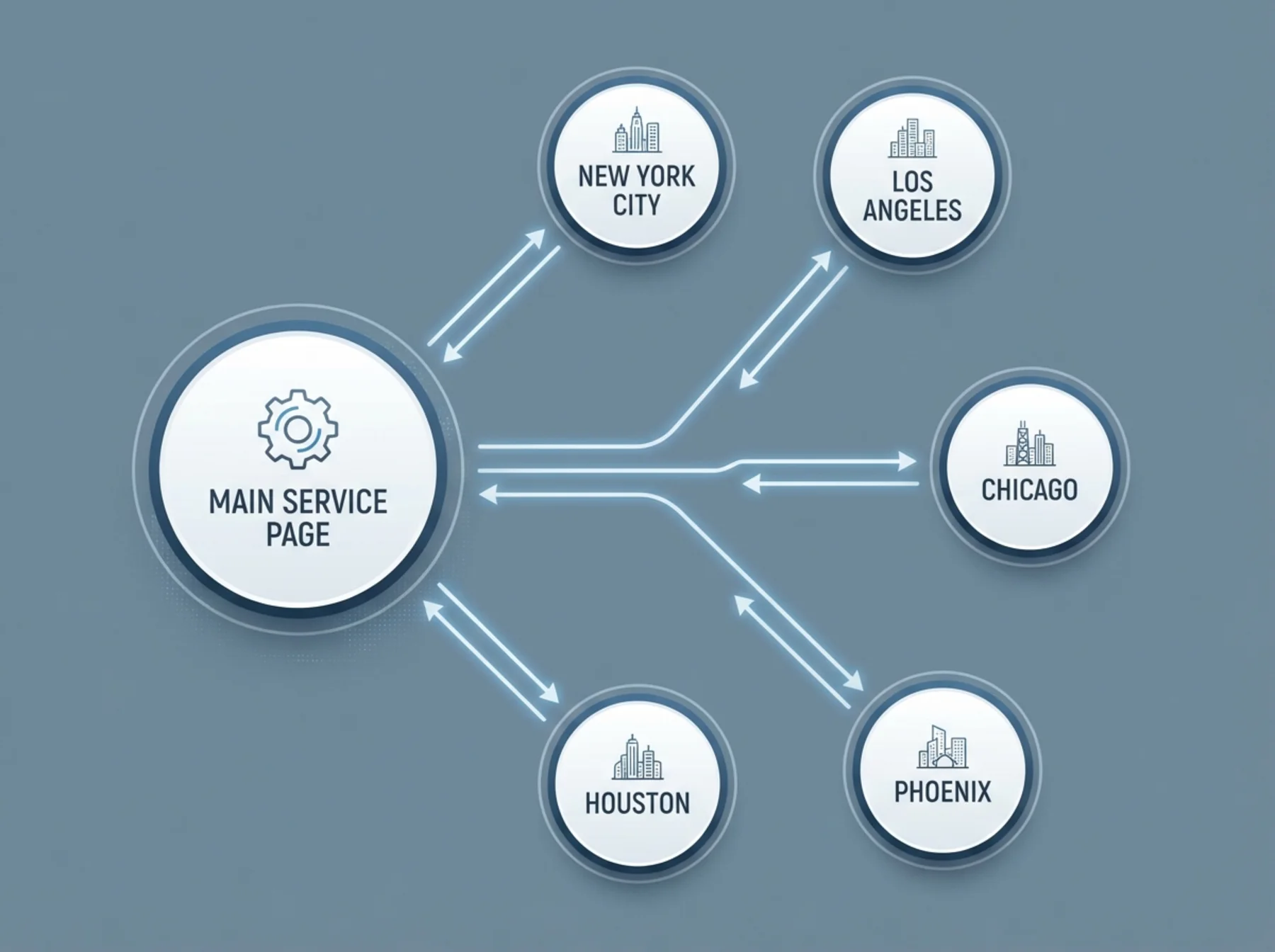
Every city page should link to:
- Your main service or industry pages (for example, roofing websites or law firm websites)
- Nearby city or service-area pages on your own site, where that structure exists
- Relevant blog posts or resources
This builds a natural internal link structure that helps Google understand how your pages relate to each other. A strong internal link structure is one of the easiest technical SEO wins available to any small business. Our post on internal link architecture for small business websites covers this in more detail.
The City Page Checklist
Before you publish any city page, run through this list:
- [ ] Title tag includes service + city + state (under 60 characters)
- [ ] H1 is specific to the city and service
- [ ] Opening paragraph mentions real local details (neighborhoods, landmarks, cross streets)
- [ ] At least one photo or case study from an actual job in that city
- [ ] One or two customer reviews mentioning the city or area
- [ ] Embedded Google Map or service area map
- [ ] Three to five locally relevant FAQs
- [ ] Internal links to service pages, nearby city pages, and blog posts
- [ ] Unique meta description (not copied from other city pages)
- [ ] No blocks of text copied word-for-word from other city pages
If you can check every box, your page is genuinely unique and useful. If you cannot, hold off on publishing until you can.
How Many City Pages Should You Build?
Start with the cities where you actually do the most work. Build five strong pages before building 50 thin ones. A handful of genuine location pages will outperform dozens of copy-paste versions every time.
For most service businesses, the sweet spot is 5 to 15 city pages covering your real service area. If you are an HVAC company that serves the entire Dallas-Fort Worth metro, you do not need a page for all 200+ suburbs. Focus on the 10 to 15 cities where you get the most calls.
You can always add more later as you complete projects and collect reviews in new areas.
Check Your Existing City Pages
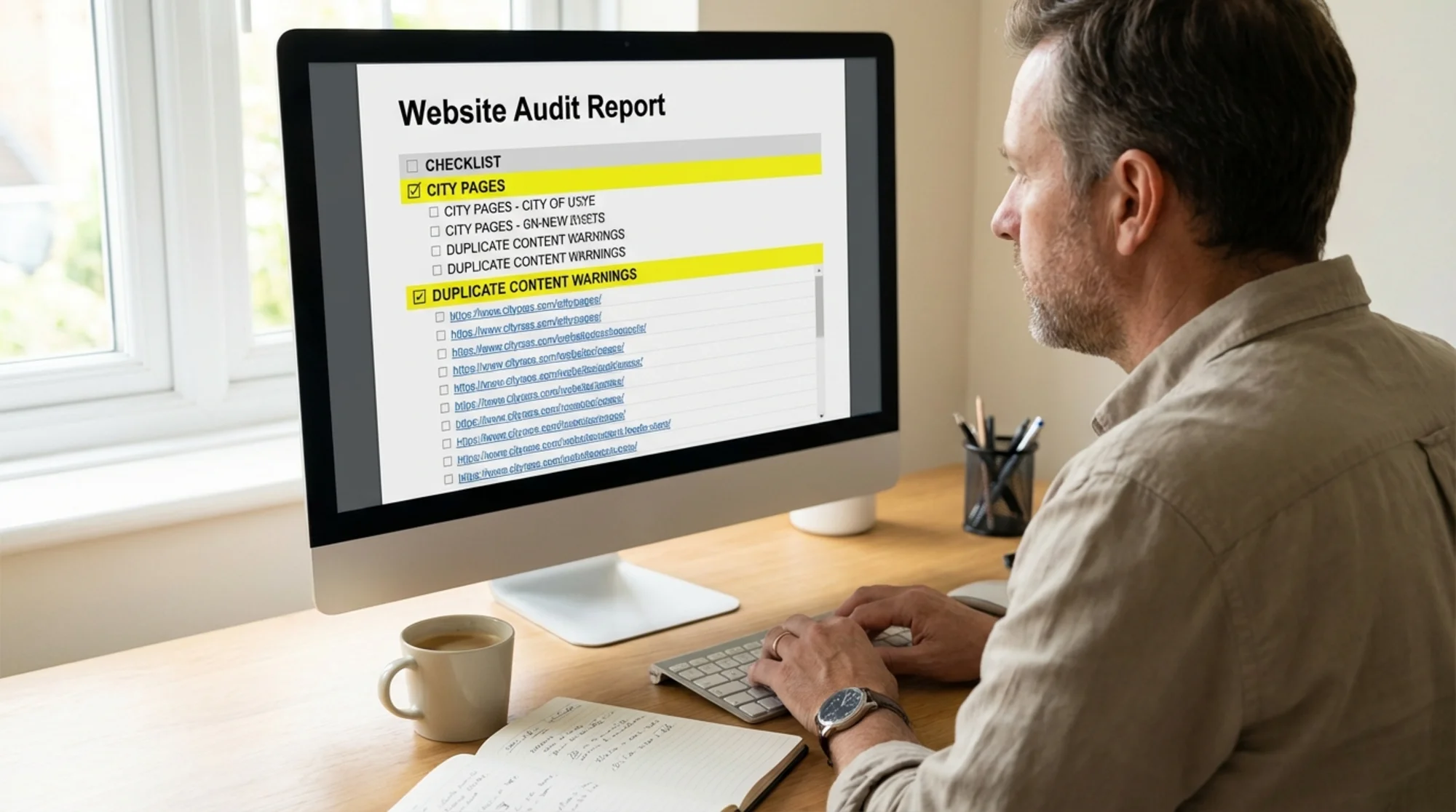
If you already have city pages on your site, run them through FreeSiteAudit to see if they are triggering duplicate content warnings. The scan will flag pages with identical or near-identical title tags, meta descriptions, and thin content. Those are the most common signs that your city pages need work.
Fixing these issues does not require a redesign. Often it is a matter of adding two or three unique paragraphs, swapping in local photos, and rewriting the FAQ section for each city. Small changes, real results.
For businesses serving multiple locations, our local SEO audit checklist covers everything beyond city pages, including NAP consistency, schema markup, and Google Business Profile optimization.
Sources
- Google Search Central. "Doorway pages." https://developers.google.com/search/docs/essentials/spam-policies#doorway-pages
- Google Search Central. "Creating helpful, reliable, people-first content." https://developers.google.com/search/docs/fundamentals/creating-helpful-content
- Google Search Central. "Avoid duplicate content." https://developers.google.com/search/docs/crawling-indexing/consolidate-duplicate-urls
- Google Search Central Blog. "What webmasters should know about Google's core updates." https://developers.google.com/search/blog/2019/08/core-updates
Check your website for free
Get an instant score and your top 3 critical issues in under 60 seconds.
Get Your Free Audit →