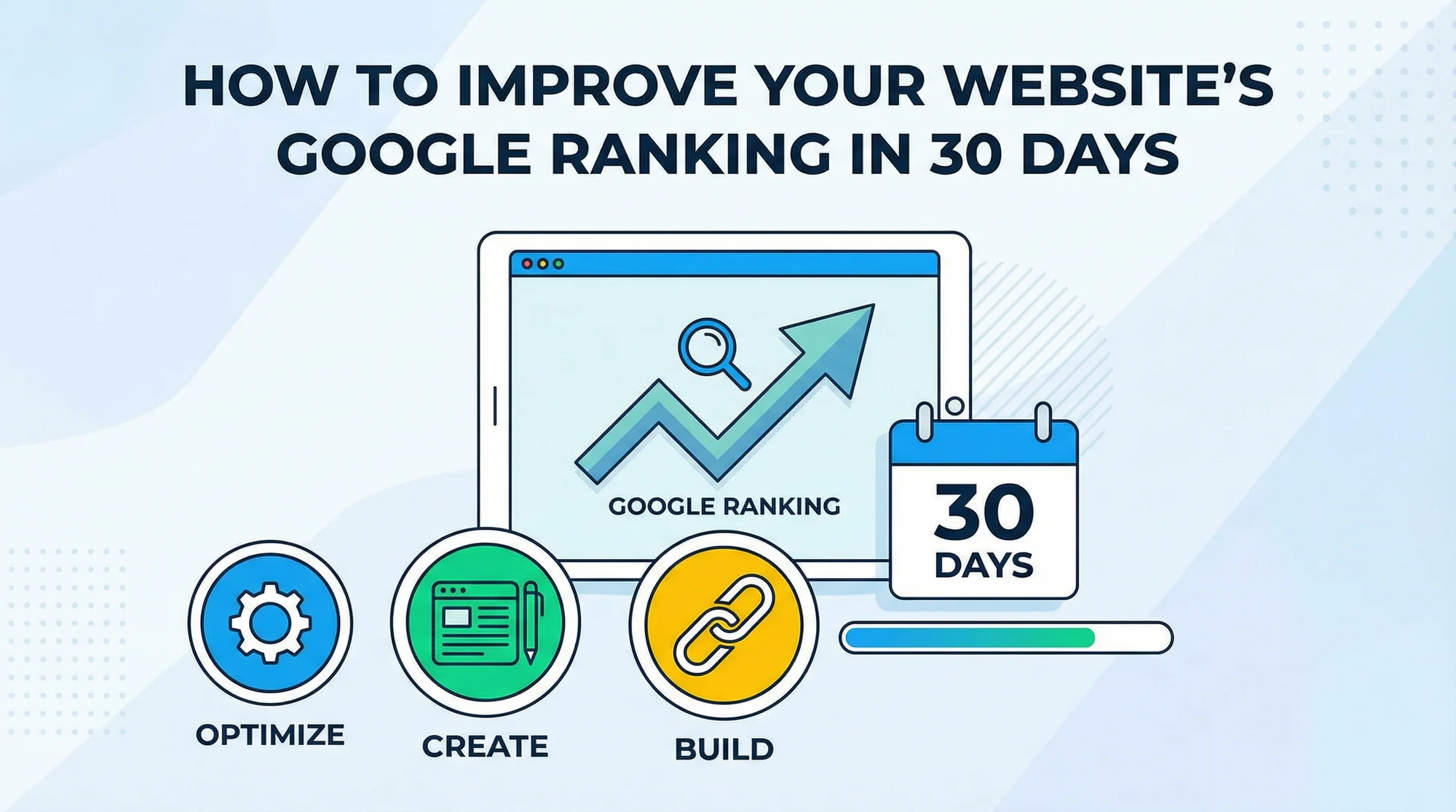
How to Improve Your Website's Google Ranking in 30 Days
Follow this proven 30-day SEO plan to boost your local business website's Google ranking. Week-by-week actionable steps covering technical fixes, content strategy, Core Web Vitals, schema markup, and AI search readiness — with common mistakes to avoid and realistic timelines.
Let's be honest: SEO sounds intimidating. The jargon alone — "backlinks," "schema markup," "crawl budget" — is enough to make most business owners' eyes glaze over.
But here's the good news: for local businesses, the SEO basics are surprisingly straightforward. You don't need to become an expert. You just need to do a few things consistently over the next 30 days.
Whether you're a plumber, dentist, lawyer, contractor, or restaurant owner, this plan works. We've broken it down into a week-by-week guide that any business owner can follow, no technical background required.
Week 0: Audit Your Starting Point
Before you change anything, you need to know where you stand. Think of it like stepping on the scale before starting a diet — you need a baseline to measure progress against.
Run a free website audit at FreeSiteAudit.com. In under 60 seconds, you'll get a score across 9 critical categories: SEO, speed, mobile, security, accessibility, and more. Save or screenshot your results — you'll run it again on Day 30 to see how far you've come.
You can also use our speed test tool to get a quick snapshot of your current load times and Core Web Vitals. These numbers are your starting line.
What to note from your audit:
- Your overall score
- Which categories are red (critical) vs. yellow (needs work) vs. green (good)
- Your page load time on mobile
- Whether Google can find and index your pages
- Any security warnings (missing HTTPS, etc.)
With your baseline in hand, let's get to work.
Week 1: Fix the Foundation

Day 1-2: Claim Your Google Business Profile
If you haven't already, this is the single most impactful thing you can do for local SEO. Go to business.google.com, claim your listing, and fill out every single field:
- Business name (exactly as it appears on your signage)
- Address and service area
- Phone number (make sure it's click-to-call friendly on mobile)
- Business hours (including holidays)
- Business category (be specific, e.g. "Emergency Plumber" not just "Plumber")
- Description (250+ words, include your location and services)
- Photos (at least 10: exterior, interior, team, work examples)
Why it matters: Google Business Profile results appear above regular search results. A complete profile is the fastest path to visibility.
Day 3-4: Fix Your Title Tags
Title tags are the single most important on-page SEO element. They're the blue clickable text in Google search results. Yet most small business websites have terrible title tags — usually just the business name, or worse, "Home."
Every page on your site needs a unique title tag following this formula:
[Primary Keyword] in [City, State] | [Business Name]
Examples:
- "Emergency Plumber in Austin, TX | ABC Plumbing"
- "Family Dentist in Portland, OR | Smile Dental"
- "Personal Injury Lawyer in Chicago | Smith Law Firm"
Use our meta title checker to see how your current title tags look in search results and whether they're the right length.
Day 5: Write Meta Descriptions
Meta descriptions are the gray text below the title in search results. They don't directly affect rankings, but they dramatically affect click-through rates.
Write a compelling 150-160 character description for each page that includes:
- What the page is about
- Your location
- A reason to click (free quotes, 24/7 service, 20 years experience)
Run your pages through our meta description checker to make sure they're the right length and not getting truncated in search results.
Day 6-7: Fix Technical Basics
Run through this checklist:
- ✅ Website has SSL (https://). Google penalizes non-secure sites
- ✅ Site loads in under 3 seconds on mobile (test with our speed snapshot tool)
- ✅ Site is mobile-responsive
- ✅ No broken links (use a free tool like Broken Link Checker)
- ✅ XML sitemap exists and is submitted to Google Search Console (check yours with our sitemap checker)
#### Core Web Vitals in 2026
Google's Core Web Vitals are now a confirmed ranking signal, and in 2026 the thresholds are clear:
- LCP (Largest Contentful Paint) < 2.5 seconds — How fast the main content loads. If your hero image or headline takes longer than 2.5s to appear, you're losing both visitors and rankings. Fix: compress images, use a CDN, eliminate render-blocking scripts.
- INP (Interaction to Next Paint) < 200ms — How responsive your site feels when users click, tap, or type. This replaced FID in 2024. Fix: reduce JavaScript execution time, break up long tasks, defer non-critical scripts.
- CLS (Cumulative Layout Shift) < 0.1 — How stable the page is visually. Ever had text jump around while loading? That's CLS. Fix: set explicit width/height on images and ads, avoid injecting content above the fold dynamically.
Run a FreeSiteAudit speed test to see exactly where your site stands on all three metrics. If any are in the red, prioritize them — they affect every single visitor.
Week 2: Content That Ranks

Day 8-10: Create Service Pages
As we discussed in our previous post, each major service needs its own page. This week, create at least 3 dedicated service pages.
Each page should include:
- 500+ words of unique content
- The service name + location in the title tag and H1
- 2-3 related keywords naturally woven in
- At least one image with descriptive alt text
- A clear call-to-action
- Your phone number
Day 11-12: Add Location Pages
If you serve multiple areas, create a page for each major location. "Plumbing Services in [City]" pages help you rank in multiple areas.
Each location page should be unique. Don't just swap out the city name. Mention local landmarks, neighborhoods, and specifics about serving that area.
Day 13-14: Start a Simple Blog
You don't need to become a content machine. One or two posts per month is enough. Write about:
- Common questions your customers ask
- Seasonal tips related to your industry
- How-to guides for simple problems
- Local community involvement
Blog posts help you rank for long-tail keywords (specific phrases people search for) and demonstrate expertise to Google.
Week 3: Build Authority

Day 15-17: Get Listed in Directories
Consistent business listings across the web tell Google you're a real, established business. At minimum, get listed on:
- Google Business Profile ✅ (done in week 1)
- Yelp
- Facebook Business
- Apple Maps
- Bing Places
- Your industry's specific directories (Avvo for lawyers, Healthgrades for doctors, HomeAdvisor for contractors)
Critical rule: Your Name, Address, and Phone number (NAP) must be IDENTICAL everywhere. "123 Main St" and "123 Main Street" are different in Google's eyes.
Day 18-19: Ask for Google Reviews
Reviews are a major ranking factor for local search. The businesses with the most (and best) reviews rank higher and get more clicks. Use our trust signals checker to see how your current review presence and authority signals stack up.
Create a simple system:
- After completing a job, send a text or email with a direct link to your Google review page
- Make it easy. One click to leave a review
- Respond to every review (positive and negative) within 48 hours
Aim for 2-3 new reviews per week. Consistency matters more than volume.
Day 20-21: Internal Linking
Go through your existing pages and add links between them. Your homepage should link to all service pages. Service pages should link to related services and your contact page. Blog posts should link to relevant service pages.
This helps Google understand your site structure and passes authority between pages.
Week 4: Optimize and Monitor
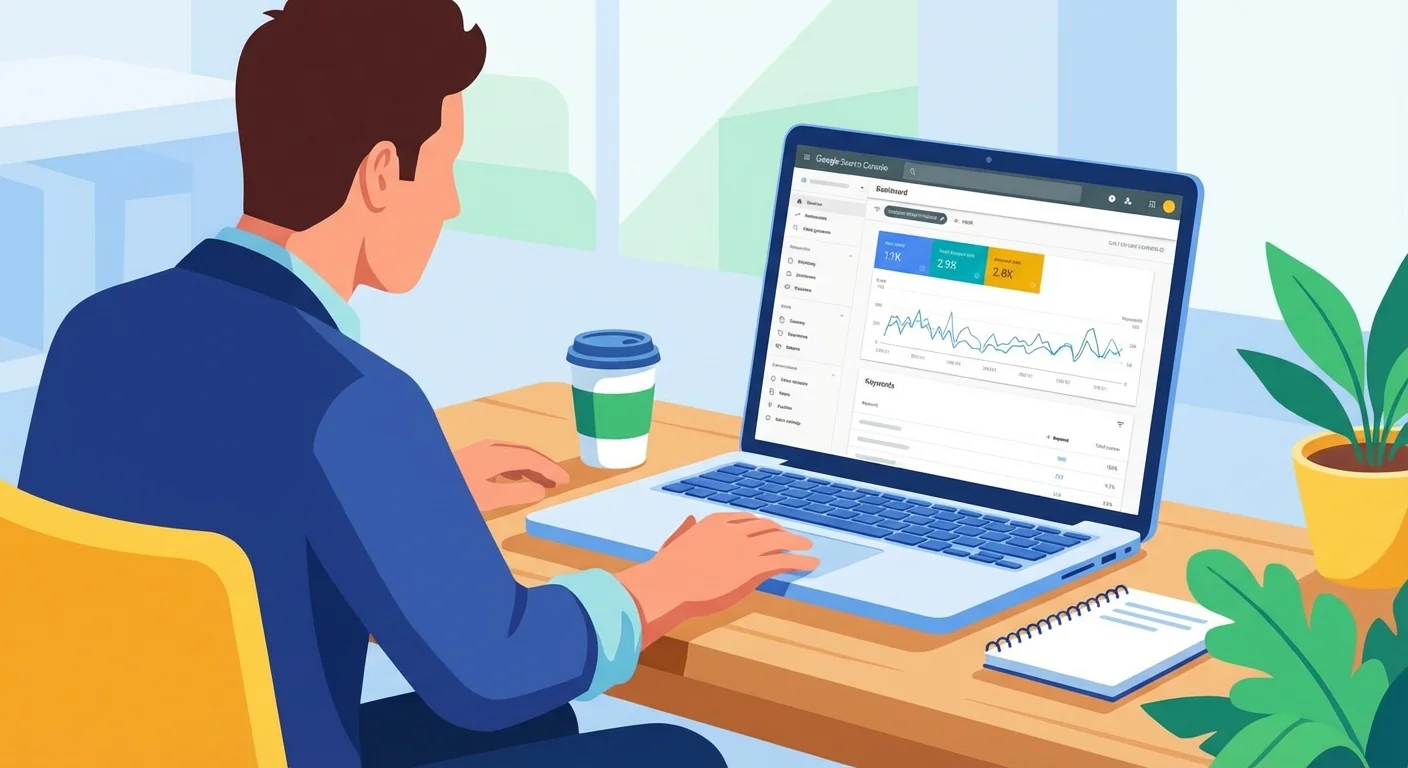
Day 22-23: Set Up Google Search Console
If you haven't already, verify your site in Google Search Console (search.google.com/search-console). This free tool shows you:
- Which keywords you're appearing for
- Your average position and click-through rate
- Any technical issues Google has found
- Which pages are indexed
Day 24-25: Optimize Images
Go through every image on your site:
- Compress file sizes (aim for under 200KB per image)
- Add descriptive alt text that includes keywords naturally
- Use descriptive file names (not IMG_3847.jpg)
- Consider converting to WebP format for better compression
Day 26-27: Add Schema Markup
Schema markup is code that helps Google understand your content better. For local businesses, LocalBusiness schema is essential. It tells Google your:
- Business name, address, phone
- Hours of operation
- Service area
- Price range
- Reviews
Use our schema markup checker to see if your site already has structured data and whether it's valid.
Here's what a LocalBusiness JSON-LD snippet looks like (add this to the head of your homepage):
{
"@context": "https://schema.org",
"@type": "LocalBusiness",
"name": "Your Business Name",
"image": "https://yourdomain.com/photo.jpg",
"telephone": "+1-555-123-4567",
"email": "info@yourdomain.com",
"address": {
"@type": "PostalAddress",
"streetAddress": "123 Main Street",
"addressLocality": "Austin",
"addressRegion": "TX",
"postalCode": "78701",
"addressCountry": "US"
},
"geo": {
"@type": "GeoCoordinates",
"latitude": 30.2672,
"longitude": -97.7431
},
"openingHoursSpecification": [
{
"@type": "OpeningHoursSpecification",
"dayOfWeek": ["Monday","Tuesday","Wednesday","Thursday","Friday"],
"opens": "08:00",
"closes": "18:00"
}
],
"priceRange": "$",
"url": "https://yourdomain.com",
"sameAs": [
"https://www.facebook.com/yourbusiness",
"https://www.yelp.com/biz/yourbusiness"
]
}
Replace the placeholder values with your actual business info. If you're not technical, many website builders have plugins that add schema automatically. For WordPress, try the Yoast SEO plugin or RankMath.
Day 28-30: Review and Plan
Pull up Google Search Console and check your progress:
- Are new pages being indexed?
- Are impressions increasing for your target keywords?
- Any new technical issues to fix?
SEO is a long game. You won't jump to #1 in 30 days. But if you've followed this plan, you've built a foundation that most of your local competitors don't have. Over the next 3-6 months, these changes will compound.
Bonus — Week 5: AI Search Readiness
The search landscape is changing fast. Google's AI Overviews, ChatGPT search, Perplexity, and other AI-powered search tools are now answering queries directly. If you want your business to show up in these AI-generated answers, you need to prepare now.
LLMs.txt — Tell AI Crawlers About Your Site
A new standard is emerging: LLMs.txt. Similar to how robots.txt tells search engine crawlers what to index, an LLMs.txt file at your domain root tells AI crawlers what your site is about. While still early, forward-thinking businesses are adopting it now. Create a simple text file at yourdomain.com/llms.txt with:
- Your business name and description
- Key services offered
- Service area
- Contact information
- Links to your most important pages
Structured Data for AI Crawlers
AI models love structured information. The schema markup you added in Week 4 already helps, but go further:
- Add FAQ schema to your service pages. When you answer common questions in structured Q&A format, AI tools can pull those answers directly into their responses.
- Add HowTo schema for any step-by-step content.
- Add Review/AggregateRating schema to showcase your ratings.
FAQ Schema: Double Your Visibility
FAQ schema is especially powerful. It can make your pages appear in Google's "People also ask" section AND in AI-generated answers. For each service page, add 3-5 common questions and answers. For example, a plumber's page might include:
- "How much does emergency plumbing cost in [City]?"
- "What should I do if my pipes burst?"
- "How quickly can a plumber arrive for emergencies?"
Structure these as FAQ schema markup, and both traditional search engines and AI tools will recognize and surface them.
30-Day Progress Tracker
Use this checklist to track your progress. Check off each task as you complete it:
| Day | Task | Category | Done |
|---|---|---|---|
| 0 | Run baseline audit at FreeSiteAudit.com | Audit | ☐ |
| 0 | Screenshot/save your starting scores | Audit | ☐ |
| 1-2 | Claim & complete Google Business Profile | Foundation | ☐ |
| 3-4 | Fix title tags on all pages | Foundation | ☐ |
| 5 | Write meta descriptions for all pages | Foundation | ☐ |
| 6 | Fix SSL, mobile, broken links | Technical | ☐ |
| 7 | Submit XML sitemap to Search Console | Technical | ☐ |
| 7 | Check Core Web Vitals (LCP, INP, CLS) | Technical | ☐ |
| 8-10 | Create 3+ service pages | Content | ☐ |
| 11-12 | Create location pages | Content | ☐ |
| 13-14 | Publish first blog post | Content | ☐ |
| 15-17 | Submit to 5+ business directories | Authority | ☐ |
| 18-19 | Set up review request system | Authority | ☐ |
| 20-21 | Add internal links across all pages | Authority | ☐ |
| 22-23 | Set up Google Search Console | Monitor | ☐ |
| 24-25 | Optimize all images (compress, alt text) | Monitor | ☐ |
| 26-27 | Add LocalBusiness schema markup | Monitor | ☐ |
| 28-30 | Review Search Console data & plan next steps | Monitor | ☐ |
| 30 | Re-run FreeSiteAudit and compare scores | Audit | ☐ |
| 31+ | Add LLMs.txt and FAQ schema (bonus) | AI Ready | ☐ |
5 Common SEO Mistakes That Undo Your Progress

Even if you follow the 30-day plan perfectly, these mistakes can hold you back:
1. Inconsistent NAP Information
Your Name, Address, and Phone number must be identical across every platform — your website, Google Business Profile, Yelp, Facebook, directories, everywhere. "123 Main St" and "123 Main Street" are different entities in Google's eyes. This single inconsistency can tank your local rankings. Use our trust signals checker to audit your authority signals.
2. Ignoring Mobile Experience
Over 60% of local searches happen on mobile devices. If your site isn't fast and easy to use on a phone, you're invisible to the majority of potential customers. Don't just check that it "works" on mobile — actually use it. Try to find your phone number, fill out a form, and navigate to your services page. If anything frustrates you, it's frustrating customers too. Check your click-to-call setup while you're at it.
3. Keyword Stuffing
Writing "best plumber Austin TX best plumber Austin Texas affordable plumber Austin" doesn't help. Google's algorithms are sophisticated enough to recognize — and penalize — unnatural keyword cramming. Write for humans first. Use your target keywords naturally, typically 2-3 times per page, and focus on variations and related terms.
4. Neglecting Page Speed After Launch
You optimized images and cleaned up scripts in Week 1. Great. But every new plugin, widget, or content update can re-introduce bloat. Set a quarterly reminder to re-run your speed snapshot and audit for new performance issues. Core Web Vitals drift is real — what passes today might fail in three months.
5. Not Tracking What Matters
Vanity metrics like total page views are meaningless if they don't connect to revenue. Track these instead:
- Phone calls from website (use call tracking or Google's call extension)
- Form submissions (set up conversion tracking in Google Analytics)
- Direction requests from Google Business Profile
- Keywords ranking in positions 1-10 (Google Search Console)
- Click-through rate from search results
What Results to Expect
Let's set realistic expectations. SEO is not a light switch — it's a compounding investment.
After 30 days:
- Technical issues fixed (broken links, missing meta tags, slow pages)
- Google Business Profile fully optimized
- Schema markup in place
- FreeSiteAudit score improved by 15-30 points
- Google Search Console showing your pages being indexed
After 60-90 days:
- Impressions increasing in Search Console
- Some keywords moving from page 3-4 to page 2
- More reviews accumulating on Google
- Local pack appearances for less competitive keywords
After 6 months:
- Measurable increase in organic traffic (typically 30-80% for local businesses starting from scratch)
- First page rankings for several local keywords
- Steady flow of reviews building trust
- AI search tools beginning to reference your content
After 12 months:
- Dominant local presence for primary service keywords
- Consistent lead generation from organic search
- Strong review profile creating a competitive moat
- Reduced dependence on paid advertising
The businesses that see the best results are the ones that don't stop after Day 30. They keep publishing content, earning reviews, and monitoring their performance. SEO rewards consistency above all.
Measure Your Progress
The best way to start is by knowing exactly where you stand right now. What's your current SEO score? Which categories are strong and which need work?
Get your free website audit → . Our AI analyzes your site across 9 critical categories including SEO, speed, mobile, and local search in under 60 seconds.
Use it as your baseline. Run it again in 30 days. You'll be amazed at the difference these simple changes make.
Remember: your competitors who show up on Google's first page aren't smarter than you. They just did these basics. Now it's your turn.
Sources
This article references best practices and data from authoritative sources including:
- Google Search Central - Google's official SEO starter guide for beginners
- Web.dev - Core Web Vitals documentation and performance guidance
- Google Business Profile Help - Official guide to claiming and optimizing your business profile
- Schema.org - LocalBusiness structured data specification
- Chrome Developers - Lighthouse performance auditing documentation
- Moz - Comprehensive beginner's guide to SEO fundamentals
- Google Search Central - Page Experience - How page experience signals affect ranking
- MDN Web Docs - Web performance fundamentals and best practices
Last updated: March 20, 2026
Related Tools
Related Industries
Check your website for free
Get an instant score and your top 3 critical issues in under 60 seconds.
Get Your Free Audit →