The Monthly Website Audit Routine Every Small Business Should Run
A practical monthly website audit routine for small business owners. Check your speed, traffic, metadata, and trust signals in under 60 minutes each month.
# The Monthly Website Audit Routine Every Small Business Should Run
Your website doesn't break all at once. It drifts. A page slows down after someone adds a big image. A phone number changes but the contact page doesn't. Google stops showing your best page because the meta description got wiped during an update. Small problems stack up quietly until one day you notice leads have dropped and you're not sure why.
A monthly website audit prevents that drift. It's not a massive technical project. It's a focused routine you can finish in 30 to 60 minutes, and it keeps your site healthy the same way a monthly bank statement review keeps your finances on track.
Here's the exact routine, broken into eight steps you can run on the first Monday of every month.
Step 1: Check Your Traffic Numbers
Start with the big picture. Open Google Analytics or whatever traffic tool you use and compare the last 30 days to the previous 30 days. You're looking for three things:
- Total visitors: up, down, or flat?
- Top five pages: are the same pages on top, or has something shifted?
- Traffic sources: is most traffic still coming from the same places?
You don't need to analyze every data point. You're looking for anything that changed noticeably. If your homepage traffic dropped 40 percent, that's worth investigating. If your "Services" page suddenly jumped to the top, something is driving interest there and you should know what.
Write down anything that looks different. You'll come back to it at the end.

Step 2: Test Your Page Speed
Slow pages lose visitors. According to web.dev, Core Web Vitals focus on three things: loading speed (LCP should be within 2.5 seconds), interactivity (INP should be 200 milliseconds or less), and visual stability (CLS should be 0.1 or less). Those numbers sound technical, but the tools do the measuring for you.
Run your homepage and your top two or three pages through a speed test. If you want to understand what the results mean, this guide on how to check your website speed walks through each number in plain language.
What to look for monthly:
- Did any page get significantly slower since last month?
- Are images loading that are way too large?
- Is there a new script or plugin slowing things down?
A common example: a bakery owner adds high-resolution photos from a recent shoot directly to their menu page. Each image is 4 MB. The page now takes eight seconds to load on mobile. Compressing those images fixes it in 10 minutes.
If speed scores look fine, move on. If something dropped, flag it for fixing this week.
Step 3: Check Your Site on a Phone
Pull up your website on your actual phone. Not a simulator, your real phone. Tap through the pages a customer would visit: homepage, services or products, contact page, and any page with a form.
Ask yourself:
- Can you read the text without zooming?
- Do buttons and links work with a thumb tap?
- Does the contact form actually work? Fill it out and submit a test.
- Does the phone number link so you can tap to call?
This takes five minutes and catches problems that desktop testing misses entirely. Plugins update, themes change, and mobile layouts break in ways nobody notices until a customer gives up and calls your competitor instead.

Step 4: Review Your Page Titles and Meta Descriptions
Page titles and meta descriptions are what show up in Google search results. They're your first impression. If they're missing, generic, or outdated, you're losing clicks even when you do rank.
Google's snippet guidance says meta descriptions should be unique, page-specific, and descriptive. Google sometimes pulls its own snippet from your page content, but a strong meta description gives you a better shot at controlling what people see.
Run your key pages through the meta title checker and meta description checker. You're checking for:
- Missing titles or descriptions (blank fields mean Google picks for you)
- Titles that are too long and get cut off
- Descriptions that don't actually describe what the page offers
- Duplicate descriptions across multiple pages
For practical tips on writing descriptions that get clicks, see this guide on meta descriptions that boost CTR for service businesses.
A plumber might find that all five service pages share the same description: "We offer plumbing services in your area." That tells nobody anything. Rewriting each one to describe the specific service on that page takes 15 minutes and can meaningfully improve click-through rates.
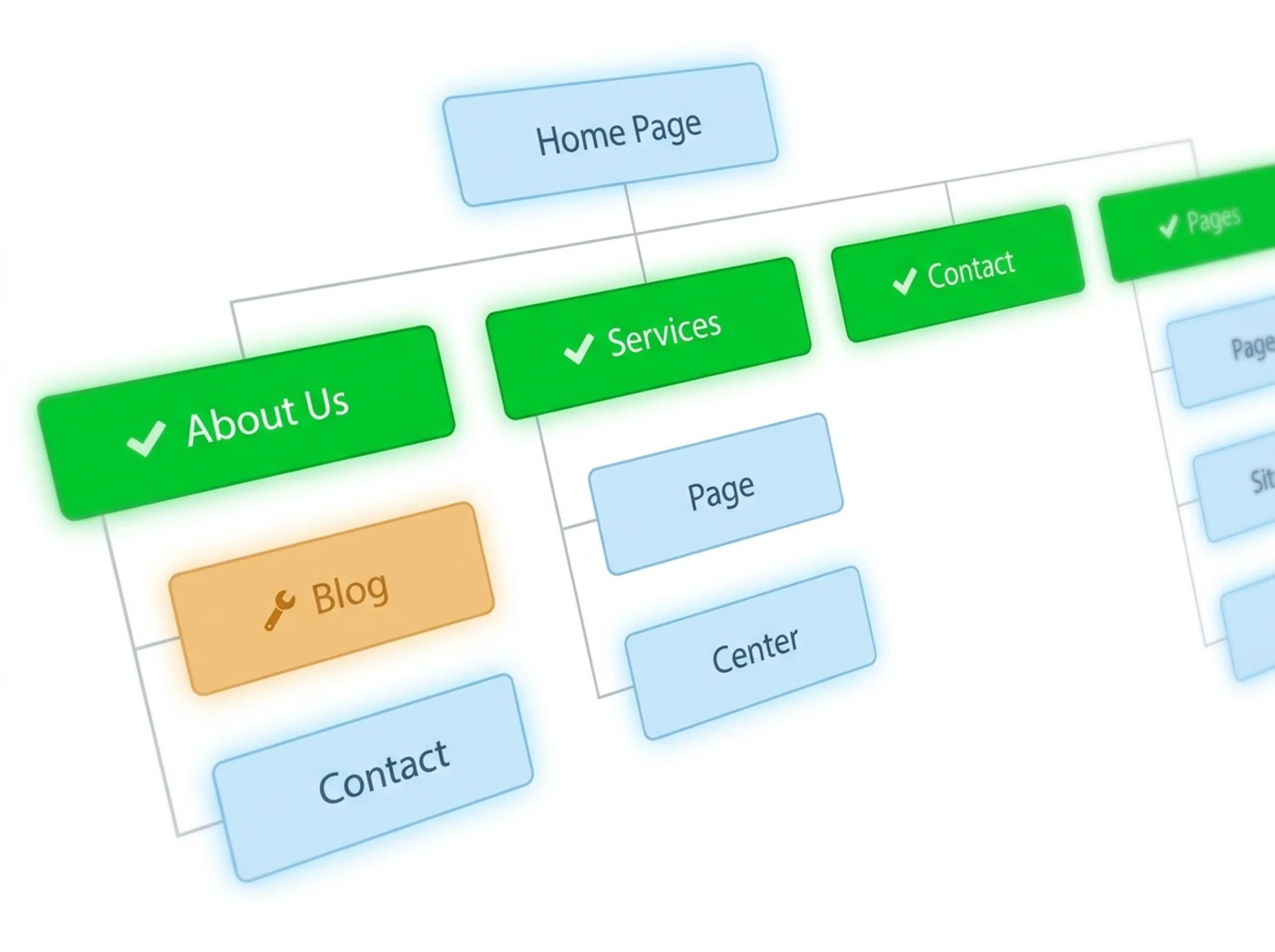
Step 5: Verify Your Sitemap
Your sitemap tells search engines which pages exist on your site. Google's SEO Starter Guide notes that while Google usually finds pages automatically, a sitemap can help, especially if your site has many pages or pages that aren't well linked internally.
Google's sitemap guidance recommends including canonical URLs you want indexed, using absolute URLs, and keeping the sitemap accurate. Pages you've deleted should not still be listed.
Use the sitemap checker to confirm your sitemap exists, loads correctly, and doesn't include dead pages. This is a quick check. If it looks fine, you're done in under a minute. If pages are missing or broken URLs show up, fix them this month.
Step 6: Check Your Trust Signals
Trust signals are the elements that tell visitors your business is real and reliable. Think reviews, contact information, business hours, SSL certificates, and professional credentials. For a detailed breakdown, see the trust signals checklist for home services, healthcare, and legal sites.
Run your homepage through the trust signals checker and look for:
- Is your SSL certificate active? (The padlock icon in the browser)
- Are reviews or testimonials visible and recent?
- Is your phone number and address easy to find?
- Do you have a privacy policy link in the footer?
A monthly check catches things like an expired SSL certificate (visitors see a scary warning page) or reviews that are all two years old (makes your business look inactive).
You can also check whether your pages use structured data that helps search engines understand your business type, location, and services. This is especially useful for local businesses that want to appear in rich search results.
Step 7: Confirm Your Local Business Info
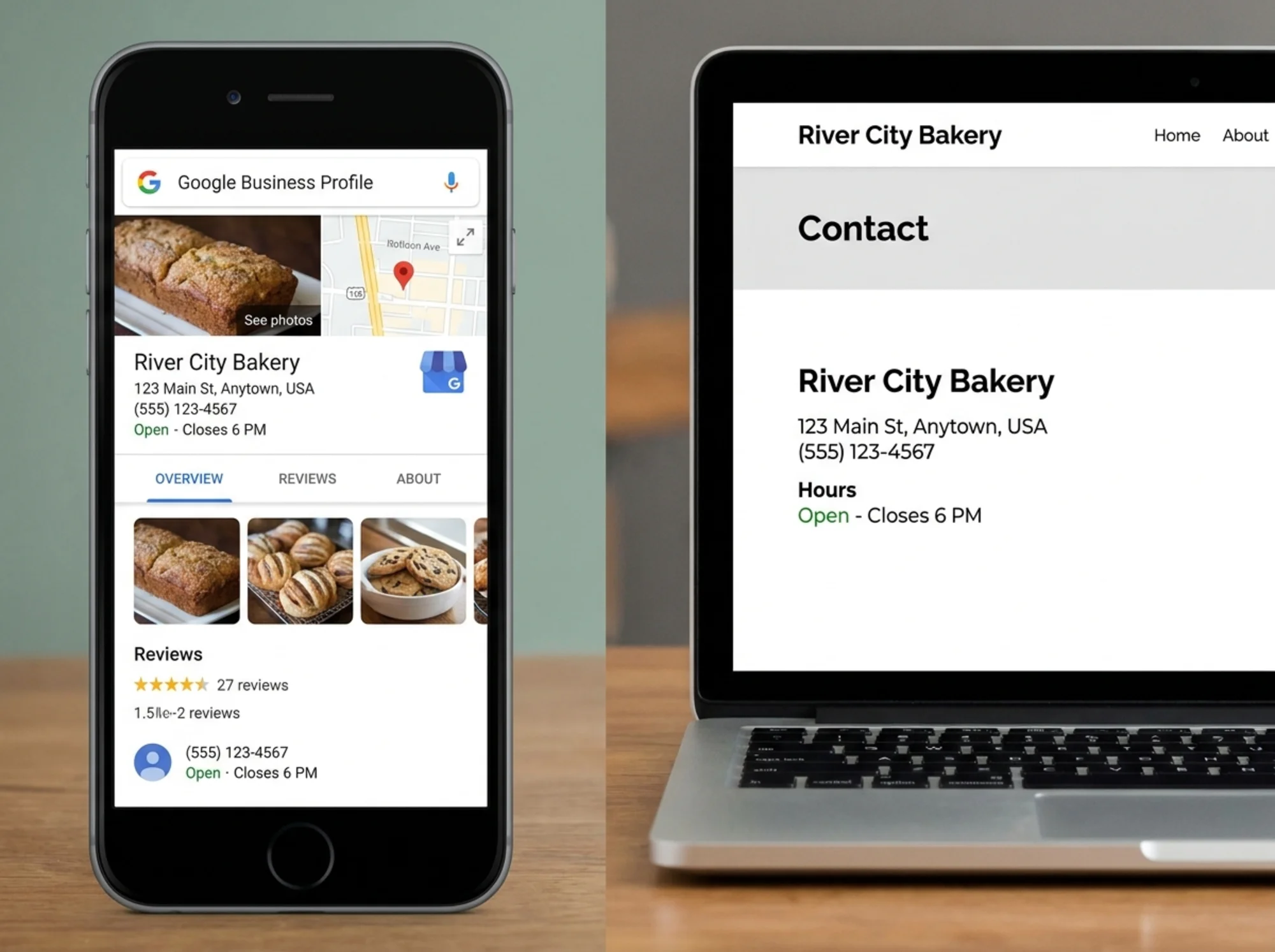
If you serve local customers, your Google Business Profile matters as much as your website. Google Business Profile help says business owners should keep their address, hours, contact info, and photos accurate and up to date.
Monthly, check that:
- Your hours are correct (especially if they change seasonally)
- Your phone number and address match what's on your website
- Your business category still fits
- Photos are current and represent your business well
Also confirm that your website's contact page matches your Google listing exactly. Mismatched phone numbers or addresses confuse both customers and search engines.
A restaurant that changed weekend hours for summer but forgot to update their Google listing will get frustrated one-star reviews from people who showed up to a closed door. Two minutes of updating prevents that.
Step 8: Write Your Action List
Now take everything you found and make a short list. Keep it simple:
Fix this week:
- Anything broken (dead links, forms not working, wrong phone number)
- Speed problems on important pages
- Missing or duplicate meta descriptions on your top pages
Fix this month:
- Outdated content or images
- Trust signal gaps
- Sitemap cleanup
Review next quarter:
- Full content review of all pages
- Competitor comparison
- Deeper technical audit using a complete website audit checklist
The quarterly items are bigger projects. Don't try to squeeze them into your monthly routine or you'll burn out and stop doing it altogether. The monthly check is about catching drift early, not rebuilding your entire site.
Keep the Routine Sustainable
The biggest risk with any audit routine is abandoning it after two months. Keep it sustainable by keeping it short. Set a recurring calendar reminder. Use the same checklist every time so you're not deciding what to check from scratch.
You don't need to fix everything you find in one sitting. The point is to see problems when they're small. A page that slowed down this month is easy to fix. A page that's been slow for six months has already cost you visitors you'll never know about.
Google Search Console is another tool worth checking monthly. It helps monitor your site's presence in Google Search, confirms Google can find and crawl your site, flags indexing problems, and shows you search traffic data. If you're not using it yet, setting it up is a one-time task that pays off every month after.
Start With a Baseline
If this is your first time running through this routine, your results are your baseline. Don't panic about what you find. Every website has issues. The difference between businesses that grow online and businesses that stagnate is whether anyone is paying attention.
Run a free audit on FreeSiteAudit to get your starting snapshot. It checks speed, metadata, trust signals, and more in one pass. Use that as your baseline, then come back next month and see what changed.
Thirty minutes a month. That's all it takes to stop the drift.
Sources
- Google Search Console Overview - Google Search Central
- Google SEO Starter Guide - Google Search Central
- Google Snippet Guidance (Meta Descriptions) - Google Search Central
- Web Vitals - web.dev
- Google Business Profile Help - Google
- Google Sitemap Guidelines - Google Search Central
Check your website for free
Get an instant score and your top 3 critical issues in under 60 seconds.
Get Your Free Audit →