Best Free Website Audit Tools for Local Businesses in 2026
Five free website audit tools that answer different questions about your site. Which ones local businesses actually need and how to combine them for results.
# Best Free Website Audit Tools for Local Businesses in 2026
If you run a local business, your website is probably doing three jobs at once: showing up in search results, convincing visitors to call you, and not looking broken on someone's phone. That's a lot to get right, and most business owners don't have a dedicated web team checking on things.
The good news is that there are free tools that can tell you exactly what's working and what's not. The tricky part is knowing which tool to use for what. This guide breaks down the five free audit tools that matter most for local businesses, explains what each one actually does, and shows you how to combine them into a simple routine that keeps your site healthy.

Why You Need More Than One Tool
No single tool checks everything. Think of it like going to the doctor. Your GP gives you an overall checkup, but if something specific comes up, you see a specialist. Website audit tools work the same way.
Each tool on this list answers a different question:
- FreeSiteAudit answers: "What's the overall health of my site, and what should I fix first?"
- Google PageSpeed Insights answers: "How fast does my site load, and what's slowing it down?"
- Google Search Console answers: "Can Google find and index my pages, and how are they performing in search?"
- Google Rich Results Test answers: "Will my business info show up properly in Google's special search features?"
- Screaming Frog SEO Spider answers: "Are there broken links, missing titles, or duplicate content hiding across my pages?"
You don't need to use all five every week. But knowing which one to reach for when something feels off will save you time and money.
The Five Tools, Explained
1. FreeSiteAudit: Your Overall Health Check
FreeSiteAudit scans your public pages and returns results in under 60 seconds. It scores your site across nine categories and gives you a website health score along with a prioritized list of issues to fix.
Best for: Getting a quick, broad picture of where your site stands. If you only have time for one tool, start here.
What you'll see: A health score, category breakdowns (things like SEO basics, mobile friendliness, security, and trust signals), and a ranked list of problems sorted by how much they matter.
Why local businesses like it: You don't need to understand technical jargon. The results tell you what to fix and why it matters, in plain language. A dentist in Austin doesn't need to know what "render-blocking CSS" means. They need to know their site takes too long to load on phones and here's how to fix it.
You can run a free audit right now at FreeSiteAudit and have answers before your coffee gets cold.
2. Google PageSpeed Insights: The Speed Specialist
PageSpeed Insights reports on user experience for a page on both mobile and desktop, and provides specific suggestions for improvement. It includes both lab data (simulated tests) and field data (real user measurements) when available.
Best for: Diagnosing speed problems. If your site feels slow or customers complain about load times, this is where you dig in.
What you'll see: Scores for performance, accessibility, best practices, and SEO. You'll also see Core Web Vitals, which are three specific measurements Google uses: LCP (how long until the main content appears), INP (how responsive the page feels when you click things), and CLS (whether stuff jumps around while loading).
Limitation for local businesses: It only tests one page at a time. If you have 15 service pages, you'd need to test each one separately. It also doesn't tell you about broken links, missing business info, or SEO problems beyond the basics.
For a deeper look at how PageSpeed Insights compares to a full-site audit, check out our detailed comparison.
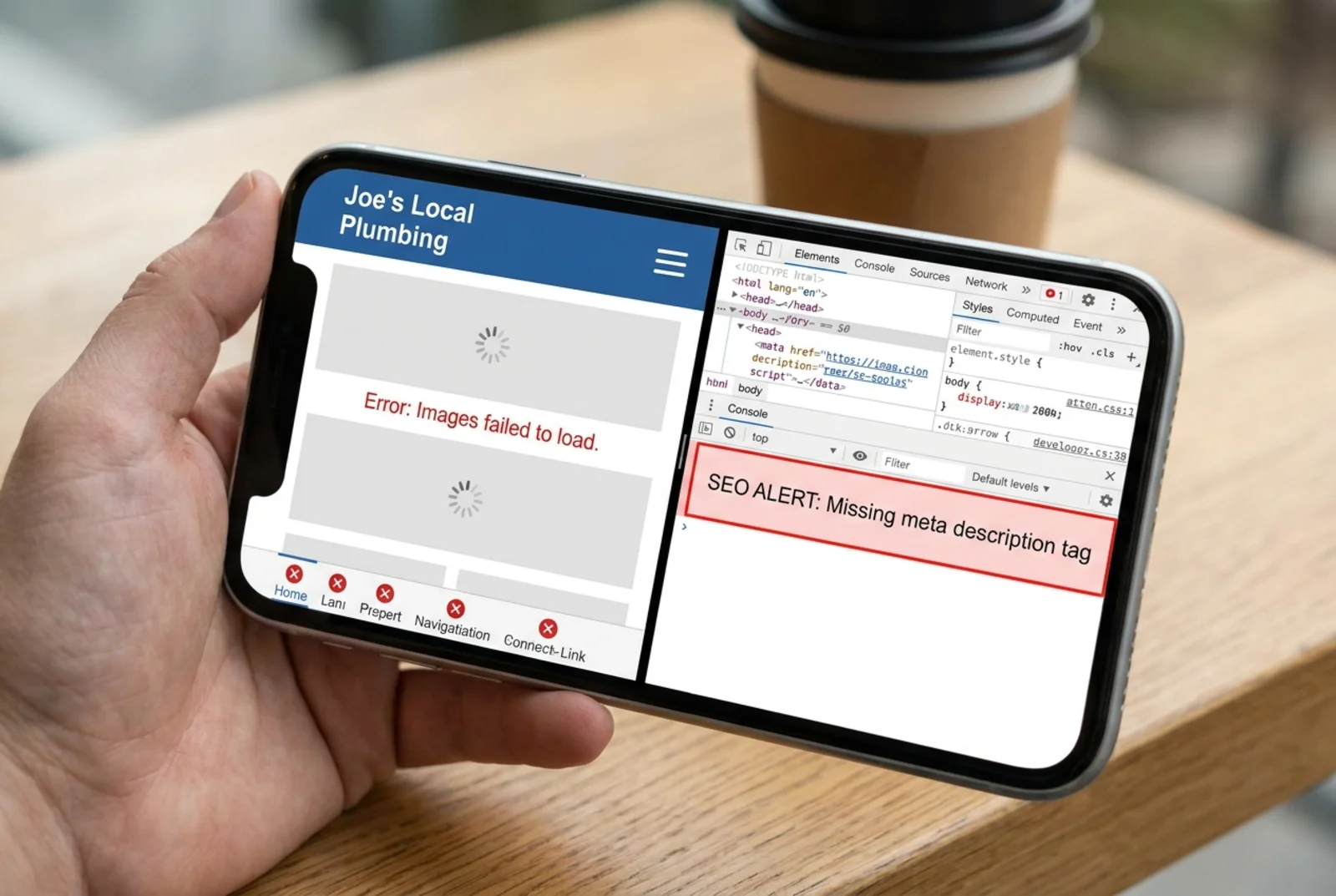
3. Google Search Console: Your Direct Line to Google
Search Console is a free service from Google that helps you monitor, maintain, and troubleshoot your site's presence in Google Search results. It lets you confirm Google can crawl your site, fix indexing problems, view search traffic data, and receive alerts when issues pop up.
Best for: Understanding how Google sees your site. If you want to know which searches bring people to you, or if Google is having trouble reading your pages, this is the tool.
What you'll see: Which keywords you're showing up for, how many clicks you're getting, which pages are indexed, and any errors Google found while crawling your site.
The catch: You need to verify that you own your site before you can use it, which takes a few extra steps. It also doesn't give you an instant health score or tell you about design problems, slow images, or missing trust signals. And the data takes a few days to populate, so it's not an instant snapshot.
Google recommends creating "people-first helpful content." Search Console is where you can see whether Google is actually rewarding your content with visibility.
4. Google Rich Results Test: The Structured Data Checker
Google's structured data documentation says the Rich Results Test is useful for validating structured data. In plain terms, structured data is code on your site that tells Google specific facts about your business, like your hours, address, reviews, or services.
Best for: Checking whether your business info will show up in Google's enhanced search results (those boxes with star ratings, hours, and addresses you see at the top of search results).
What you'll see: Whether your page has valid structured data and what type of rich results it might be eligible for.
When to use it: After you've added or updated your business schema markup. If you're not sure whether your site has schema markup at all, you can use FreeSiteAudit's schema check tool to find out quickly.
5. Screaming Frog SEO Spider (Free Version): The Deep Crawler
Screaming Frog can crawl up to 500 URLs for free and helps find broken links, redirects, page title issues, meta description problems, duplicates, and other technical SEO issues.
Best for: Larger local business sites with lots of pages. If you're a real estate agency with 200 property listings or a restaurant group with multiple locations, this is where you find the stuff hiding in the corners.
What you'll see: A spreadsheet-style list of every URL on your site with details about titles, descriptions, status codes, and links.
The trade-off: It's a desktop application you download and install. The interface is built for SEO professionals, so it takes some learning. For a five-page plumber's website, this is probably overkill. For a 100-page site with multiple service areas, it's worth the effort.
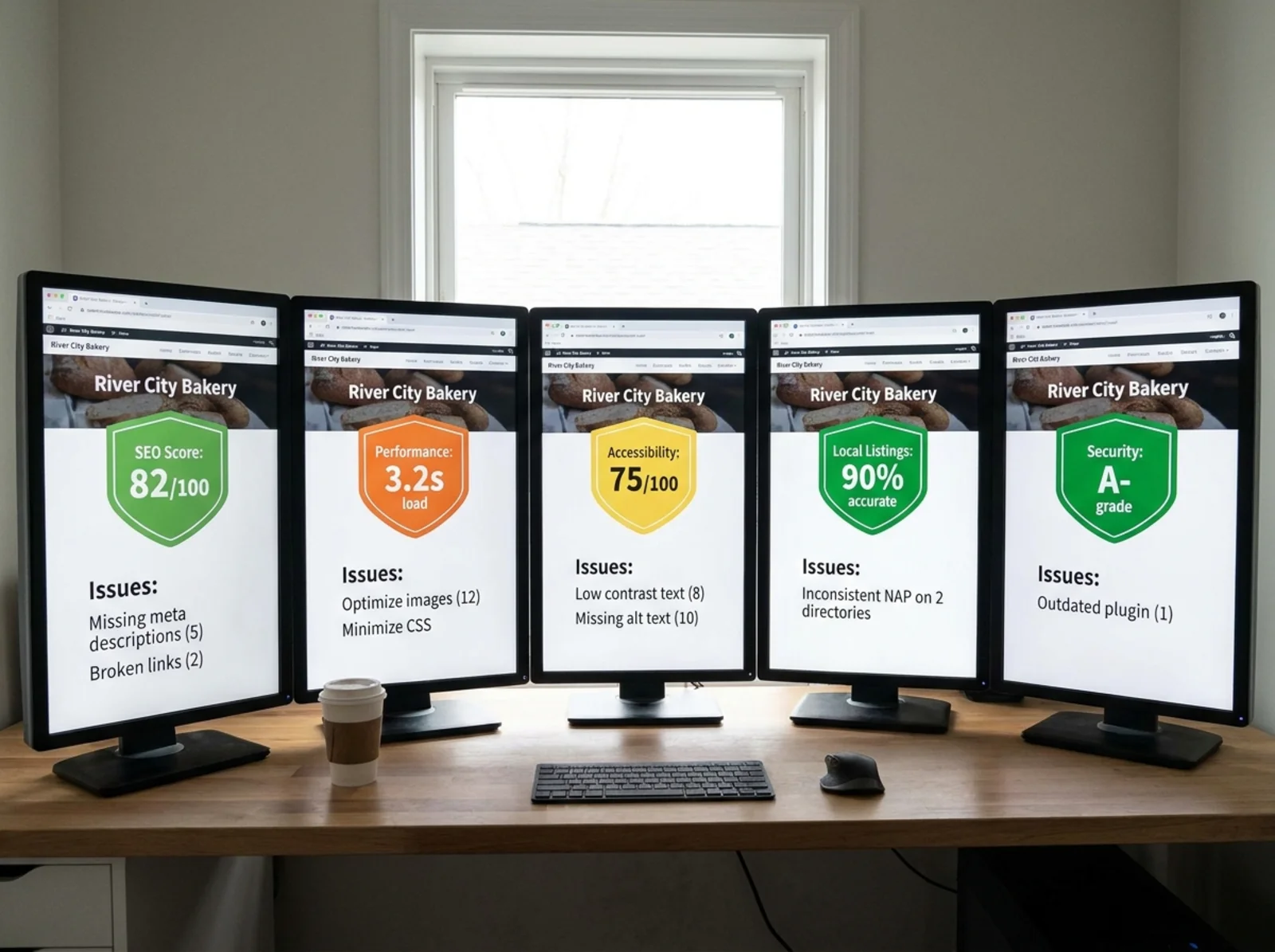
The Practical Stack for Most Local Businesses
You don't need all five tools running constantly. Here's a simple approach:
Your regular routine (monthly):
- Run a FreeSiteAudit scan to check your overall health score
- Check Google Search Console for any new crawl errors or drops in traffic
When something specific comes up:
- Use PageSpeed Insights when a page feels slow or you've made changes that might affect speed
- Use the Rich Results Test after updating your business schema
- Use Screaming Frog when you've added a bunch of new pages or redesigned your site
This stack covers your bases without eating up your entire afternoon.
Walkthrough: How a Local HVAC Company Might Use These Tools
Let's say you run an HVAC company in Denver. You've got a website with a homepage, six service pages, a blog with 12 posts, and a contact page. A customer mentioned your site was slow on their phone, and you've noticed fewer calls coming in from search.
Step 1: Start with FreeSiteAudit. You run a scan and get a health score of 62 out of 100. The prioritized list shows three top issues: missing meta descriptions on your service pages, no SSL certificate, and images that aren't optimized. You now have a clear fix-it list. You can tackle several of these without hiring a developer.
Step 2: Check the speed problem. You paste your homepage URL into PageSpeed Insights. Mobile score: 38. The report shows your hero image is 4MB and not compressed, and two JavaScript files are blocking the page from rendering. You resize the image and ask your web host about the scripts.
Step 3: Look at your search performance. In Search Console, you see that three of your blog posts aren't indexed. One has a "crawled but not indexed" status, which often means Google didn't find the content useful enough to include. You rewrite those posts with more specific, helpful information for Denver homeowners.
Step 4: Check your business schema. You run the Rich Results Test on your homepage. It finds LocalBusiness schema but your hours are wrong, showing last year's winter schedule. You update them.
Step 5 (optional): Deep crawl. Since you've got about 20 pages total, Screaming Frog is quick. It finds two broken links on old blog posts pointing to a supplier's page that moved. You fix the links in five minutes.
Total time spent: about an hour. You now have a concrete list of improvements, and you've addressed the speed complaint, the missing search traffic, and some hidden problems you didn't even know about.
Quick checklist to save:
- [ ] Run FreeSiteAudit for overall health score
- ] Check [mobile experience in PageSpeed Insights
- [ ] Review Search Console for indexing errors
- [ ] Validate schema with Rich Results Test
- [ ] Fix broken links found by any tool
- ] Update meta descriptions using [title checker and speed snapshot
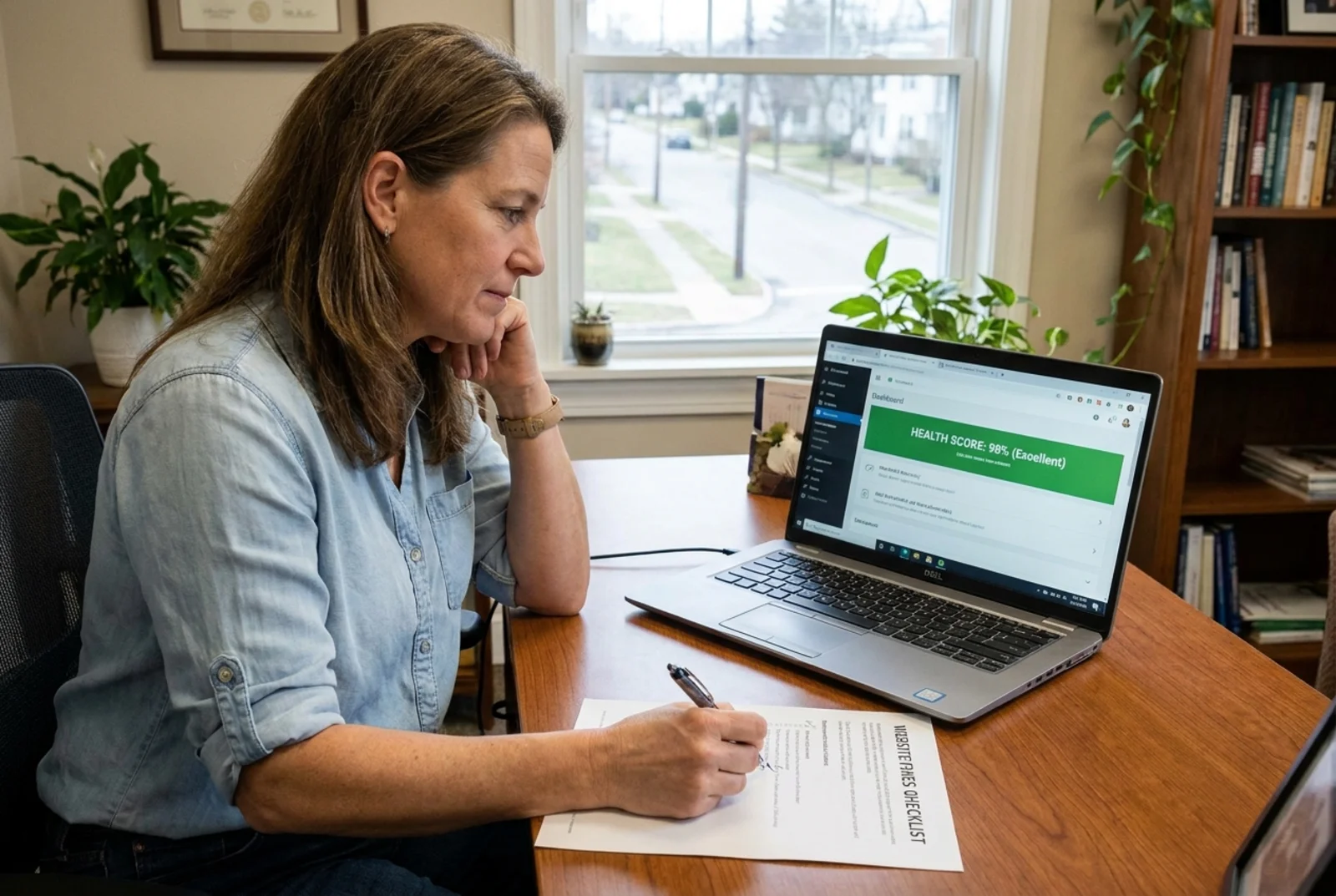
Start With the Big Picture
If you take one thing from this guide, let it be this: start broad, then go specific. Run a full-site audit first to see where you stand, then use the specialized tools to dig into the areas that need attention.
The best part is that every tool on this list is free. You don't need to hire an SEO agency or buy expensive software to understand what your website needs. You just need to know which tool answers which question.
Ready to see where your site stands? Run a free website audit with FreeSiteAudit and get your health score, category breakdowns, and a prioritized fix list in under 60 seconds. It's the fastest way to find out what's helping your business and what's holding it back.
Sources
Check your website for free
Get an instant score and your top 3 critical issues in under 60 seconds.
Get Your Free Audit →