Why Your Page Title Tag Matters More Than You Think
Your title tag is the single most important on-page SEO element — and Google rewrites 76% of them. Here's why most small business sites get it wrong, the exact formula to fix yours, and how AI search changes everything.
If someone asked you, "What's the single most impactful thing you can change on your website to rank higher on Google?" The answer is your title tag.
Not your design. Not your hosting. Not your blog. Your title tag.
It's the blue, clickable text that shows up in Google search results. It's the first thing a potential customer reads about your business. And on most small business websites we audit, it's either missing, generic, or actively working against you.
What Is a Title Tag?
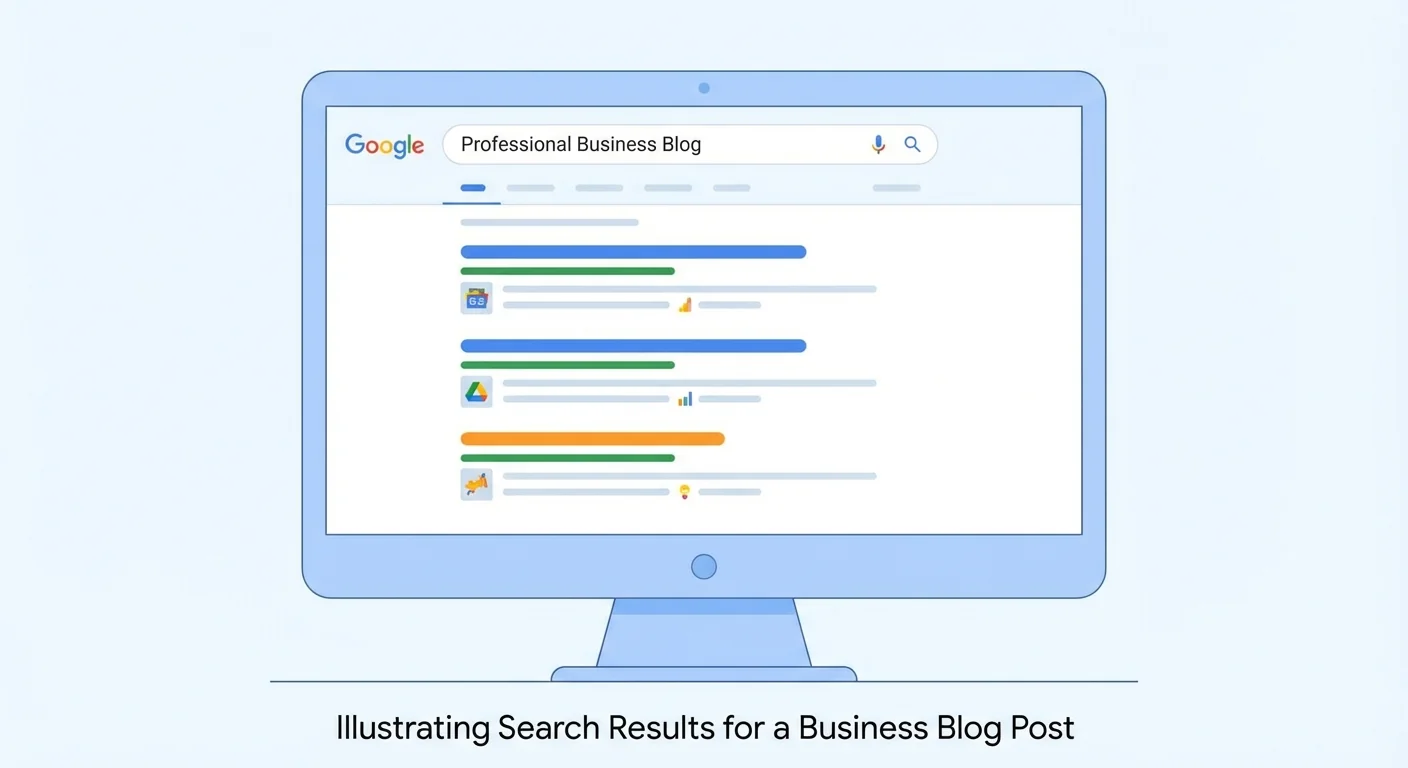
A title tag is an HTML element that defines the title of a web page. It appears in three critical places:
- Google search results: the main headline people click
- Browser tabs: helps users identify your page
- Social media shares: often used as the default link title
Here's what a title tag looks like in your HTML:
`html
`
If your title tag says "Home" or just your business name, you're invisible to search engines for the keywords that matter. Run your site through our Meta Title Checker to see exactly what Google sees.
Why Most Small Business Title Tags Fail

After auditing thousands of sites, we see the same mistakes repeatedly:
1. The "Home" Title
The most common mistake. Your homepage title is literally just "Home" or "Welcome." Google has no idea what your business does or where you are.
Fix: "Emergency Plumber in Austin, TX - 24/7 Service | ABC Plumbing"
2. Business Name Only
Your title tag is just "ABC Plumbing." That tells Google who you are, but not what you do or where.
Fix: Lead with your service and location, then add your business name.
3. Too Long (Over 60 Characters)
Google cuts off titles longer than about 60 characters (or roughly 600 pixels wide). If your key information is at the end, nobody sees it.
Fix: Keep titles between 50-60 characters. Front-load the most important keywords.
4. Too Short (Under 30 Characters)
Very short titles waste valuable real estate in search results. You have 60 characters, so use them.
Fix: Add your location, a differentiator, or your business name.
5. Duplicate Titles Across Pages
Every page has the same title tag. Google sees this as low-quality content and may not rank your inner pages at all.
Fix: Every single page needs a unique title that describes what that specific page is about.
The Perfect Title Tag Formula

For local businesses, this formula works consistently:
[Primary Service] in [City, State] | [Business Name]
Examples by industry:
- Plumbers: "Emergency Plumber in Austin, TX - 24/7 Service | ABC Plumbing"
- Dentists: "Family Dentist in Portland, OR | Bright Smile Dental"
- Lawyers: "Personal Injury Lawyer in Chicago | Smith & Associates"
- Contractors: "Kitchen Remodeling in Denver, CO - Free Estimates | ProBuild"
- Restaurants: "Best Italian Restaurant in Nashville, TN | Bella Cucina"
For inner pages, adapt the formula:
- Service pages: "[Specific Service] in [City] | [Business Name]"
- About page: "About [Business Name] - [Key Differentiator] in [City]"
- Blog posts: "[Topic] - [Benefit or Hook] | [Business Name]"
Google Rewrites 76% of Title Tags — Here's Why
A critical development in 2025-2026: Google changed over 76% of title tags in Q1 2025 alone. Their AI rewrites titles that are:
- Keyword-stuffed — cramming multiple keywords unnaturally
- Too long — exceeding the display limit
- Mismatched — title doesn't reflect the actual page content
- Boilerplate — using templates like "Page Name | Site Name | Category | Location"
- Too generic — "Services" or "Products" without specifics
What this means for you: Even if you write a perfect title tag, Google might replace it. The best defense? Write titles that are clear, accurate, and genuinely describe what's on the page. When your title already matches what Google wants to show, there's no reason to rewrite it.
Title Tags and AI Search
With the rise of AI Overviews, ChatGPT search, and other LLM-powered search tools, your title tag plays a new role. AI search engines use title tags to:
- Decide whether to crawl your page — a vague title might get skipped entirely
- Understand your content's topic — semantic clarity matters more than keyword density
- Determine citation-worthiness — clear, authoritative titles get referenced more often
A well-crafted title tag is no longer just about Google's traditional results — it's your entry point into AI-powered search too.
The Impact Is Real
Fixing title tags is one of the highest-ROI changes you can make:
- CTR boost: Optimized title tags can increase organic click-through rates by 20-40%
- Traffic growth: One case study showed a 22% increase in sitewide traffic from title tag testing alone
- Local ranking lift: Adding location to the start of title tags showed an 8.5% predicted traffic uplift in SearchPilot testing
- Time investment: 5-10 minutes per page — among the fastest SEO wins possible
It's a compounding effect. Better titles → more clicks → stronger engagement signals → higher rankings → even more clicks.
Beyond the Title: Complete Your Meta Tags
Your title tag works in tandem with your meta description. Together, they form your entire "ad" in Google search results. A great title with a generic description (or vice versa) leaves performance on the table.
While you're optimizing titles, also check:
- Schema markup — helps Google understand your business type, reviews, and services
- Page speed — a fast page with a great title gets more clicks and better rankings
- Trust signals — security badges, reviews, and credibility markers that support what your title promises
Or run a full website audit to catch title tag issues alongside 50+ other checks across SEO, speed, mobile, and more.
Check Your Title Tags Now
Want to see exactly what your title tag looks like in Google? Our Meta Title Checker analyzes your title tag instantly and tells you:
- Whether your title is the right length (50-60 characters)
- If it includes your target keywords
- How it appears in actual search results
- Whether Google is likely to rewrite it
Your title tag is your first impression on Google. Make it count.
Sources
This article references best practices and data from authoritative sources including:
- Google Search Central - How Google generates title links in search results
- Moz - Title tag best practices and optimization research
- Web.dev - HTML document structure and metadata best practices
- SearchPilot - Case study: location in title tags and CTR impact
- Search Engine Land - Google's title tag rewrite data (Q1 2025)
- MDN Web Docs - HTML title element reference
Last updated: March 10, 2026
Related Industries
Check your website for free
Get an instant score and your top 3 critical issues in under 60 seconds.
Get Your Free Audit →