Manual Website Audits vs Automated Audits: When Each Makes Sense
Learn when manual website audits make sense, when automated tools work better, and how combining both approaches gives you the full picture of site health.
# Manual Website Audits vs Automated Audits: When Each Makes Sense
You know your website needs a checkup. Maybe traffic dropped, conversions stalled, or you just haven't looked at the site critically in a year. The first question most people hit is whether to run an automated audit tool or sit down and review the site by hand.
The honest answer: it depends on what you're trying to find. Automated audits and manual audits catch different problems, miss different things, and work best at different stages. Here's how to figure out which one you actually need, and when to use both.
What an Automated Audit Actually Does
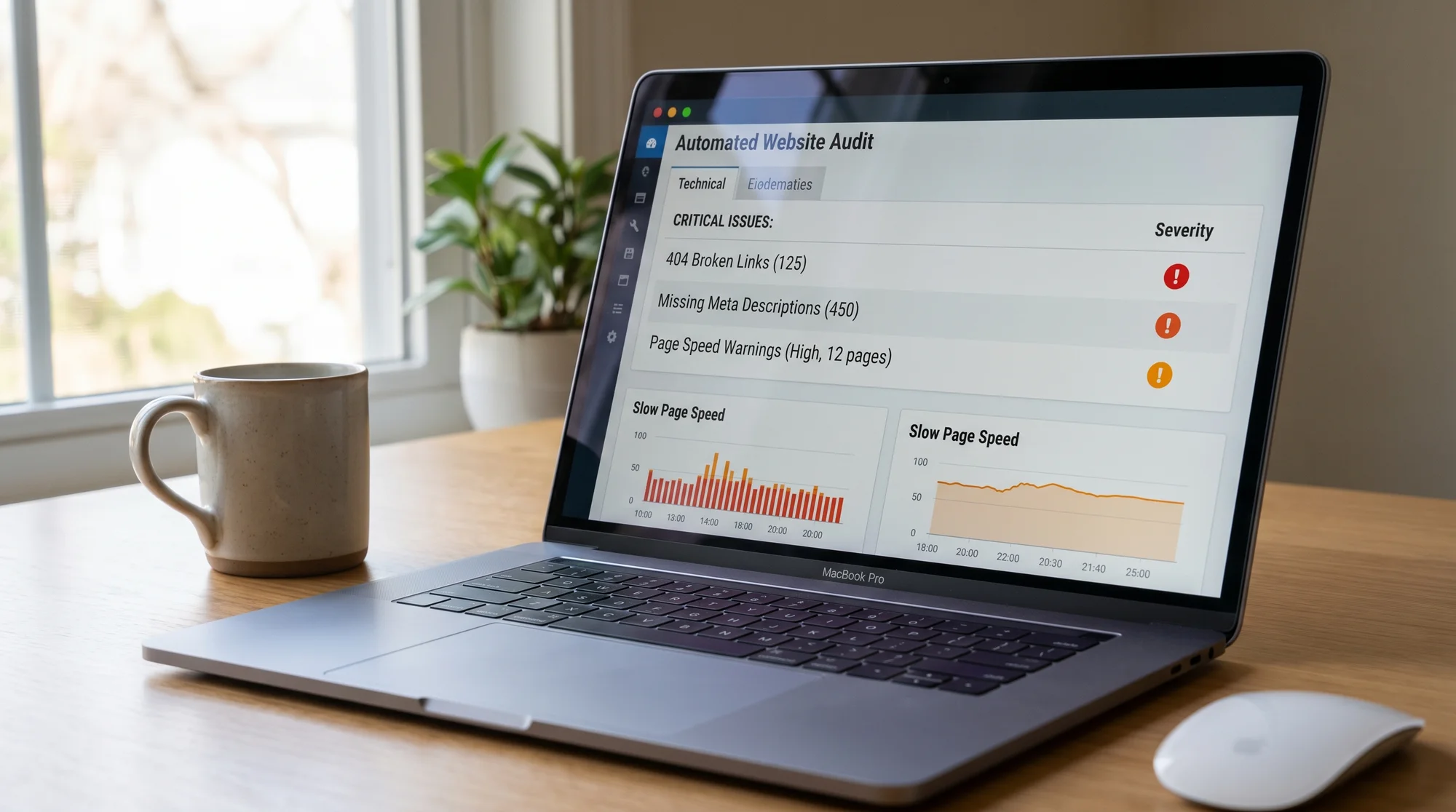
An automated audit tool crawls your website the way a search engine would. It checks pages systematically and flags technical problems that follow clear rules. If a title tag is missing, the tool catches it. If a page returns a 404 status code, it shows up in the report.
Here's what automated tools are reliably good at finding:
- Broken links and redirect chains across dozens or hundreds of pages
- Missing or duplicate title tags and meta descriptions
- Page speed issues like large images, render-blocking scripts, and slow server response
- Heading structure problems, such as skipped heading levels or missing H1 tags
- Schema markup errors or missing structured data
- Crawl issues like blocked pages, orphaned URLs, or sitemap problems
- HTTPS and security certificate warnings
The strength here is scale and speed. A tool can check hundreds of pages in a few minutes and give you a structured list of what needs fixing. You don't have to open every page yourself and squint at the source code.
Tools like FreeSiteAudit give you a quick snapshot of these technical signals without needing an SEO background. If you're running a small business site and want to know whether anything is obviously broken, an automated scan is the fastest way to find out. You can also use standalone checks like the meta title checker or schema validator if you only need to look at one thing.
What a Manual Audit Actually Does
A manual audit means a real person opens your website and evaluates it the way a visitor would. They're not looking at status codes or crawl depth. They're asking questions like:
- Does this homepage make it clear what the business does within five seconds?
- Would I trust this site enough to fill out a contact form or enter my credit card?
- Can I find the information I need without clicking around aimlessly?
- Does this page actually convince me to take the next step, or does it just exist?
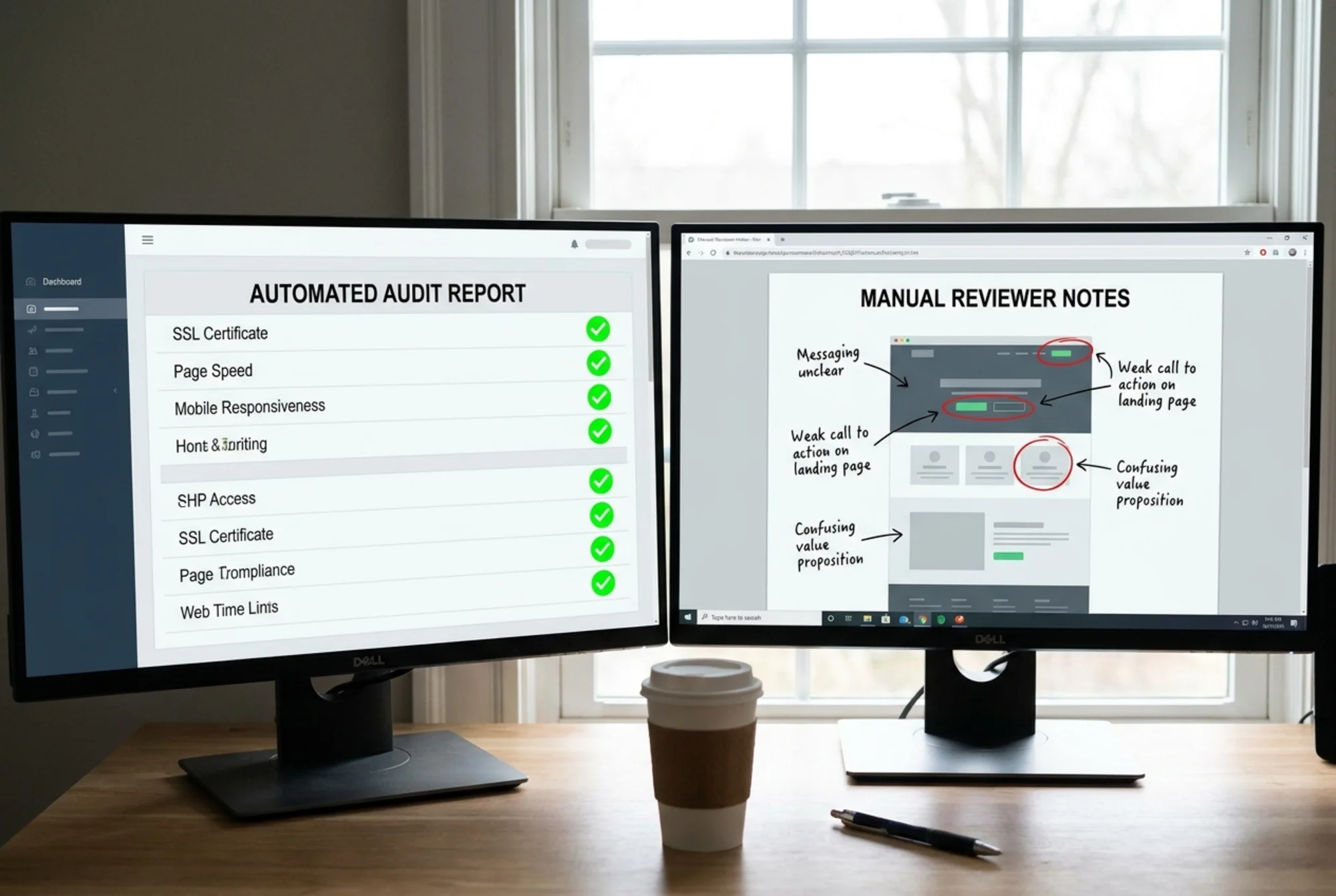
These are things no crawler can answer. A tool can tell you that your page loads in 2.1 seconds and has a valid H1 tag. It cannot tell you that the H1 says "Welcome to Our Website" and means nothing to anyone.
Manual audits are especially valuable for:
- Messaging clarity: Is the value proposition specific, or is it vague buzzwords?
- Trust signals: Are there real reviews, photos of real people, a physical address, and professional credentials where they matter? (Our trust signals checklist covers this in detail for service businesses.)
- Visual hierarchy: Does the eye go where it should? Is the call to action obvious or buried?
- Conversion friction: Are forms too long? Is the checkout confusing? Are there unnecessary steps between a visitor and the action you want them to take?
- Content quality: Is the copy actually helpful, or is it keyword-stuffed filler that no one would read voluntarily?
A manual review takes longer, but it catches the problems that directly affect whether people buy from you, call you, or leave.

When an Automated Audit Is Not Enough
Imagine you run a law firm. Your website loads fast, passes every technical check, has proper meta tags, and uses schema markup for your practice areas. An automated tool gives you a clean report.
But when a potential client lands on your homepage, they see a stock photo of a gavel, a paragraph of legal jargon, no reviews, no photos of the attorneys, and a contact form that asks for nine fields. They leave. The technical foundation is fine, but the site does not convince anyone to pick up the phone.
This happens more often than you might think. Technically sound websites fail all the time because the content does not do its job. No automated tool will flag "this page is boring and vague" or "your pricing page creates more questions than it answers."
If your traffic is decent but conversions are low, an automated audit probably will not explain why. You need someone to look at the site with fresh eyes and evaluate the experience.
When a Manual Audit Is Overkill
On the other hand, not every situation calls for a careful manual review.
If you just launched a new site and want to make sure nothing is broken, an automated scan handles that in minutes. You do not need a human to find missing alt text on 40 product images or to discover that your staging robots.txt is still blocking search engines.
If you manage multiple client sites at an agency, running manual audits on all of them every month is not realistic. Automated tools let you monitor a portfolio of sites and focus your manual attention where it matters most.
If you are making routine updates, like publishing blog posts or adding new service pages, a quick automated check after each batch is enough to catch formatting mistakes, broken links, or missing metadata. A full manual review of your messaging every time you publish a blog post would be a waste of effort.
The rule of thumb: if the problem has a clear right-or-wrong answer (is the title tag present or not?), automation handles it. If the problem requires judgment (is this page persuasive?), you need a person.
How to Combine Both in Under an Hour
You do not have to choose one or the other. The strongest approach uses automated tools for the technical layer and manual review for the human layer. Here is a practical workflow you can follow in about an hour:
Step 1: Run an Automated Scan (10 minutes)
Start with a full-site scan using a tool like FreeSiteAudit. Look at the results and sort issues by severity. Fix anything critical right away: broken pages, missing titles, security warnings. For a broader comparison of free audit tools, this guide covers what is available.
If you want to dig deeper into speed specifically, run your key pages through a speed snapshot and compare the results with what PageSpeed Insights reports.
Step 2: Pick Your Three Most Important Pages (5 minutes)
For most small businesses, these are the homepage, your main service or product page, and your contact page. For e-commerce, substitute the contact page with a product page and checkout flow.
Step 3: Do a Manual Review of Each Page (30 minutes)
Open each page as if you have never seen the site before. For each one, answer these questions honestly:
- Can I tell what this business does within five seconds?
- Is there a clear next step I should take, and is it easy to find?
- Would I trust this business based on what I see here? Why or why not?
- Is anything confusing, cluttered, or hard to read on mobile?
- If I were comparing this to a competitor's site, what would make me choose one over the other?
Write down your answers. Do not try to fix things yet. Just note what stands out.
Step 4: Make a Prioritized Fix List (15 minutes)
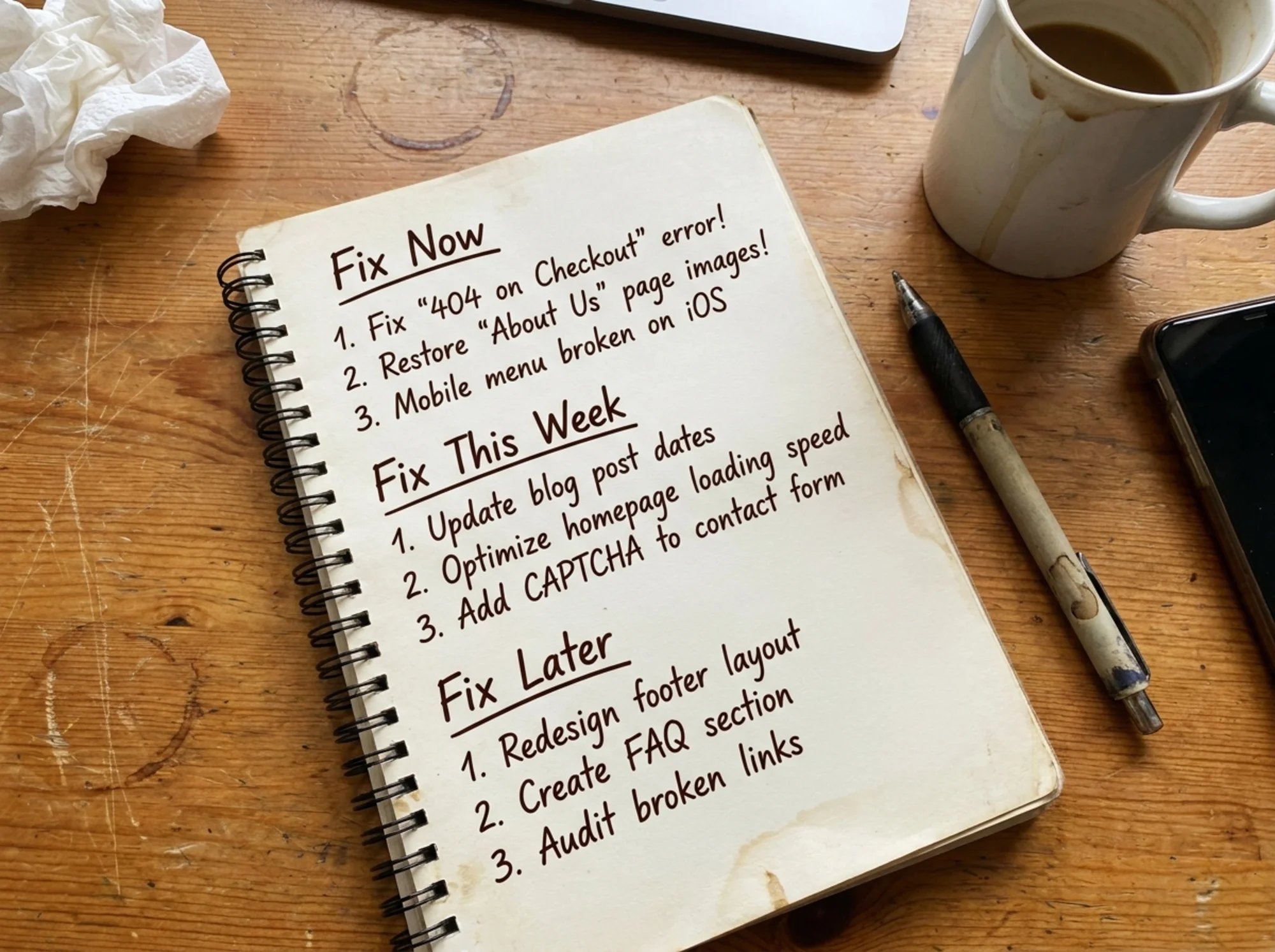
Combine what the automated scan found with what your manual review uncovered. Group everything into three categories:
- Fix now: Broken functionality, security issues, confusing navigation, missing trust signals on key pages
- Fix this week: Missing meta descriptions, slow-loading images, unclear calls to action, weak headlines
- Fix when you can: Minor heading structure issues, optional schema additions, copy improvements on lower-traffic pages
This gives you a single, prioritized list that covers both technical health and user experience. Most technical fixes on the list will not require a developer.
What About Hiring Someone?
If you have the budget, hiring a professional for a manual audit can be worth it. This is especially true if you are redesigning your site, entering a new market, or your conversion rate has dropped and you cannot figure out why. A good auditor will catch things you are too close to the site to see.
But for routine monitoring, automated tools cover the basics without ongoing cost. And for a quick manual pass, you can do it yourself with the questions above. You do not need to be an expert to notice that your homepage does not explain what you sell.

The Bottom Line
Automated audits and manual audits are not competing approaches. They cover different ground.
Use automated tools when you need speed, consistency, and technical coverage across many pages. Use manual reviews when you need to evaluate whether your site actually works for the people visiting it. Use both when you want the full picture.
For most small businesses and agencies, the combination does not take much time. A monthly automated scan plus a quarterly manual review of your key pages will keep you ahead of most competitors who never audit their sites at all.
Sources
- Google Search Central: Search Engine Optimization Starter Guide
- Nielsen Norman Group: How Users Read on the Web
- Web.dev: Measure Performance with Lighthouse
- Baymard Institute: UX Benchmark Studies on E-Commerce Usability
Check your website for free
Get an instant score and your top 3 critical issues in under 60 seconds.
Get Your Free Audit →