Website Audit for Real Estate Agents: What to Check
Learn what to check in a real estate website audit so your site brings in leads instead of sending buyers to Zillow. A practical, plain-English guide.
# Website Audit for Real Estate Agents: What to Check
Most real estate agents have a website. Fewer have one that actually generates leads.
If your site looks fine to you but your phone is not ringing, the problem is usually something under the hood: slow load times, missing local signals, buried contact info, or pages that Google cannot make sense of.
This guide walks through what to check on a real estate website and how to fix the most common issues.

Why a Real Estate Website Audit Is Different
A generic website audit checks the basics: page speed, broken links, meta tags. That matters, but real estate sites have specific challenges that generic tools miss:
- IDX and property search widgets load heavy scripts that tank your speed scores
- Neighborhood and service-area pages need local SEO signals that most templates skip
- Lead capture has to work on every page, not just the contact page
- Property photos are large and numerous, creating performance problems other industries do not face
- Your competition is Zillow, Redfin, and Realtor.com, not another small business down the street
An audit built for real estate checks all of this. Here is what to look at, section by section.
Homepage: Does It Pass the 5-Second Test?
A buyer lands on your homepage. Within a few seconds, they should know three things:
- What areas you serve
- What type of real estate you handle (residential, commercial, luxury, first-time buyers)
- How to contact you or start a search
If your homepage is a wall of text about your brokerage history, that is a problem. If your only call to action is "Learn More," that is also a problem.
What to check:
- Is your service area mentioned in the headline or first paragraph?
- Is there a visible search bar or property link above the fold?
- Can a visitor call you or fill out a form without scrolling?
- Does your meta title include your location and what you do?
- Does your meta description give a reason to click?
A strong homepage meta title looks like: "Homes for Sale in Cedar Park, TX | Jane Smith Realty" rather than "Welcome to Our Website."
Neighborhood and Service-Area Pages
This is where most real estate sites either win or lose in search. According to Google's guidance on helpful content, pages should demonstrate firsthand expertise and provide real value to readers.
For a real estate agent, that means writing about the neighborhoods you actually work in. Not one generic "Areas We Serve" page with a list of city names, but dedicated pages for each neighborhood or community with information a buyer would actually want:
- School districts and ratings
- Typical home styles and price ranges
- Commute times to major employers
- Recent market activity that you update regularly
These pages are also your best chance to show your service areas clearly to both Google and AI search tools that are starting to answer real estate questions directly.
Scenario: Sarah is a Realtor in the suburbs of Nashville. Her website has one page called "Areas" that lists 12 city names with no other content. After an audit, she creates individual pages for each area with local details, embeds a map, and adds schema markup. Within a few months, her "Homes in Franklin TN" page starts appearing in local search results.

Mobile Property Browsing
The National Association of Realtors reports that mobile devices play a major role in home search behavior. Google uses mobile-first indexing, meaning it evaluates the mobile version of your site first.
For real estate, mobile is not just about responsive design. It is about whether someone can actually browse listings, view photos, and contact you from their phone without frustration.
What to check on mobile:
- Do property photos load quickly and display at a reasonable size?
- Can you swipe through a photo gallery without it breaking?
- Is the property search usable on a small screen, or does it require pinching and zooming?
- Is your phone number tappable? Use the click-to-call checker to verify.
- Do IDX frames work on mobile, or do they create horizontal scrolling?
For a deeper dive on mobile issues, see our mobile website SEO audit guide.
Property Search and IDX Performance
Many real estate sites use IDX (Internet Data Exchange) to pull MLS listings into their website. This is a major feature for visitors, but it is also the single biggest performance risk on most agent sites.
IDX widgets often load heavy JavaScript, pull in external resources, and create pages that are slow to render. Google's Core Web Vitals measure loading performance, interactivity, and visual stability, and IDX tools frequently cause problems with all three.
What to check:
- Run a speed snapshot on your homepage and a listings page. They often score very differently.
- Check whether your IDX provider's scripts block the page from rendering.
- Test if property detail pages have unique meta titles or if they all say the same thing.
- Verify that listing pages are actually indexed by Google. Search
site:yourwebsite.com/listingsto check.
If your IDX is dragging your site speed down, talk to your provider about lazy-loading options or async script loading. Some providers handle this better than others.
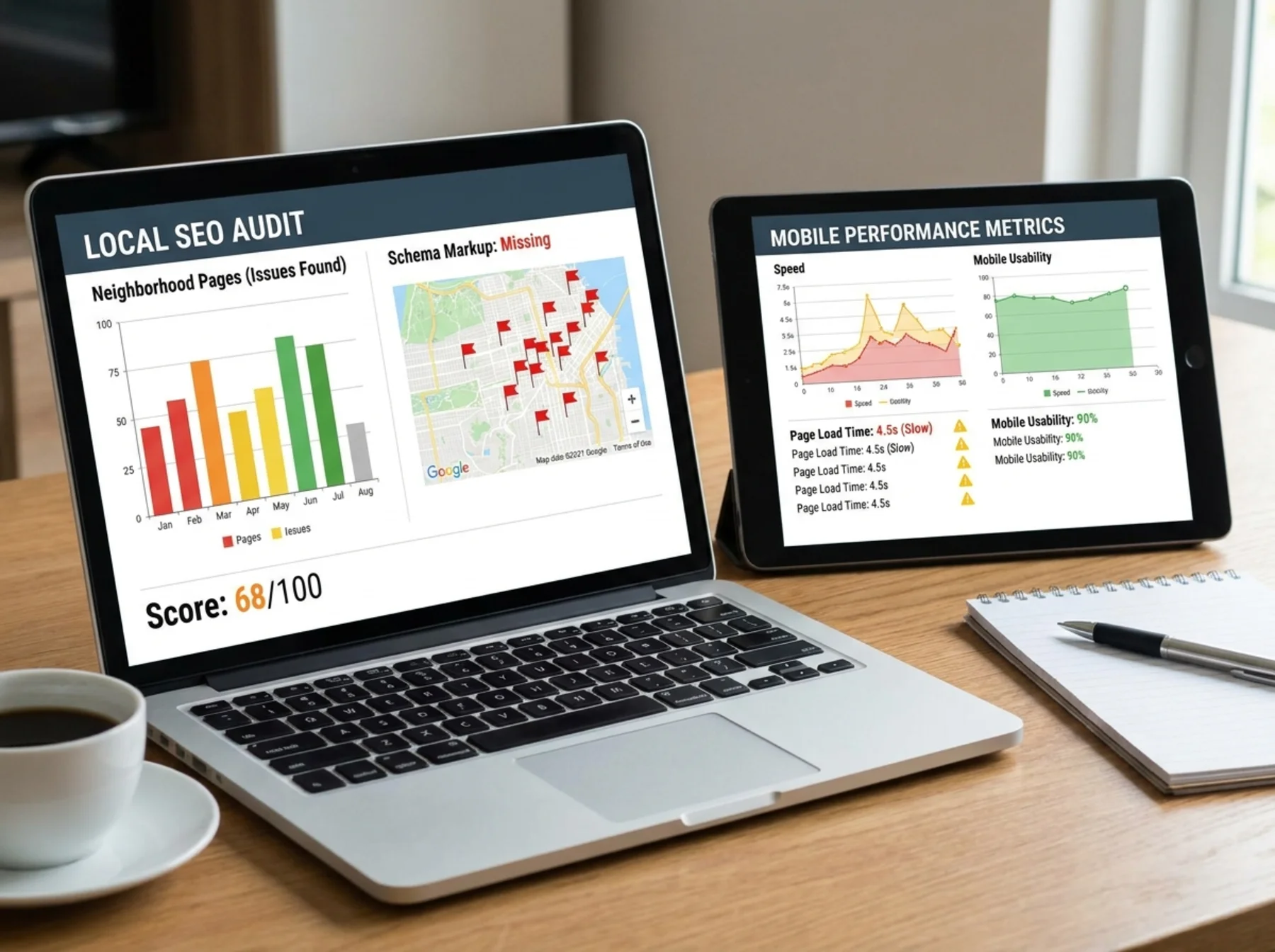
Lead Capture: More Than a Contact Page
Real estate is a relationship business, and your website's job is to start that relationship. A single "Contact Us" page is not enough.
Think about where a buyer or seller might want to reach out:
- On a listing page, after seeing a property they like
- On a neighborhood page, to ask about the area
- On your homepage, to request a market report
- On your About page, after deciding they trust you
Every one of those pages should have a way to get in touch. That does not mean plastering popups everywhere. It means placing relevant calls to action where they make sense. Our guide on contact pages that turn visitors into leads goes deeper on this.
Quick checklist for lead capture:
- [ ] Phone number visible in the header on every page
- [ ] Contact form on every major landing page
- [ ] Forms ask for the minimum info needed: name, email, phone, and message
- [ ] Form submissions actually work. Test them yourself today.
- [ ] Auto-reply email goes out so leads know you received their inquiry
- [ ] No CAPTCHA that is so aggressive it blocks real people on mobile
Trust Signals
Buyers are trusting you with the biggest purchase of their lives. Your website needs to earn that trust quickly.
Check your site for these trust signals:
- Real photos of you, not just the brokerage logo
- Client testimonials or reviews
- Professional affiliations and certifications
- Brokerage information and license numbers
- Links to your Google Business Profile and social accounts
- A physical office address, even if it is your brokerage address
If you are deciding whether to invest time in your Google Business Profile or your website first, the honest answer is that both matter. Still, your Google Business Profile often shows up before your website in local searches.
Local SEO Signals
Real estate is inherently local, so local SEO is not optional. Here is what to audit:
- NAP consistency: Your name, address, and phone number should match everywhere: your website, Google Business Profile, Zillow profile, Realtor.com, and social media. Use the NAP consistency checker to spot mismatches.
- Local keywords: Your pages should naturally mention the cities, neighborhoods, and counties you serve.
- Google Business Profile: Make sure it is claimed, accurate, and linked from your website. Google's own documentation explains how to edit and maintain it.
- Local schema markup: Use the schema checker to verify your site has RealEstateAgent or LocalBusiness schema.
For agents covering multiple areas, the multi-location local SEO checklist has a full walkthrough.
Page Speed
Large property photos, IDX scripts, and fancy sliders can make real estate sites painfully slow. According to Google's Core Web Vitals guidance, pages that load faster create a better user experience and are easier to use on mobile.
What to check:
- Run a speed test on your homepage, a listing page, and a neighborhood page
- Look for images over 500 KB. Property photos are usually the biggest culprit.
- Check if your site uses lazy loading for images below the fold
- See if your IDX loads asynchronously or blocks everything else
A useful target is this: your largest property listing page should load in under 3 seconds on a mobile connection. If it takes 6–8 seconds, you are losing visitors before they see a single home.
Schema Markup
Schema helps search engines understand what your pages are about. For real estate, the most useful types are:
- RealEstateAgent or LocalBusiness on your homepage and about page
- FAQPage on neighborhood guides if you include Q and A sections
- BreadcrumbList for site navigation
You can check whether your site has schema with the schema checker. Many real estate website templates do not add this by default, so it is worth checking even if your site was built by a professional.
Also make sure your site has a working XML sitemap. The sitemap checker can verify this in seconds. Without a sitemap, Google may miss your neighborhood pages entirely.
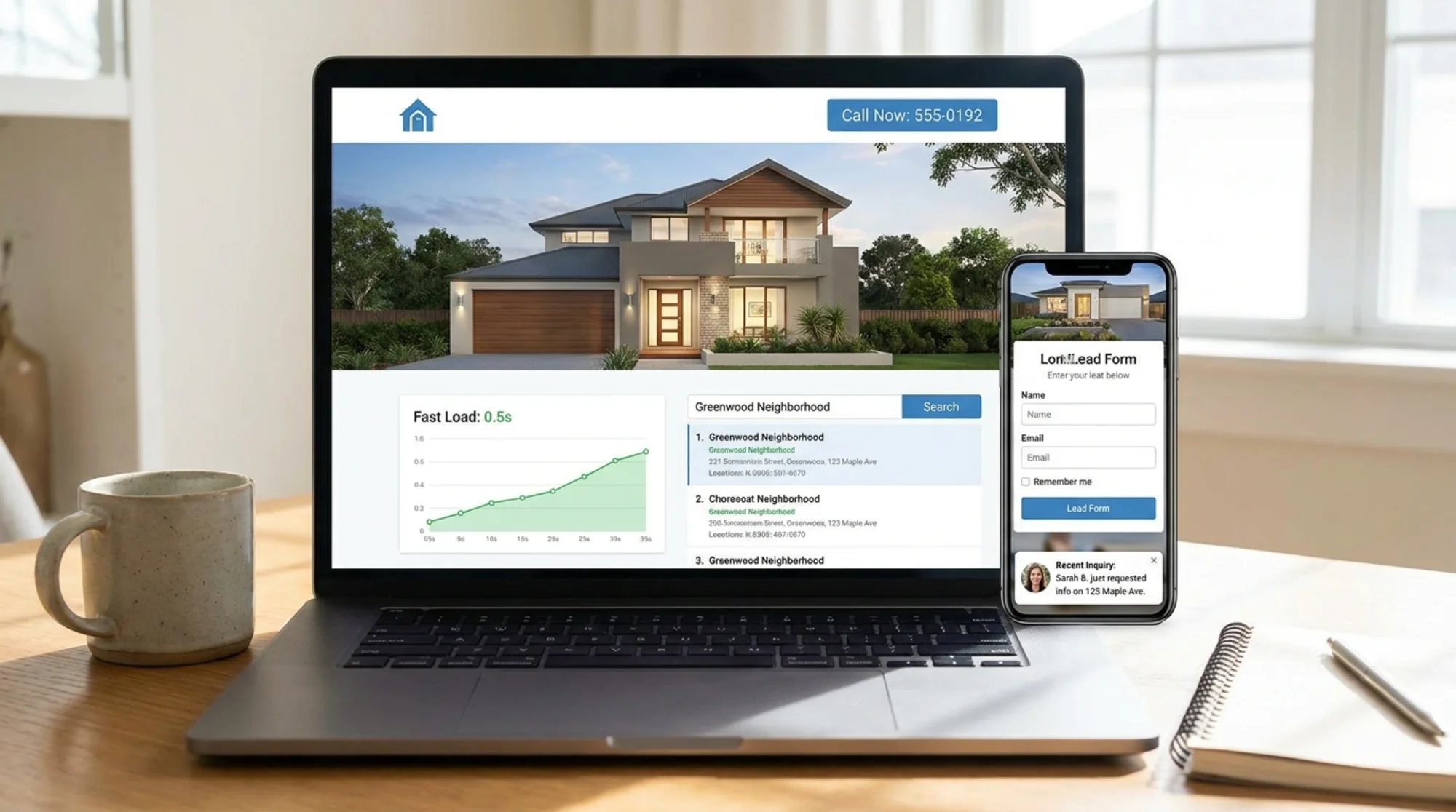
Your Real Estate Website Audit Checklist
Use this as a starting point for your own audit:
- [ ] Homepage clearly states what you do and where you do it
- [ ] Each service area or neighborhood has its own page with real content
- [ ] Mobile browsing works smoothly for listings and photos
- [ ] IDX or property search loads without killing page speed
- [ ] Lead capture forms exist on multiple pages and actually work
- [ ] Phone number is visible and tappable on mobile
- [ ] Trust signals such as reviews, certifications, and real photos are present
- [ ] NAP is consistent across your website and all profiles
- [ ] Google Business Profile is claimed, accurate, and linked
- [ ] Schema markup is present on key pages
- [ ] XML sitemap exists and includes all important pages
- [ ] Meta titles and descriptions are unique and include locations
Run Your Free Audit
You do not need to check all of this manually. FreeSiteAudit scans your real estate website and flags the issues that matter most, from speed and mobile problems to missing schema and broken lead forms.
Run your free website audit now and see exactly where your site stands before another lead slips away.
Sources
Check your website for free
Get an instant score and your top 3 critical issues in under 60 seconds.
Get Your Free Audit →