Website Audit Guide for Electricians: Fix What's Costing You Calls
Learn how to audit your electrical business website for mobile calls, local SEO, service pages, and trust signals that turn visitors into paying customers.
# Website Audit Guide for Electricians: Fix What's Costing You Calls
Most electricians don't think about their website until the phone stops ringing. By then, you've already lost jobs to competitors who show up faster, look more trustworthy, and make it easier for someone to tap a button and call.
Your website isn't a brochure. It's your 24/7 sales rep. And if it's slow, hard to use on a phone, or missing basic information, potential customers will bounce to the next result before you even know they existed.
This guide walks through the specific website problems electricians face and how to fix them. No jargon, no fluff. Just the stuff that actually affects whether someone calls you or calls the other guy.
Mobile Usability and Tap-to-Call
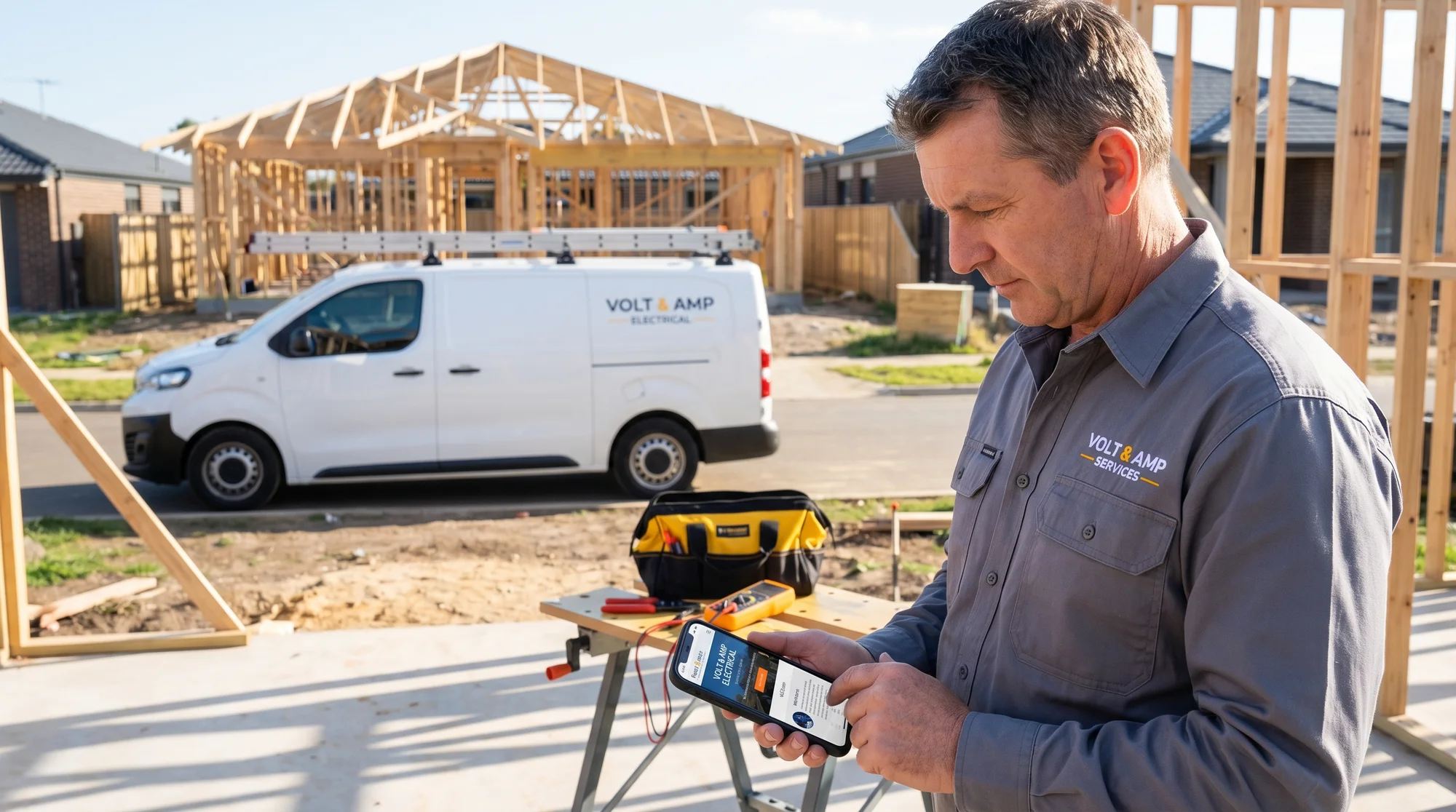
Here's the reality: most people searching for an electrician are on their phone. They've got a flickering light, a dead outlet, or a panel that's making a weird noise. They're not sitting at a desk comparison shopping. They want to find someone fast and call right now.
If your phone number isn't a tappable link on every page, you're losing emergency calls. It sounds basic, but a surprising number of contractor sites still display the number as plain text or bury it in the footer.
What to check:
- Your phone number is clickable (uses
tel:linking) on every page - The tap target is big enough to hit with a thumb, not a tiny link crammed next to other text
- Your site doesn't have horizontal scrolling, overlapping text, or buttons too close together on mobile
- Forms work on mobile without pinch-zooming to fill out
Google uses mobile-first indexing, which means the mobile version of your site is what determines your search rankings. A site that looks fine on desktop but falls apart on a phone will hurt you in search results.
Run a quick check with our click-to-call tool to see if your phone links are working properly. For a deeper look at mobile issues, our mobile website SEO audit guide covers everything contractors need to know.
Service Pages and Service Area Pages
One of the biggest mistakes electricians make is cramming every service onto a single page. You'll see "Residential, Commercial, Panel Upgrades, EV Charger Installation, Generators, Lighting" all listed with a sentence or two about each.
That doesn't work for search engines or for customers. Someone searching "EV charger installation in Phoenix" won't find your site if all you have is a generic services page.
Create individual pages for each major service:
- Panel upgrades and replacements
- EV charger installation
- Whole-home generators
- Electrical inspections
- Commercial electrical work
- Landscape and outdoor lighting
- Emergency electrical repair
Each page should describe what the service involves, who it's for, what it costs (even a range helps), and why someone should pick your company for that specific job.
Service area pages matter too. If you serve multiple cities or neighborhoods, create pages for each area you cover. Don't just swap out the city name and copy the rest. Include details specific to that area, like local permit requirements or common electrical issues in older neighborhoods. Our guide on building pages for multi-location businesses explains how to do this without creating duplicate content problems.

Google Business Profile and NAP Consistency
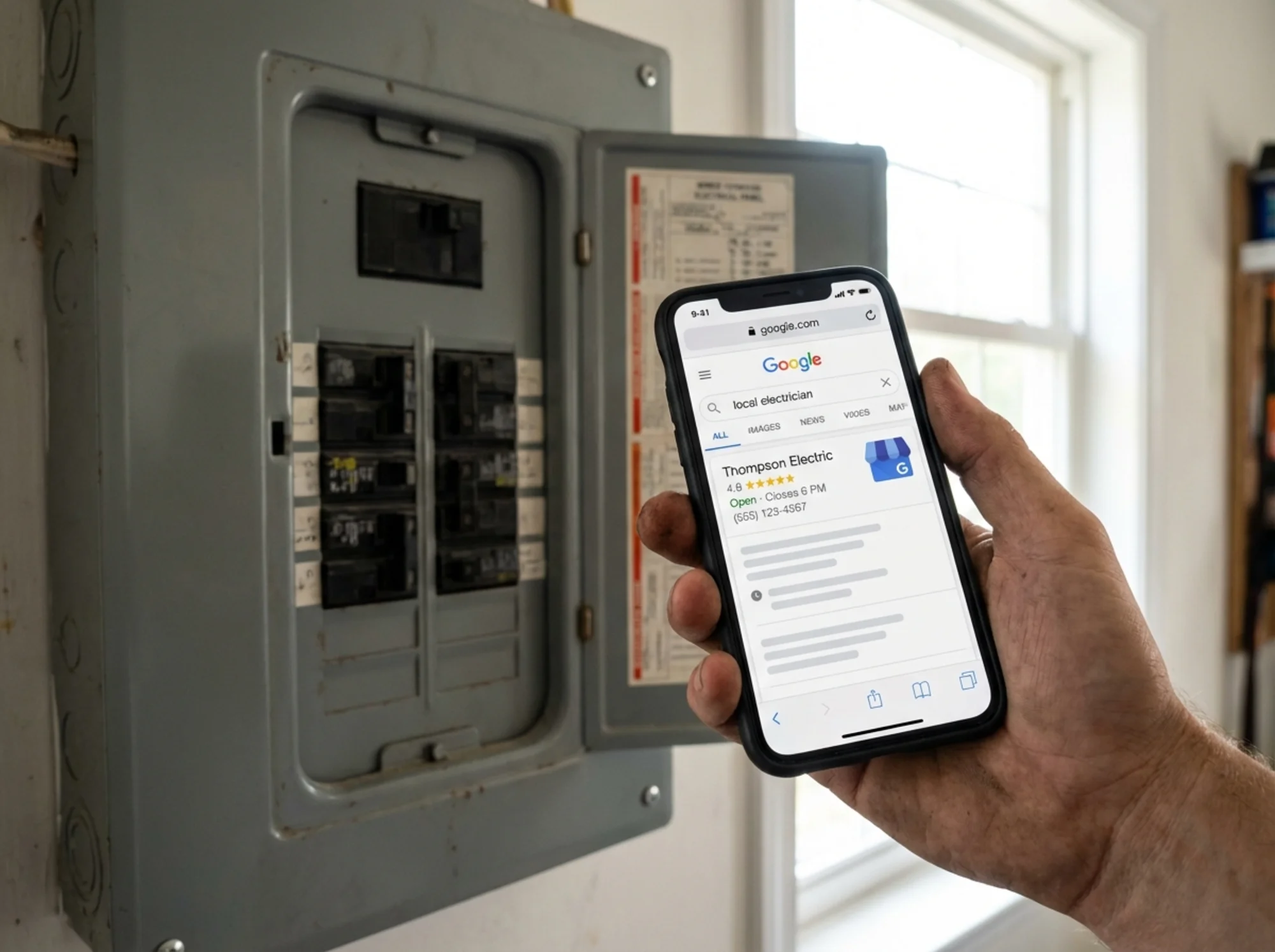
Your Google Business Profile (GBP) is often the first thing people see when they search for electricians near them. If it's incomplete, outdated, or inconsistent with your website, you're hurting your chances of showing up in the local pack (those three map results at the top).
NAP stands for Name, Address, Phone number. These three details need to match exactly across your website, your Google Business Profile, Yelp, Angi, HomeAdvisor, your Facebook page, and every other directory listing.
Even small differences cause problems. If your website says "Johnson Electric LLC" but your GBP says "Johnson Electric" and Yelp says "Johnson's Electric," search engines can't tell they're all the same business.
What to check:
- Your GBP is claimed, verified, and fully filled out
- Business name, address, and phone number match your website exactly
- You've selected the right primary and secondary categories (look for "Electrician" as primary)
- Business hours are current
- You're posting photos regularly (job photos, team photos, trucks)
- You're responding to reviews
Use our NAP consistency checker to spot mismatches across directories.
Trust Signals: Licenses, Reviews, Certifications, and Photos
Electrical work is regulated. Customers know this, and they want proof that you're legit before they let you touch their wiring. Your website needs to make this obvious without making people hunt for it.
Put these on your homepage and service pages:
- License number and the state or municipality that issued it
- Insurance confirmation (you don't need policy numbers, just state that you're licensed, bonded, and insured)
- Certifications like NFPA, Master Electrician status, or manufacturer certifications (Tesla Powerwall installer, Generac dealer, etc.)
- Reviews and ratings pulled from Google, with links to leave new reviews
- Photos of your actual work and your actual team, not stock photos of a generic guy in a hard hat
People spot stock photos immediately, and they erode trust. Take before-and-after photos of panel upgrades, EV charger installations, and commercial jobs. These do double duty as portfolio pieces and trust signals.
Check how your site handles trust signals with our trust signals tool.

Page Speed and Core Web Vitals
A slow website loses customers. Google's own data shows that as page load time goes from 1 second to 3 seconds, the probability of someone bouncing increases by 32%. For electricians competing on emergency calls, those seconds matter even more.
Core Web Vitals are the three metrics Google uses to measure user experience:
- Largest Contentful Paint (LCP): How quickly the main content loads. Aim for under 2.5 seconds.
- Interaction to Next Paint (INP): How fast your site responds when someone taps a button. Aim for under 200 milliseconds.
- Cumulative Layout Shift (CLS): Whether the page jumps around as it loads. Aim for under 0.1.
The most common speed killers on electrician websites are oversized hero images, unoptimized photo galleries, too many third-party scripts (chat widgets, review widgets, and tracking pixels stacked on top of each other), and cheap shared hosting.
Quick wins:
- Compress images before uploading (tools like Squoosh or ShortPixel work well)
- Remove scripts and plugins you're not actively using
- Upgrade from bottom-tier shared hosting if your time to first byte is over 600ms
Use our speed snapshot tool for a quick read on your site's performance, and check out our guide to understanding website speed numbers for a full breakdown.
Schema Markup and Technical Basics
Schema markup is code that helps search engines understand what your business is, where you're located, what services you offer, and what your hours are. It doesn't change how your site looks to visitors, but it can improve how your site appears in search results with rich snippets like star ratings, business hours, and service lists.
For electricians, the most useful schema types are:
- LocalBusiness (specifically "Electrician"): Your name, address, phone, hours, and service area
- Service: Individual markup for each service you offer
- Review/AggregateRating: Your overall rating and review count
- FAQ: If you have a frequently asked questions section
Beyond schema, make sure the technical basics are covered:
- Every page has a unique, descriptive title tag (not just "Home" or "Services"). Our title tag guide explains why this matters.
- Every page has a meta description that tells people what they'll find. Use our meta description checker and read our guide to writing meta descriptions for service businesses.
- Your site has an XML sitemap submitted to Google Search Console. Check yours with our sitemap checker.
- You're using HTTPS (not HTTP)
- There are no broken links or 404 errors on key pages
Run our schema check tool to see what structured data your site currently has and what's missing.
Your Electrician Website Audit Checklist
Here's a quick-reference list. Go through these in order of priority:
- Phone number is tappable on every page and visible without scrolling on mobile
- Google Business Profile is complete with correct NAP, categories, photos, and active review responses
- NAP is consistent across your website, GBP, and all directory listings
- Individual service pages exist for your top 5-7 services
- License number, insurance, and certifications are visible on the homepage
- Page loads in under 3 seconds on mobile
- Title tags and meta descriptions are unique and descriptive on every page
- LocalBusiness schema markup is in place
- Service area pages exist for each city or region you serve
- Real photos of your work and team replace any stock photography
Run a Free Audit on Your Electrician Website
You don't have to check all of this manually. FreeSiteAudit's free audit tool scans your website and flags mobile issues, speed problems, missing schema, broken meta tags, and more. It takes about 30 seconds, and you'll get a clear report showing what's working and what needs attention. If you're planning to run Google Ads, fixing these issues first will stretch your ad budget further.
Start with the free audit. Fix the biggest problems first. Then come back and work through the rest of this checklist.
Sources
- https://developers.google.com/search/docs/crawling-indexing/mobile/mobile-sites-mobile-first-indexing
- https://web.dev/articles/vitals
- https://developers.google.com/search/docs/appearance/structured-data/local-business
- https://support.google.com/business/answer/3039617
- https://developers.google.com/search/docs/fundamentals/seo-starter-guide
Check your website for free
Get an instant score and your top 3 critical issues in under 60 seconds.
Get Your Free Audit →