FreeSiteAudit vs Moz Pro: What Small Businesses Actually Need
Moz Pro is built for SEO professionals. FreeSiteAudit is built for small business owners. Compare pricing, features, and find which one fits your needs.
# FreeSiteAudit vs Moz Pro: What Small Businesses Actually Need
You have probably seen Moz mentioned in every "best SEO tools" list on the internet. And for good reason. Moz Pro is a serious SEO platform with a long track record. But most small business owners do not need a full SEO platform. They need to know what is wrong with their website and how to fix it.
That is where FreeSiteAudit comes in. It is a different kind of tool built for a different kind of user. Let's break down what each one does, what it costs, and which one actually makes sense for your business.
What Moz Pro Actually Does
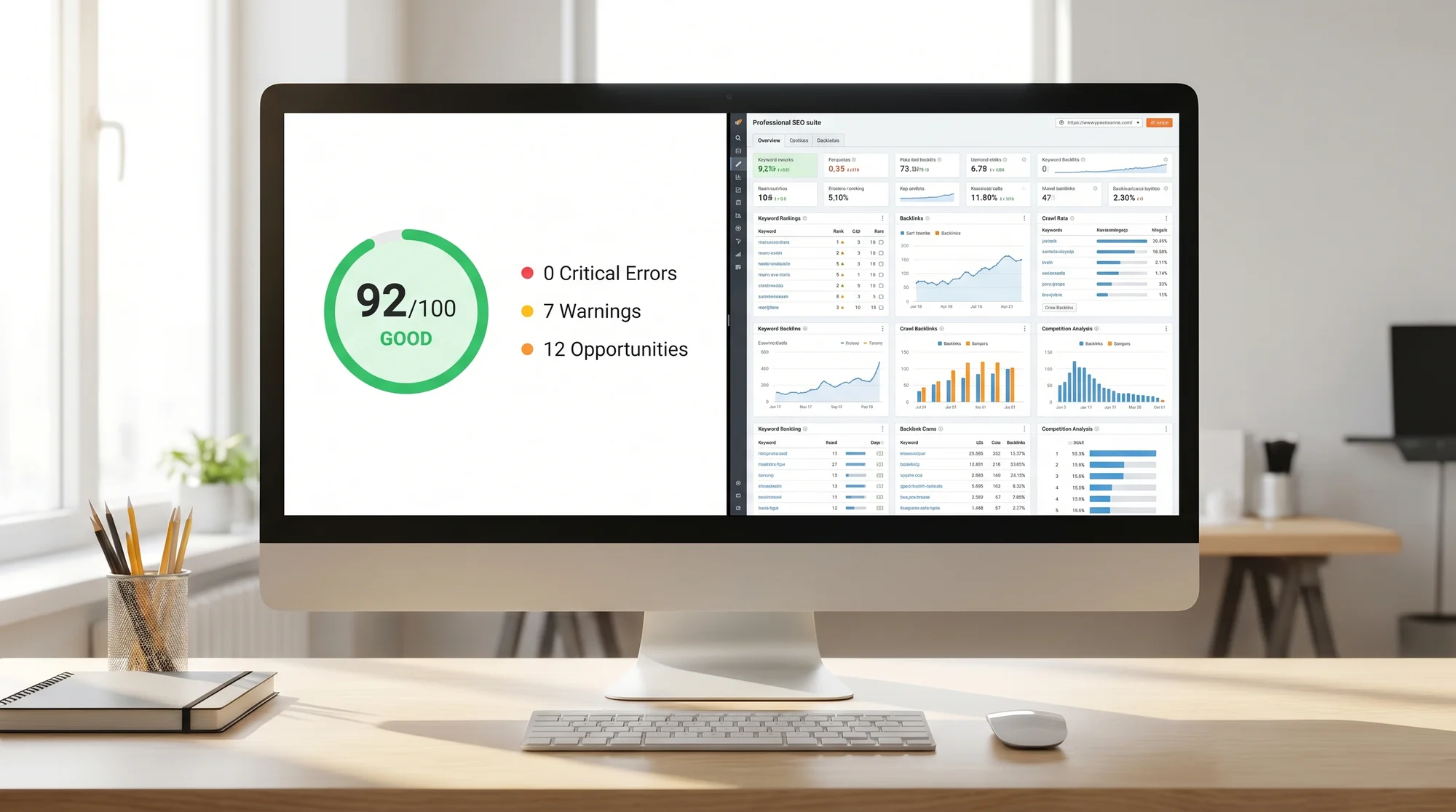
Moz Pro is an all-in-one SEO toolkit. It covers keyword research, competitive analysis, rank tracking, on-page grading, link analysis, and site crawling. If you are an SEO professional managing multiple clients or a marketing team running ongoing campaigns, it gives you a deep set of tools to work with.
Here is what you get inside Moz Pro:
- Keyword Explorer for finding search terms to target
- Rank Tracker to see where your pages show up in Google
- Site Crawl to find technical issues on your website
- On-Page Grader that scores individual pages
- Link Explorer for analyzing your backlink profile
- Competitive Research to see what your rivals are doing
That is a lot of functionality. And for the right user, it is genuinely useful. But there is a catch.
What Moz Pro Costs
Moz Pro starts at $49/month for their Starter plan. From there, it goes to $99/month, $179/month, and $299/month depending on what you need. Annual billing brings those numbers down, but you are still looking at a real monthly expense.
For an SEO agency or a mid-size company with a dedicated marketing person, that investment can pay for itself. But if you are a plumber in Denver or a bakery owner in Austin, spending $49 to $99 a month on an SEO tool is a tough sell, especially when most of those features sit unused.
What FreeSiteAudit Does Differently
FreeSiteAudit takes a simpler approach. You enter your URL, and it scans your public pages. In under 60 seconds, you get a website health score and a prioritized list of issues to fix. It scores your site across 9 categories, covering everything from page speed and mobile friendliness to security, meta tags, and structured data.
No keyword research. No competitor tracking. No backlink graphs. Just a clear picture of what is broken and what to fix first.
For most small business websites, that is exactly the right starting point.

The Real Question: What Do You Actually Need?
Let's be honest about what most small business websites need. They do not need to track 500 keywords or analyze a competitor's backlink strategy. They need to know if their site loads fast enough, if their pages have the right title tags, if Google can actually find and understand their content, and if anything is actively hurting them in search results.
Google's own guidelines focus on helpful, people-first content. And the technical foundation that supports that content, like Core Web Vitals, proper meta data, working links, and clean code, is exactly what a site audit catches.
Here is a quick comparison of what each tool focuses on:
| Feature | FreeSiteAudit | Moz Pro |
|---|---|---|
| Website health score | Yes | No (individual page grades) |
| Prioritized fix list | Yes | Partial (via site crawl) |
| Speed and Core Web Vitals | Yes | Limited |
| Meta tag checks | Yes | Yes (on-page grader) |
| Security checks | Yes | No |
| Schema/structured data | Yes | No |
| Keyword research | No | Yes |
| Rank tracking | No | Yes |
| Backlink analysis | No | Yes |
| Competitor research | No | Yes |
| Time to results | Under 60 seconds | Requires setup and crawl scheduling |
| Free option | Yes | Free trial only |
A Real Scenario: Sarah's Landscaping Business
Let's walk through a specific example. Sarah runs a landscaping company in Portland. She has a five-page website that a friend built for her two years ago. She gets some traffic from Google but not as much as she would like. She has heard she should "do SEO" but does not know where to start.
If Sarah signs up for Moz Pro, she lands in a dashboard with keyword explorer, rank tracking, and site crawl tools. She needs to set up a campaign, add her domain, wait for a crawl to finish, and then dig through the results. The data will be thorough, but it will include terms like "crawl depth," "4xx errors," and "domain authority." She will probably need to watch a few tutorial videos to understand what she is looking at.
If Sarah runs a FreeSiteAudit scan, she gets her health score and a list of specific problems in under a minute. Things like: her homepage title tag is too long, two images are missing alt text, her site takes over 4 seconds to load on mobile, and she is missing structured data for her business. Each issue comes with a priority level so she knows what to tackle first.
Sarah does not need to track keywords right now. She needs to fix the basics. Once her site is technically sound, she can decide whether keyword research and rank tracking make sense for her business.

When Moz Pro Makes More Sense
To be fair, there are situations where Moz Pro is the better choice:
- You have a content team publishing multiple blog posts per week and need keyword data to guide your editorial calendar
- You run an agency and manage SEO for several clients who expect regular ranking reports
- You are in a competitive market where understanding your competitors' link profiles and keyword strategies gives you a real edge
- You already have your technical basics covered and need tools for the next level of SEO work
If any of those describe you, Moz Pro earns its price tag. It is a professional tool for professional SEO work.
When FreeSiteAudit Is the Right Move
For most small business owners, FreeSiteAudit is the smarter starting point:
- You want to know what is wrong with your site right now without learning a new platform
- You do not have a dedicated marketing person and you are handling this yourself between running your actual business
- You want clear, prioritized fixes you can hand to your web developer or work through on your own
- You would rather spend $0 to get started than commit to a monthly subscription before you even know what needs fixing
Here is a quick checklist to figure out which camp you are in:
- [ ] Do you publish more than 4 blog posts per month?
- [ ] Do you have someone on your team whose main job is SEO?
- [ ] Do you need to track rankings for 50+ keywords?
- [ ] Are you managing SEO for multiple websites?
If you checked two or more, look at Moz Pro. If you checked zero or one, start with FreeSiteAudit.
What to Do After Your Audit
Running an audit is step one. Here is what a practical follow-up looks like:
- Fix critical issues first. If your site has security problems, broken pages, or is painfully slow, handle those before anything else. Use the speed snapshot tool to dig deeper into load times.
- Clean up your meta tags. Title tags and descriptions directly affect how your site appears in Google. Run your pages through the meta title checker and read up on writing meta descriptions that actually get clicks.
- Check your trust signals. SSL certificates, contact information, and privacy policies all matter for both Google and your customers. The trust signals tool can flag what is missing.
- Add structured data. This helps Google understand what your business does and can get you rich results in search. The schema checker will tell you where you stand.
- Work through the rest of your fix list. Many technical SEO fixes do not require a developer. You would be surprised what you can handle yourself.
The Bottom Line
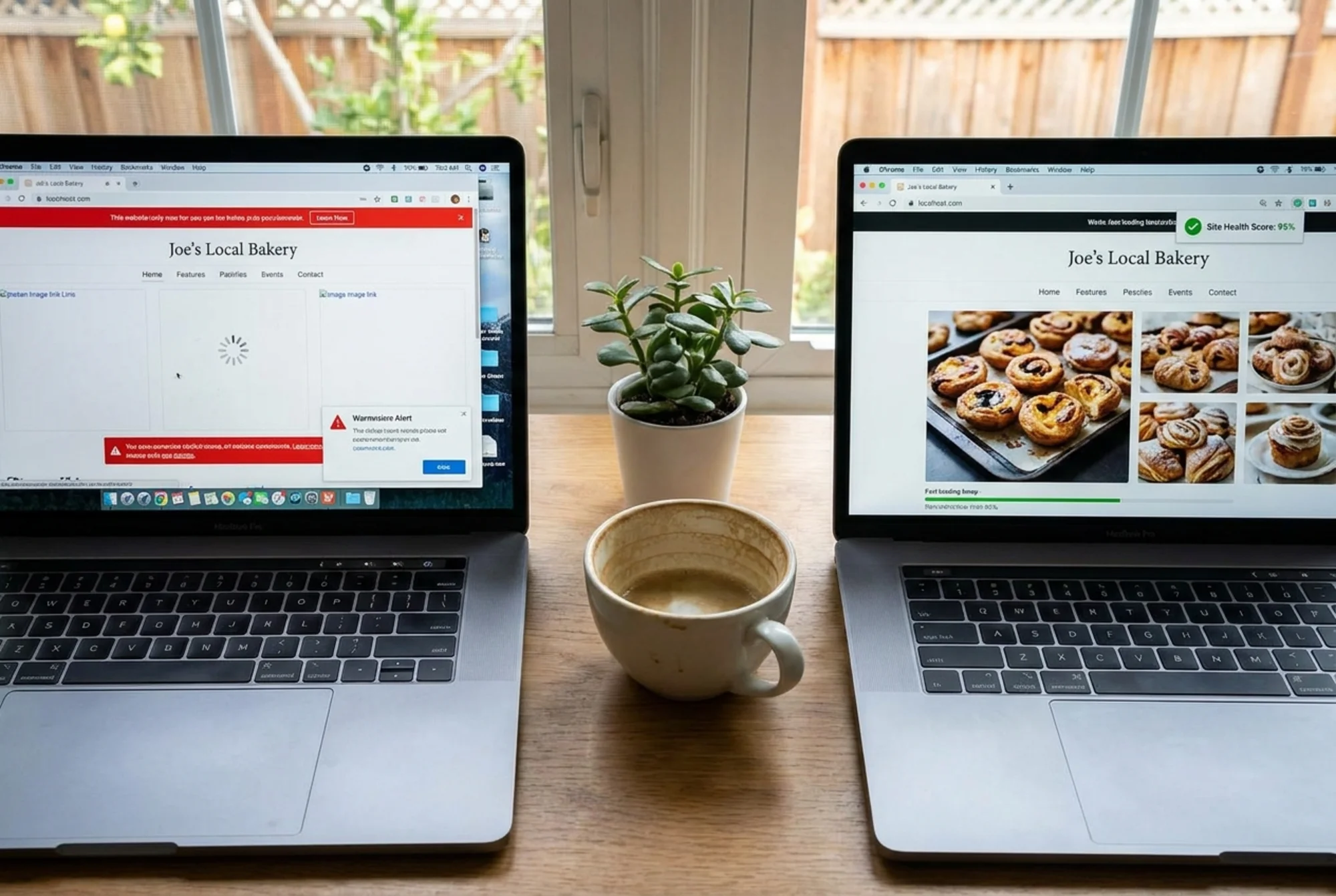
Moz Pro is a powerful tool built for SEO professionals and marketing teams. FreeSiteAudit is a focused tool built for small business owners who need to find and fix website problems without a learning curve or a monthly bill.
They are not really competitors. They serve different people at different stages. But if you are a small business owner wondering where to start, the answer is simple: find out what is wrong with your site first, then decide what tools you need to go further.
Run your free website audit now and get your health score in under 60 seconds. No signup required, no credit card, just a clear picture of where your site stands and what to fix first.
If you are comparing other tools too, check out how FreeSiteAudit stacks up against Ubersuggest for another perspective on what small businesses actually need from their SEO tools.
Sources
Check your website for free
Get an instant score and your top 3 critical issues in under 60 seconds.
Get Your Free Audit →