Website Audit Guide for Lawyers: What to Fix First
A prioritized website audit checklist for law firms. Fix the practice pages, trust signals, local SEO, and contact problems that actually cost you clients.
Most law firm websites look professional. Navy color scheme, headshot, a tagline about aggressive representation. But looking professional and generating client inquiries are two different things.
If your phone isn't ringing from your website, there's a fixable reason. Maybe your practice area pages are thin. Maybe Google can't figure out where you're located. Maybe someone on a phone can't find your number without scrolling.
This guide walks through the specific problems that cost law firms leads, ranked by how much they matter. Start at the top and work down.
Why Law Firm Websites Need Their Own Audit
A restaurant needs foot traffic. A plumber needs emergency calls. A lawyer needs something different: trust before the first conversation happens. People looking for an attorney are stressed, sometimes scared, and always evaluating whether they can trust you with a serious problem.
Your website has to do more trust-building work than most service businesses. The usual generic SEO advice misses the mark. "Add keywords to your homepage" doesn't help when the real issue is that your DUI defense page is a single paragraph with no information about what actually happens after an arrest.
Let's get specific.
Fix #1: Practice Area Pages That Actually Say Something
This is the biggest missed opportunity on law firm websites. Most firms list practice areas, and each page says something like: "Our firm handles personal injury cases. We fight for your rights. Contact us for a free consultation."
That's not a page. That's a placeholder.
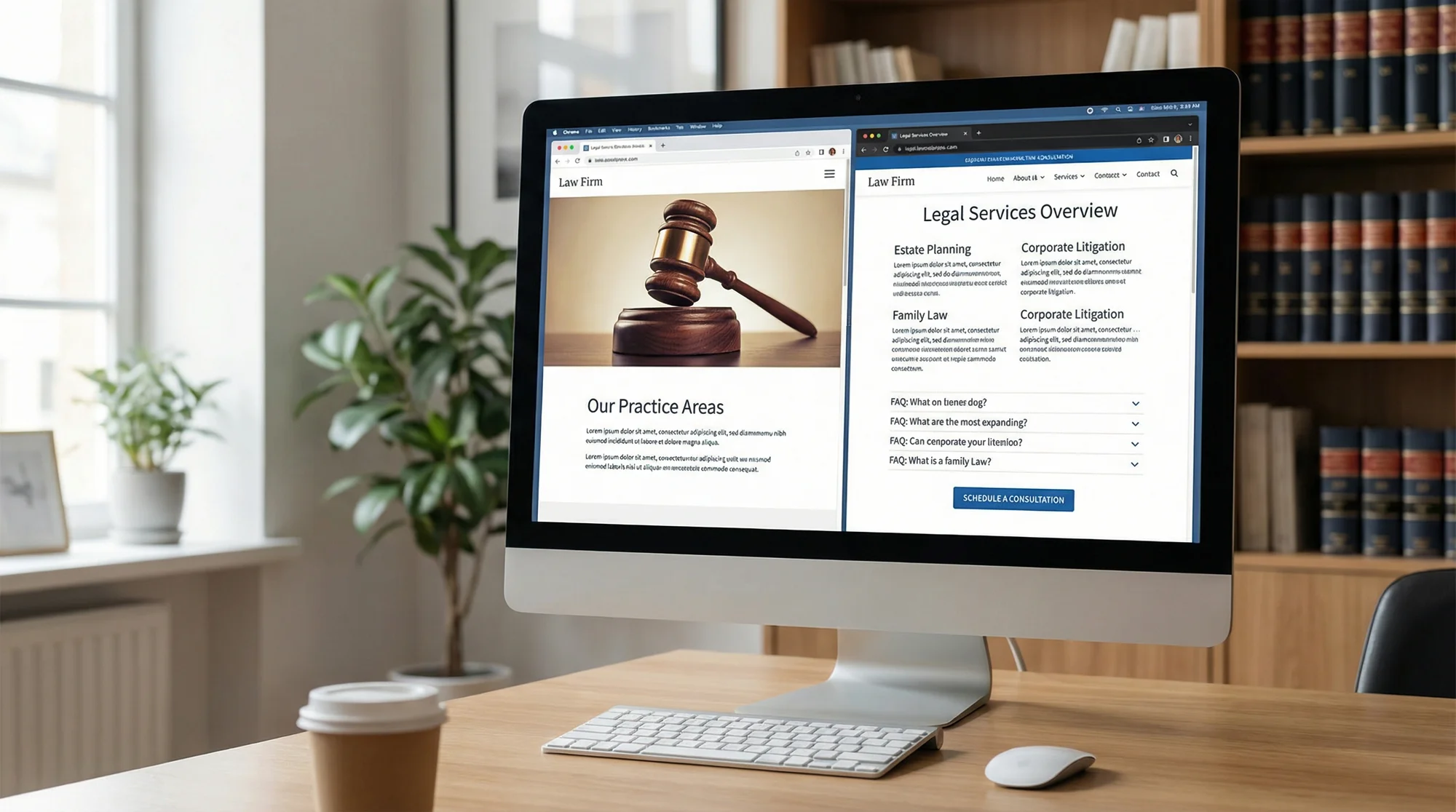
Here's what Google wants to see and what potential clients actually need:
- What this area of law covers. Someone searching "how long do I have to file a car accident claim in Texas" needs a real answer, not a vague promise.
- Your process. Walk them through what happens step by step after they hire you. Uncertainty is the #1 barrier to calling.
- Specific results you've gotten. Actual case types and outcomes, anonymized as needed.
- FAQs for that specific practice area. These rank well on long-tail searches and answer questions people are too embarrassed to ask on the phone.
Each practice area page should be 800 to 1,500 words minimum. Use your meta title checker to make sure each page has a unique, descriptive title like "Car Accident Lawyer in Dallas, TX | Free Case Review" rather than "Practice Areas | Smith Law Firm."
Your meta descriptions matter too. A good family law description might be: "Need a divorce attorney in Phoenix? We handle custody, support, and property division. Free 30-minute consultation, evening appointments available." That gets clicks. Read more about meta descriptions that boost click-through rates.
Fix #2: Attorney Bios and Trust Signals
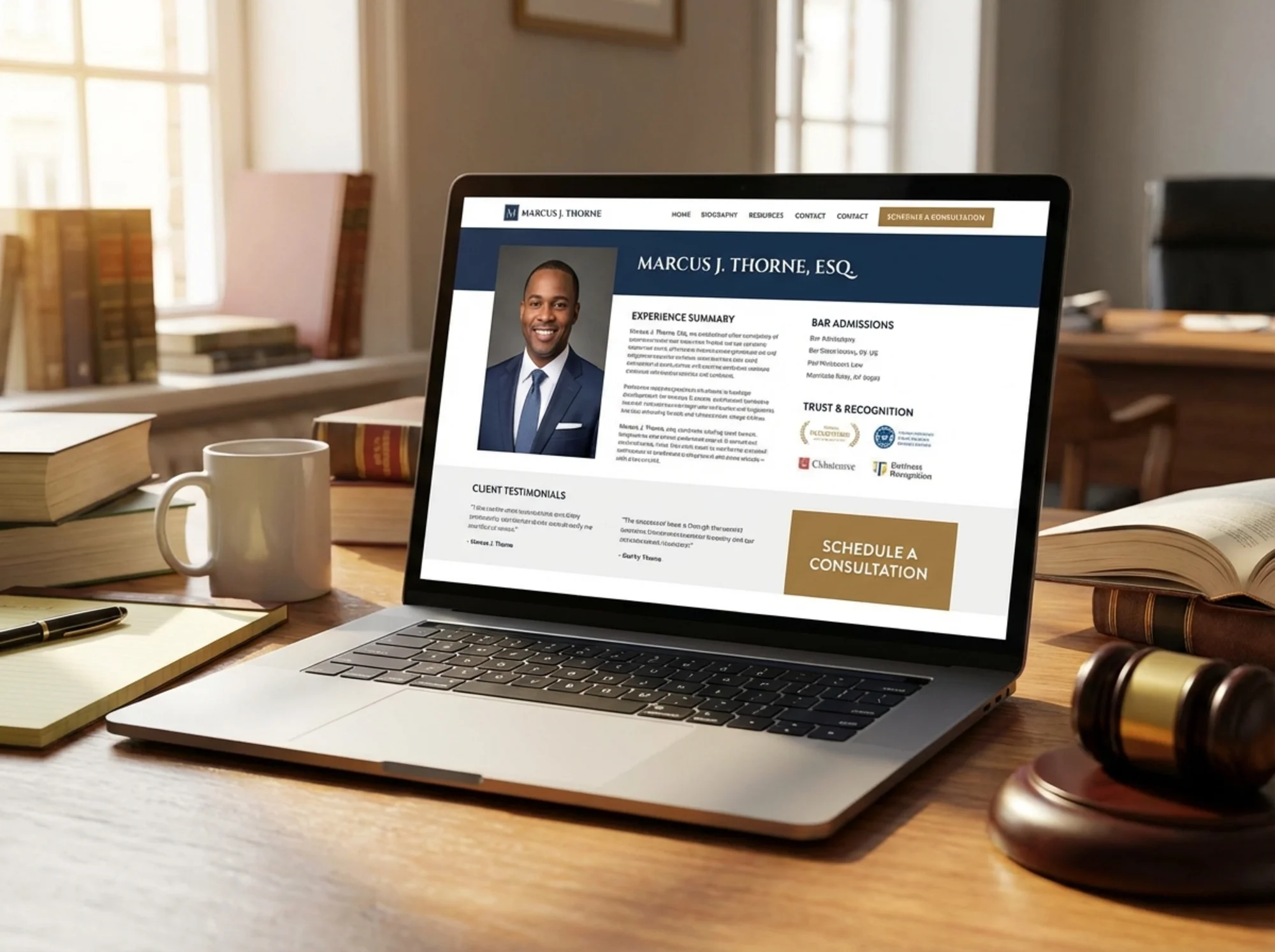
People don't hire law firms. They hire lawyers. Your attorney bio pages are some of the most visited pages on your site, and most of them are terrible.
A good attorney bio includes:
- A current, professional photo where you look approachable.
- Specific experience. "I've represented over 200 clients in DUI cases in Maricopa County" beats a generic claim about criminal defense background.
- Education and bar admissions, because people check these.
- Something human. A sentence about coaching soccer or volunteering at a legal aid clinic.
- A direct way to contact that specific attorney. Not just the main office number.
Beyond bios, your site needs visible trust signals. Check yours with our trust signals scanner:
- Client reviews or testimonials (with proper disclaimers where your bar requires them)
- Bar association memberships and badges
- Awards, Super Lawyers, Avvo ratings
- Case results or settlement amounts (if your jurisdiction allows)
- HTTPS with a visible privacy policy
Fix #3: Contact and Intake Friction
A lot of law firm websites make it hard to actually contact the firm. Buried phone numbers, 12-field contact forms, or "chat" widgets that just collect an email address.
People looking for a lawyer often need to talk to someone soon. Every extra step between "I need help" and "I'm talking to someone" costs you a potential client.
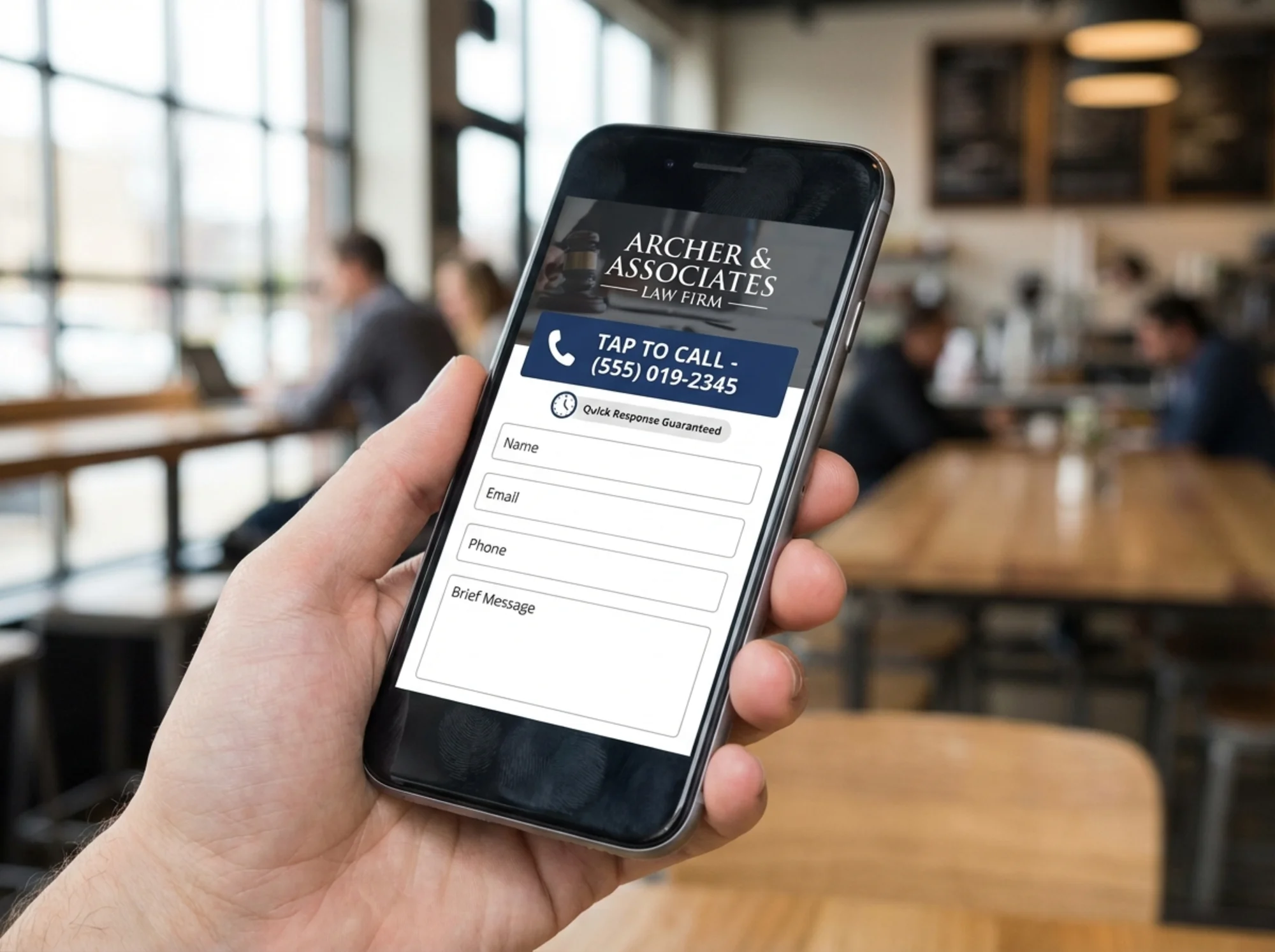
Phone number visibility. Your number should be in the header of every page and must be a tap-to-call link on mobile. Run a click-to-call check on your site.
Contact forms. Keep them short. Name, phone, email, brief description. Don't ask for case numbers or incident dates on the first form.
Response expectations. If your form says "We'll get back to you within 24-48 hours," people will keep looking. Try: "We typically respond within 2 hours during business hours."
Fix #4: Mobile Experience
Over 60% of legal searches happen on phones. But many law firm websites were designed desktop-first, with the mobile version as an afterthought.
Open your website on your phone. Check these things:
- Can you tap the phone number to call?
- Does the navigation menu work without frustration?
- Do pages load in under 3 seconds? (Run a speed test to find out.)
- Are buttons and links big enough to tap accurately?
- Can you fill out the contact form without zooming?
If your site is slow on mobile, that's a ranking factor. Google's Core Web Vitals measure loading performance, visual stability, and responsiveness. For competitive legal searches, speed can mean the difference between page one and page two. Check the mobile SEO audit guide for a full walkthrough.
Fix #5: Local SEO and Google Business Profile
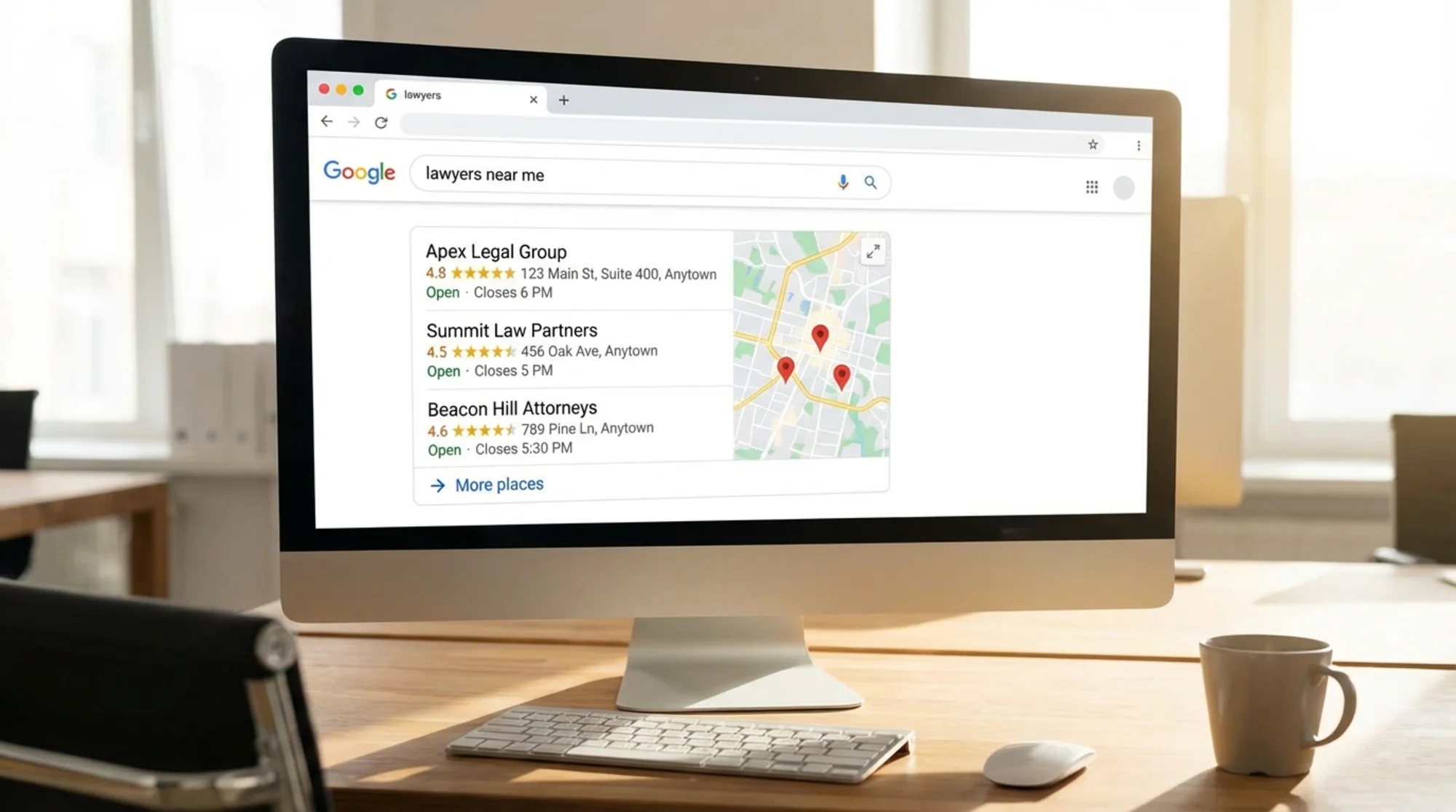
When someone searches "personal injury lawyer near me," Google shows a map pack of three local results before the regular listings. If you're not in that pack, you're invisible for high-intent searches.
Google Business Profile. Your most important local asset. Claim it, verify it, fill it out completely. Add practice areas as services. Post updates regularly. Respond to every review professionally.
NAP consistency. Your Name, Address, and Phone number need to match exactly across your website, GBP, legal directories (Avvo, FindLaw, Justia), and social profiles. Even "Suite 200" vs "Ste 200" can cause problems. Use our NAP consistency checker to spot mismatches.
LegalService schema markup. Structured data helps Google understand what you do and where. Include your firm name, address, phone, practice areas, hours, and service area. Check yours with the schema checker.
Local content. Write about your specific geography. "Texas Statute of Limitations for Personal Injury Cases" beats the generic version. Mention your city, county, and state naturally. The local business SEO checklist has a complete rundown.
Fix #6: Site Health Basics
Before you invest in content marketing, make sure your site's foundation is solid:
- Sitemap. Does Google know about yours? Run a sitemap check. A missing sitemap means Google might not find all your pages.
- Page speed. Aim for Largest Contentful Paint under 2.5 seconds. Large uncompressed images are the usual culprit.
- Broken links. Dead links to old attorney profiles or retired practice areas make your site look neglected.
- HTTPS. If your site still loads on HTTP, fix that now. Browsers show a "Not Secure" warning, and for a law firm, that kills trust.
If you're planning Google Ads, clean up your site first. Sending paid traffic to a slow site wastes your budget. Here's a pre-flight list: website audit before running Google Ads.
Your Weekend Priority Plan
| Priority | Task | Time |
|---|---|---|
| 1 | Fix your phone number: visible on every page, tap-to-call on mobile | 1 hour |
| 2 | Claim and complete your Google Business Profile | 2 hours |
| 3 | Rewrite your #1 practice area page | 3 hours |
| 4 | Update attorney bios with current photos and specific experience | 2 hours |
| 5 | Shorten your contact form to 4 fields | 30 min |
| 6 | Run a NAP consistency check and fix mismatches | 1 hour |
| 7 | Check page speed and compress images over 200KB | 1 hour |
| 8 | Add LegalService schema markup | 1 hour |
Start with items 1 through 3 this weekend. Those three changes alone can increase your inquiry volume within a few weeks.
A Quick Note on Accessibility
Federal guidance from the DOJ has indicated that websites can be considered places of public accommodation under the ADA. While legal interpretations vary, it is good practice to make sure your site works with screen readers, has alt text on images, and maintains sufficient color contrast. Beyond any legal considerations, accessible design helps ensure that everyone who needs a lawyer can actually use your website to find one.
Run Your Free Audit
Want to see exactly what's broken on your law firm's website? Run a free site audit and you'll get a report showing your speed scores, missing meta tags, broken links, schema markup status, and mobile issues. It takes about 30 seconds, and you'll have a prioritized list of what to fix.
Your website should be your best source of new clients. If it's not, the fixes are usually straightforward. Start with the list above and work through it methodically.
Sources
- Google Search Central SEO Starter Guide
- Google Search Central: Local business structured data
- Google Business Profile Help
- web.dev Core Web Vitals
- Schema.org LegalService
- ADA.gov: Web accessibility guidance
Last updated: April 5, 2026
Related Tools
Related Industries
Check your website for free
Get an instant score and your top 3 critical issues in under 60 seconds.
Get Your Free Audit →